Voice Messages
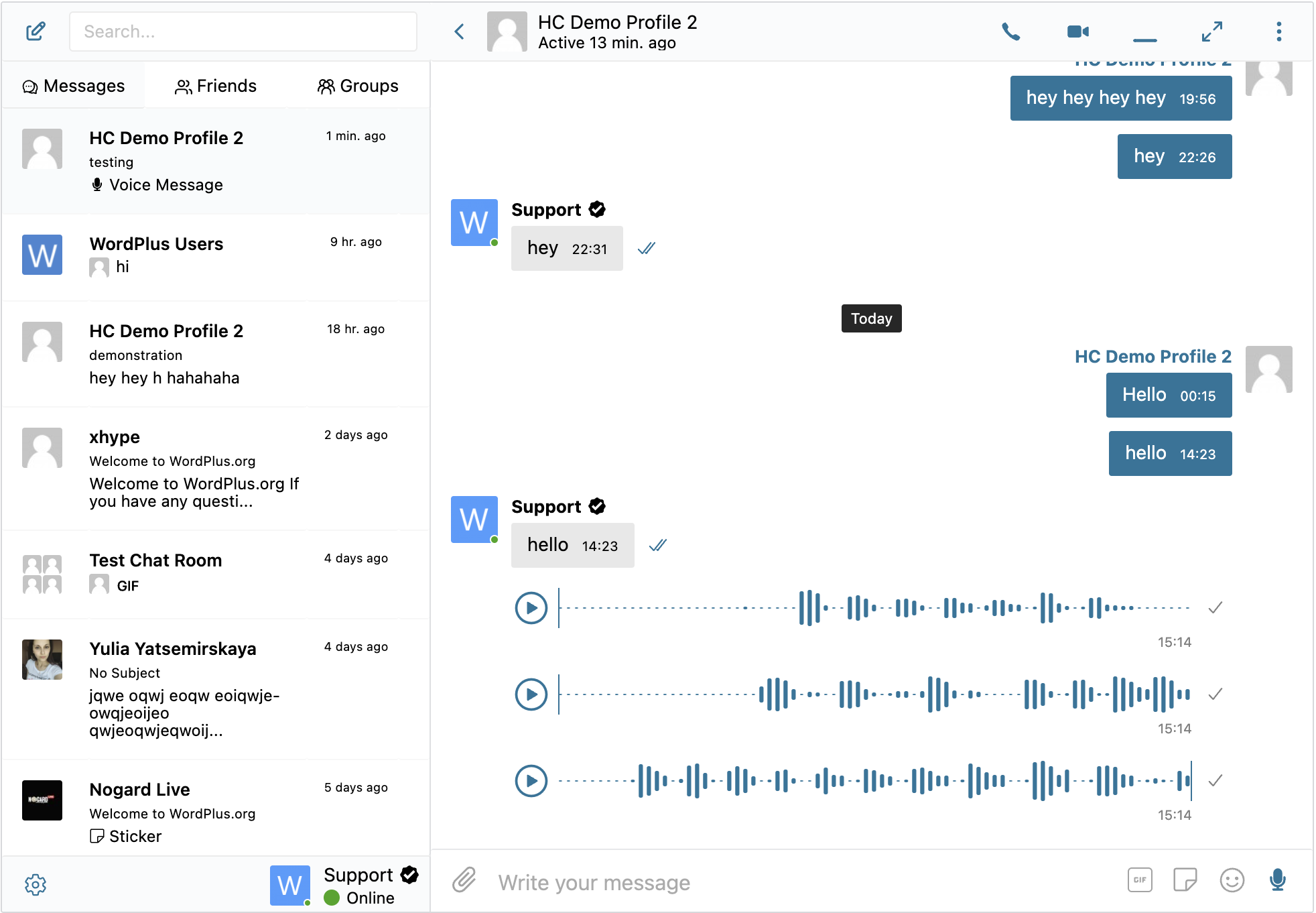
Voice Messages is an addon for Better Messages that allows users to send recorded voice messages in conversations.
How it works
When installed, a microphone button appears in the message input area. Users can press and hold (or click to toggle) to record a voice message, then send it like any other message. Recorded voice messages are stored on your website hosting in efficient MP3 format and do not consume much storage space. AI-powered transcription via Better Messages Cloud AI or OpenAI can automatically generate text transcripts of voice messages.
Key capabilities
- Record and send voice messages directly in conversations
- Microphone button in the message input area
- Efficient MP3 format storage on your server
- Configurable maximum recording duration
- Auto-deletion of voice messages after a specified number of days
- Role-based restrictions for sending voice messages
- AI-powered transcription via Better Messages Cloud AI or OpenAI
- Playback controls for received voice messages
- Works in all conversation types (private, group, chat rooms)
How to install
Install the Voice Messages addon through the WordPress plugins screen or upload the addon files to your /wp-content/plugins/ directory. Activate the addon through the Plugins screen.
Settings
Configure the addon at WP Admin → Better Messages → Settings → Voice Messages.
Max Recording Duration
Set the maximum recording duration in seconds. During recording, a timer displays the current and maximum time. The timer turns red when 10 seconds or less remain, and recording automatically stops when the limit is reached.
Auto-Delete
Automatically delete voice messages after a specified number of days. Set to 0 to disable auto-deletion. Two deletion modes are available:
- Complete — fully deletes the message from the conversation
- Replace — removes the audio file but keeps the message with a "Voice message expired" indicator
Role Restrictions
Restrict which user roles can send voice messages. Selected roles will not see the microphone button in the message input area.
Voice Transcription
Enable AI-powered transcription to automatically generate text transcripts of voice messages. Two providers are available:
- Better Messages Transcription AI — Included with the WebSocket license at no additional cost. No third-party API keys required. Supports 99+ languages with automatic detection. See Better Messages Cloud AI for details.
- OpenAI Transcription API — Requires an OpenAI API key configured in Integrations → OpenAI. Supports model and prompt selection.
Troubleshooting
Incorrect response MIME type error
On some servers, you may see the following error when trying to record a voice message:
Error: TypeError: Failed to execute 'compile' on 'WebAssembly': Incorrect response MIME type. Expected 'application/wasm'.
There are two ways to fix this:
-
Configure your server to serve the WASM file at
https://yourdomain.com/wp-content/plugins/bp-better-messages-voice-messages/assets/js/encoder.wasmwith theContent-Type: application/wasmheader. -
Add this line to your website's
wp-config.phpfile:define('BETTER_MESSAGES_WASM_FALLBACK', true);
After applying either fix, voice message recording will work correctly.