 BuddyBoss ReadyLaunch Theme Integration
First-class support for BuddyBoss's ReadyLaunch theme — header inbox dropdown, side-menu unread badge, profile Messages tab, members-directory Audio / Video Call icons, bbPress Private Message relocation, and automatic light / dark mode sync.
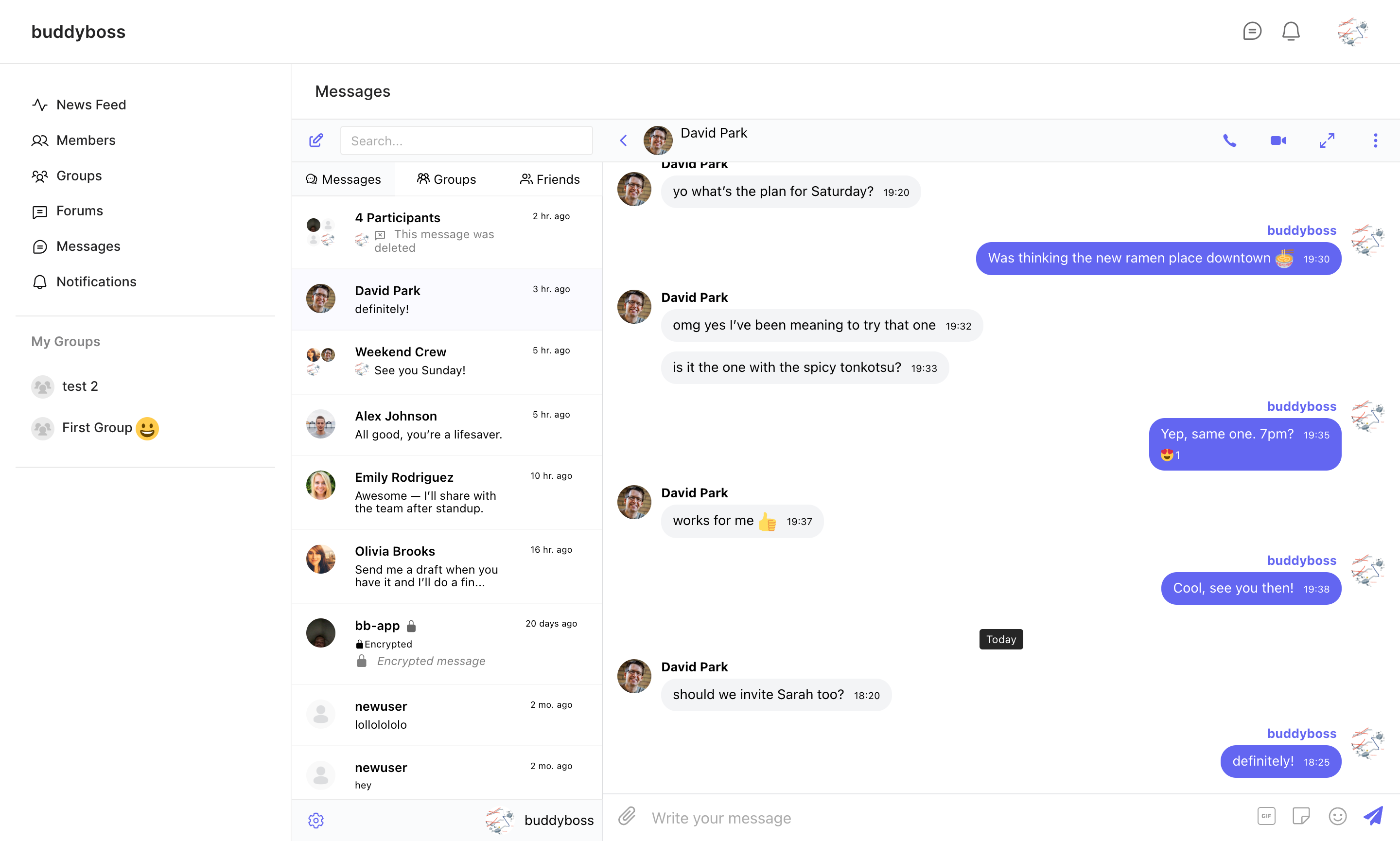
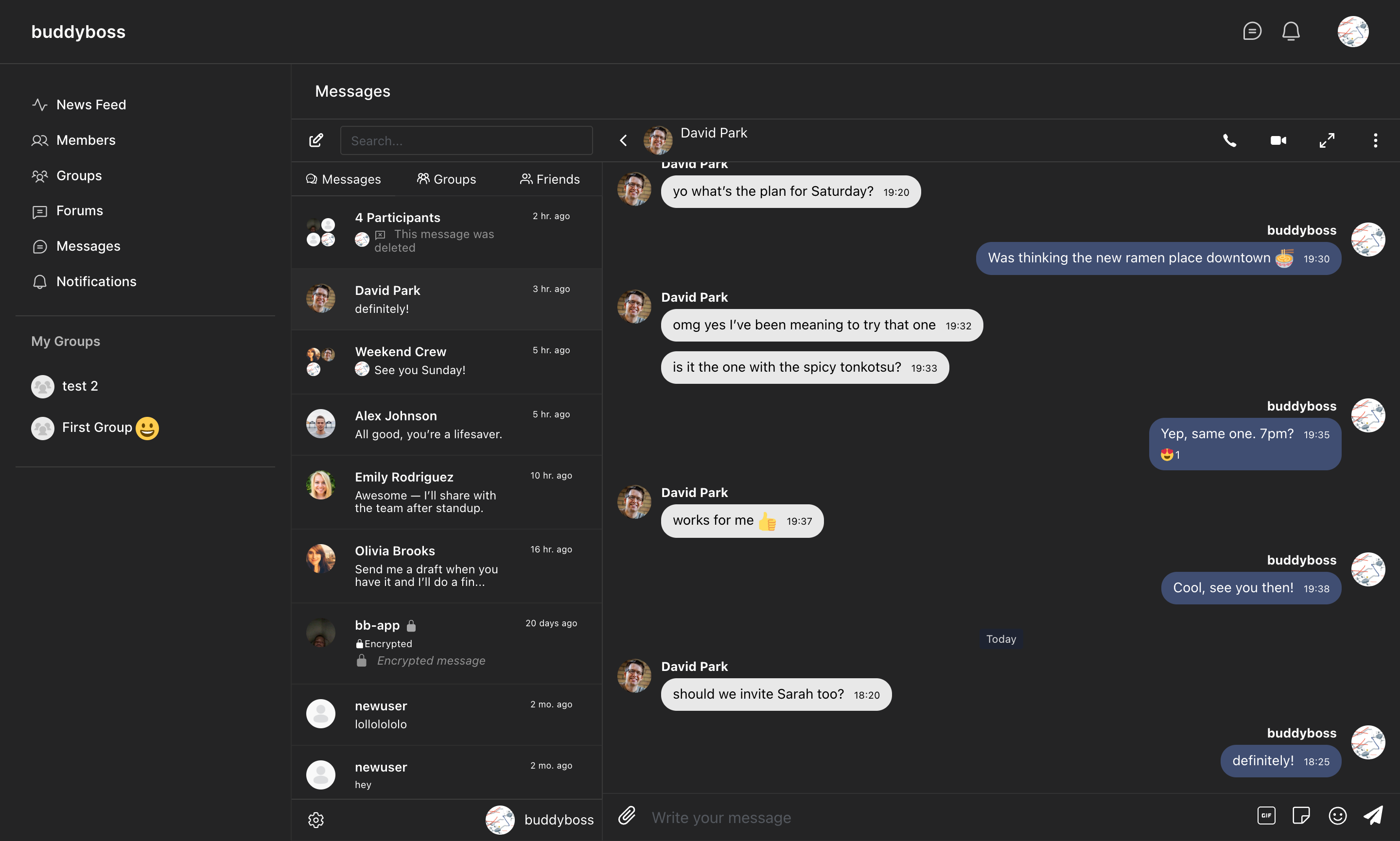
When BuddyBoss ReadyLaunch is enabled at BuddyBoss → ReadyLaunch, Better Messages switches to a dedicated rendering path that matches ReadyLaunch's typography, primary color, spacing, and dark-mode setting. No setting needs to be flipped on the Better Messages side — the integration auto-detects the active theme.
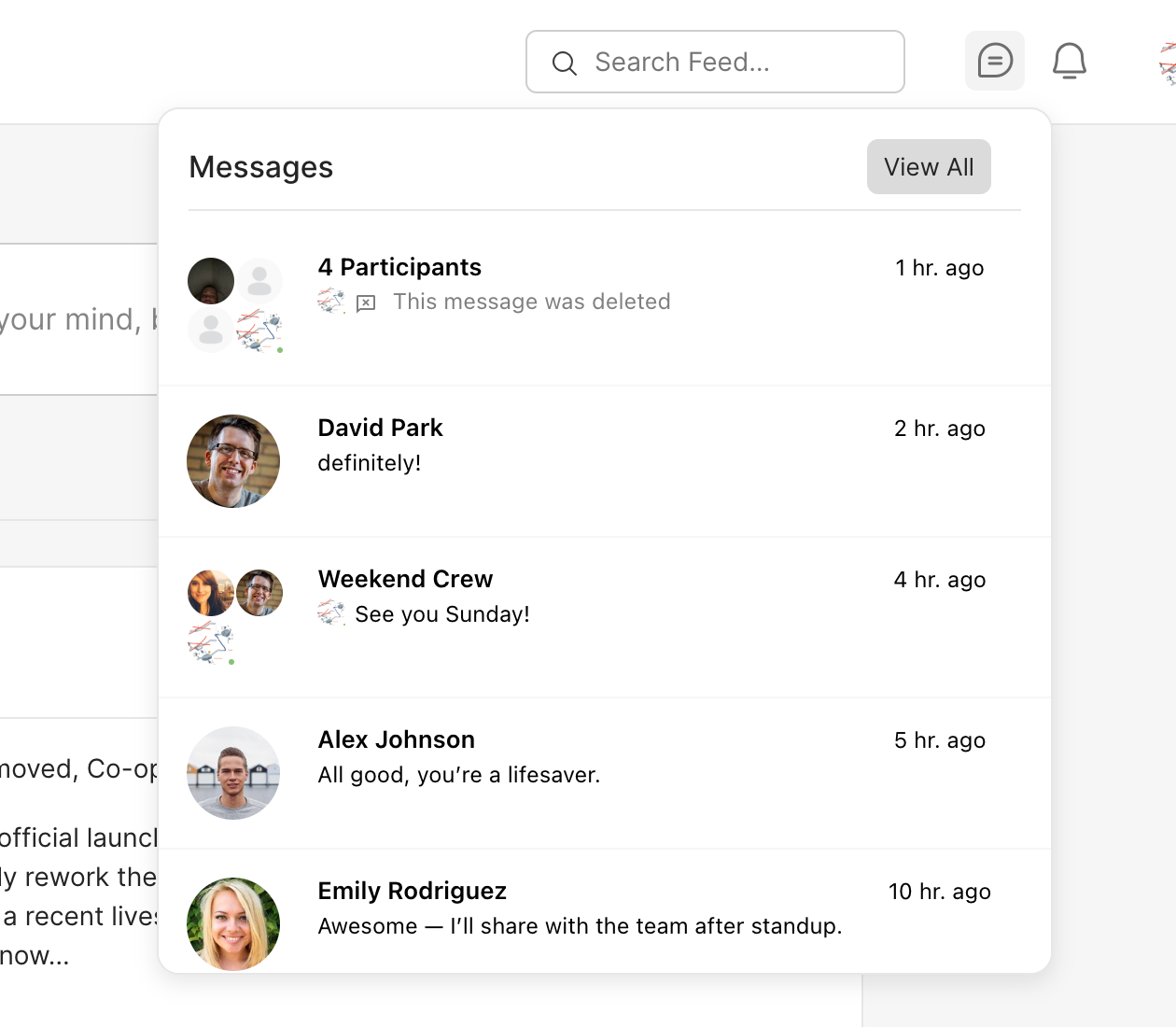
The chat-bubble icon in the ReadyLaunch header opens a dropdown listing recent conversations, with a live unread counter on the icon itself. Clicking a thread jumps straight into the conversation without leaving the page. The side-menu Messages link and the profile dropdown both carry the same live badge.
A new Full-page messenger toggle hides the profile avatar, tabs, and right sidebar on the Messages screen so the messenger fills the full ReadyLaunch content area. Companion toggles fine-tune the layout — Full Width Layout removes the page padding, Page Title shows a Messages heading matching the secondary header used by Forums / Members / Groups, and Hide Mini Widget on Messages Page hides the floating chat bubble while the messenger is already open.
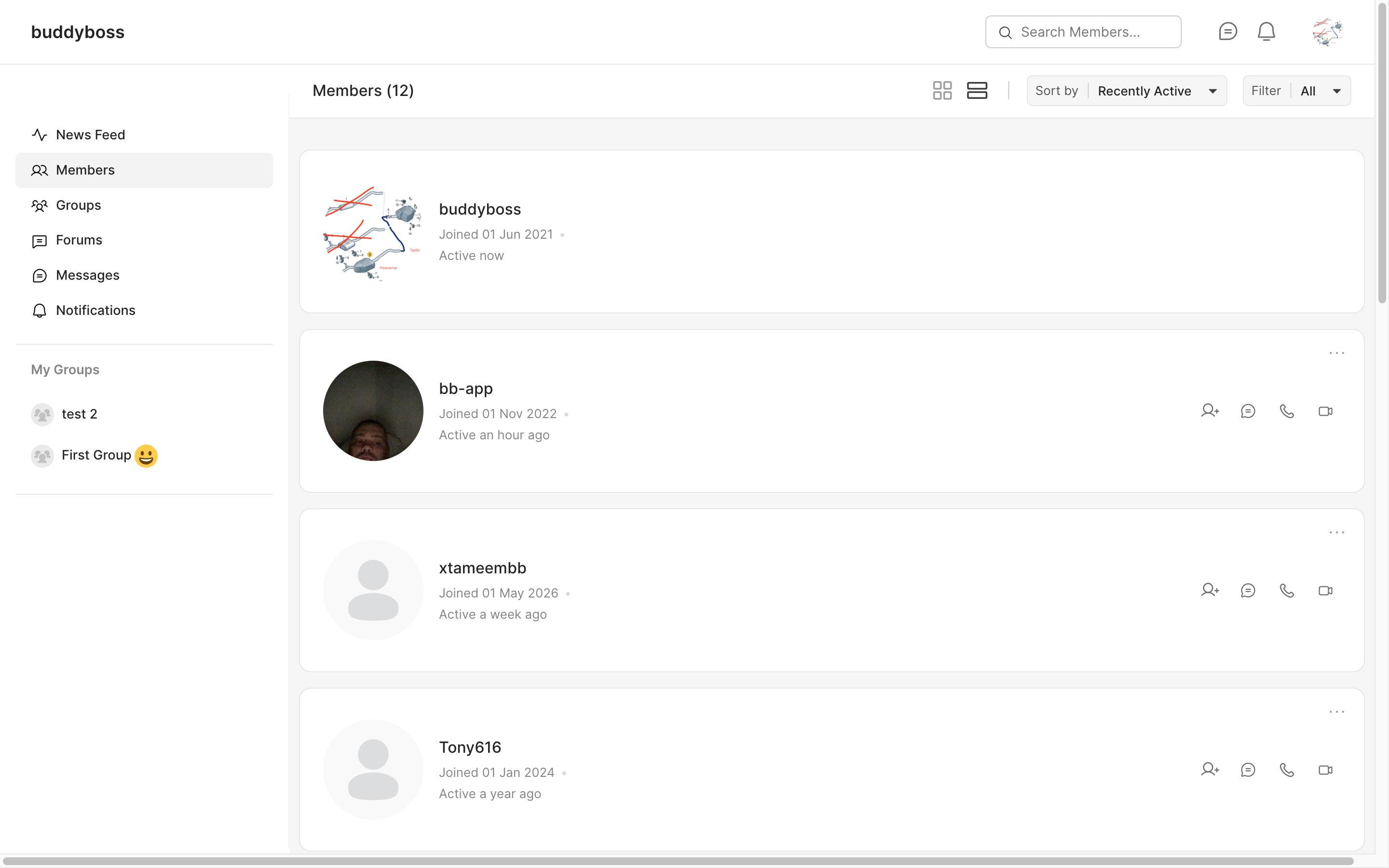
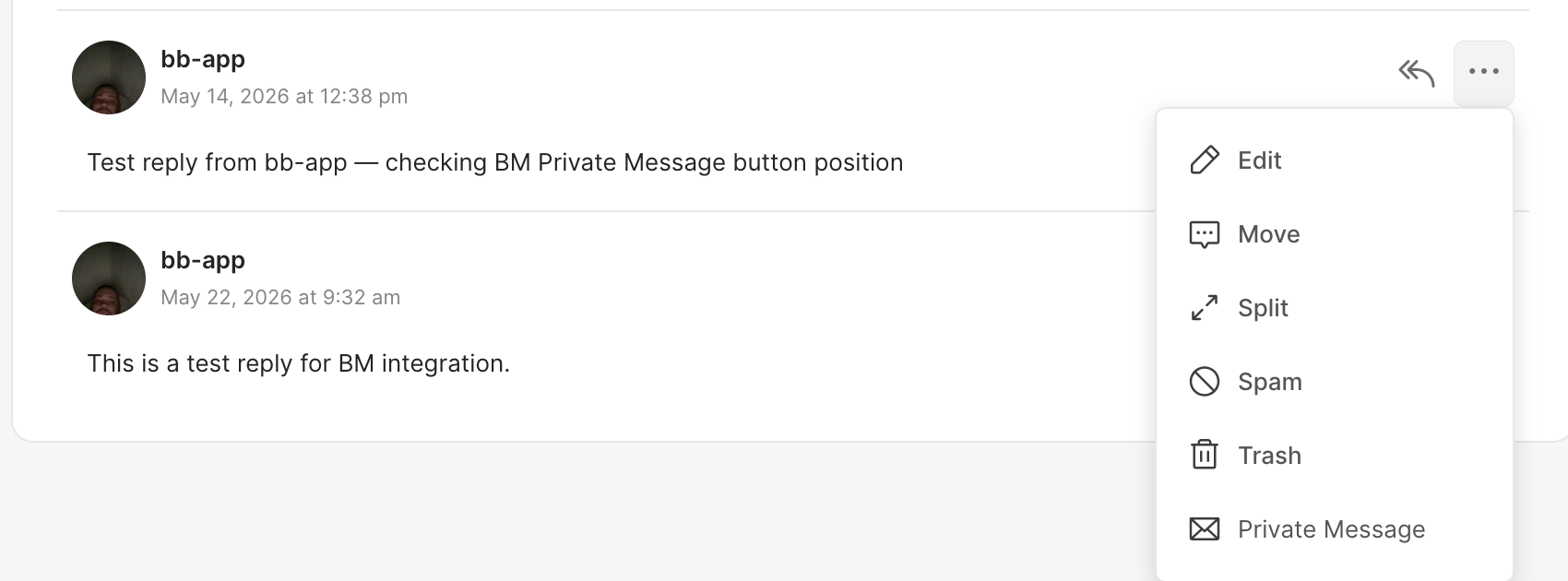
Each row in the ReadyLaunch members directory and group member list gets Send Message, Audio Call, and Video Call icons styled to match ReadyLaunch's circular icon buttons (WebSocket version). When bbPress is active alongside ReadyLaunch, every forum reply gets a Private Message entry inside the existing reply actions dropdown — next to Edit, Move, Split, Spam, and Trash.
The classic BuddyBoss Theme is still fully supported and shares the same set of full-page layout toggles in its own settings section, with its own bbPress integration that places the Private Message link as an inline icon between Reply and More actions.