Better Messages Blog

Guides and tutorials for real-time messaging, chat rooms, and integrations on WordPress.

WordPress Chatbot Plugin: AI Chatbots on OpenAI, Claude or Gemini

· 15 min read
Creator of Better Messages

To add an AI chatbot to WordPress, install Better Messages, save an API key of OpenAI, Anthropic or Google Gemini, and create a bot under Better Messages → AI Chat Bots. The bot is free on WordPress.org and becomes a member of your messenger: people chat with it one to one, mention it in a group or chat room, or open it from a live chat button on any page.

WordPress chatbot plugin: an AI assistant answering members in a WordPress messenger

Better Messages 3.2: Upgraded Group Video Calls, Call Recording and Mobile App Sign-in

· 18 min read
Creator of Better Messages

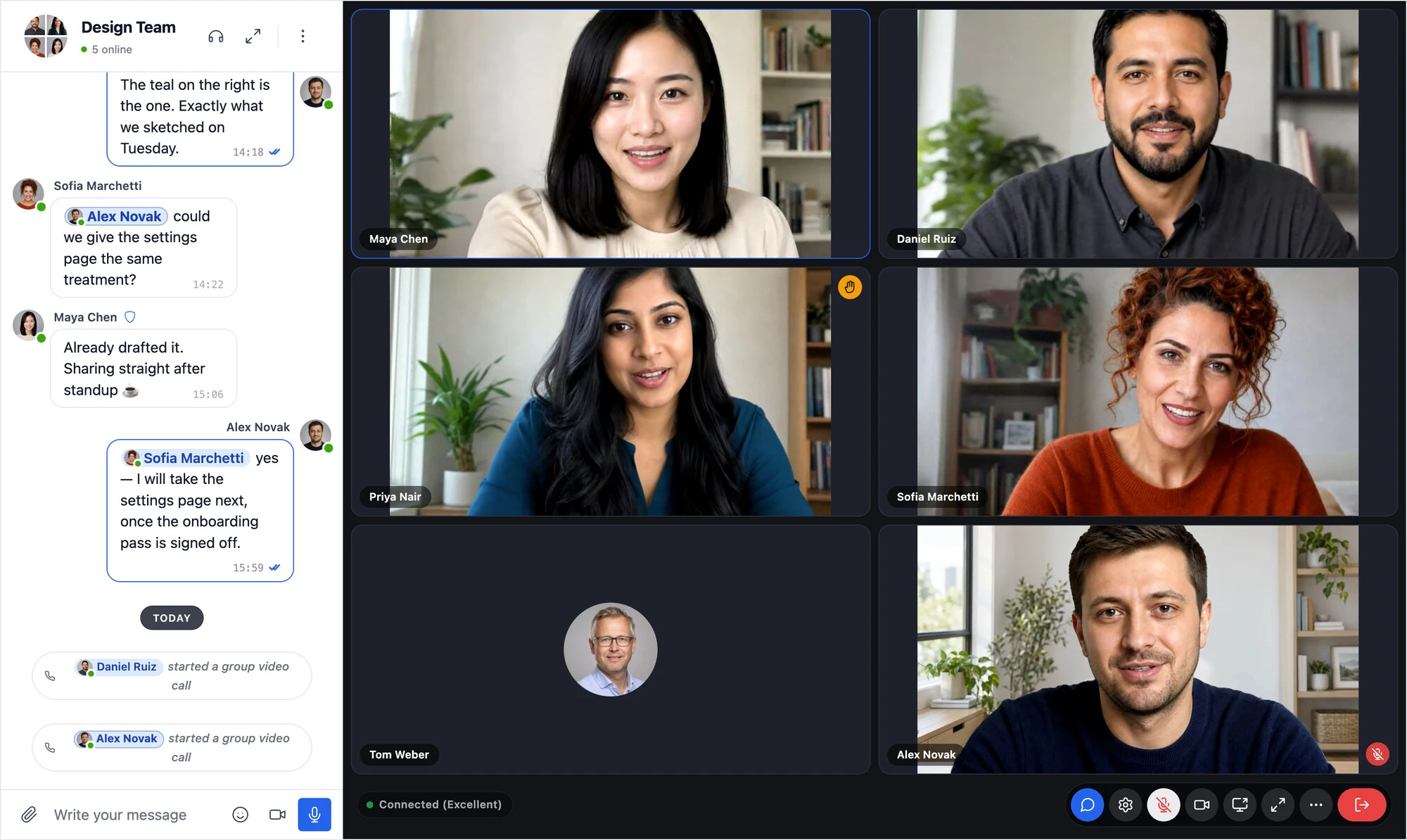
Better Messages 3.2 is out, and it is a release about calls. Group video calls on your WordPress site now let people check their camera and microphone before anyone sees or hears them, blur or replace what is behind them, take the noise out of their microphone, and meet in calls with no fixed size. Moderators can record a call with a transcript, put a speaker in the spotlight and end a call for everyone. The mobile app signs members in through the login page of your site, two-factor authentication included, and locks with Face ID or a fingerprint.

Your conversations, settings and licence carry across. The mobile apps need a new build for their part of the release, and the few things worth checking are at the bottom, in Updating from 3.1.

A WordPress group video call in Better Messages: six people in the Design Team conversation, one with a virtual office background and one with a raised hand, beside the chat

Better Messages 3.1: WordPlus Cloud, Notification Levels, Live Streams, Cloud Storage and an AI Assistant

· 9 min read
Creator of Better Messages

Better Messages 3.1 is out. Where 3.0 redrew the messenger, 3.1 changes what runs behind it: the licences and updates of the WebSocket version now come from WordPlus Cloud, the plugin no longer carries the Freemius SDK, and the cloud brings something new to your chat rooms, live streams. Members now choose how much each conversation notifies them, attachments can live in cloud storage, and an AI assistant in your admin answers questions about the plugin from its documentation and your own settings.

Your conversations, settings and licence carry across without anything to do. The few things worth checking are at the bottom, in Updating from 3.0.

Introducing WordPlus Cloud, the New Home of the Better Messages Cloud

· 6 min read
Creator of Better Messages

The cloud that runs realtime messaging, voice and video calls, push notifications, mobile apps and AI for every site on the WebSocket version of Better Messages now has its own name: WordPlus Cloud, at www.wordplus.cloud. The servers, the team and the service are the same. What is new is that the cloud is no longer only for Better Messages, and that your licence, your sites and your downloads now live in an account of their own.

If you run the WebSocket version, there is nothing you need to do. This post explains what changes, what stays, and why.

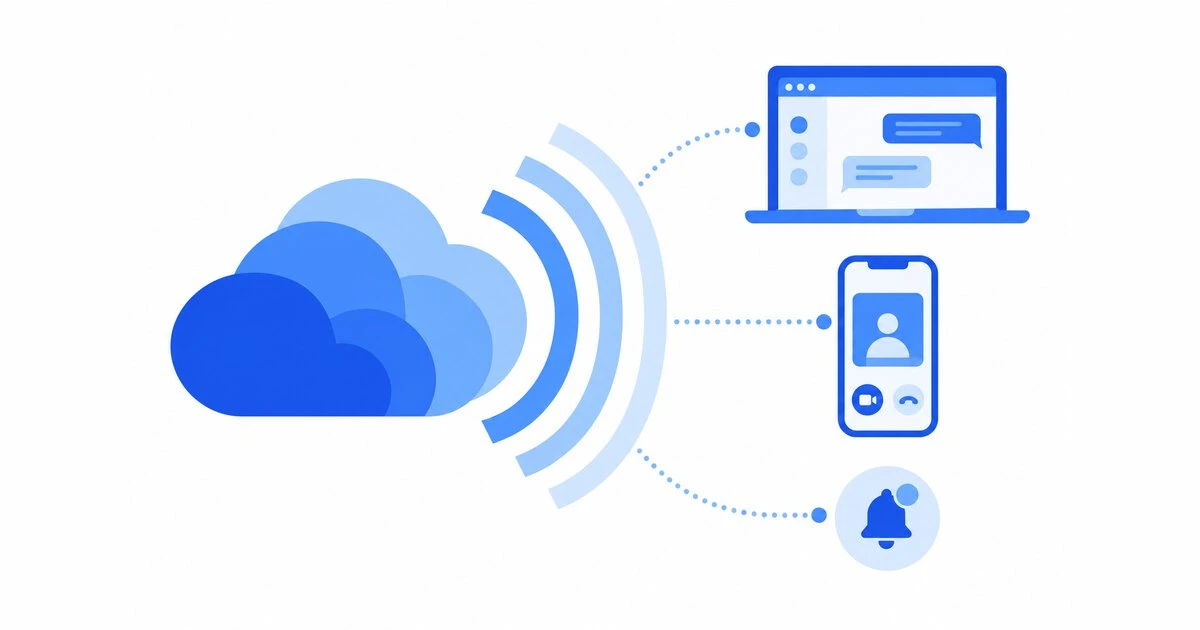
Layered blue signal waves spreading from a cloud to browser windows and phones

WordPress Chat Attachments in Cloudflare R2, Amazon S3 or Bunny.net

· 7 min read
Creator of Better Messages

A busy messaging site collects files fast. Every photo, screen recording, voice message and PDF that members send lands in your uploads folder, where it grows your backups, eats your hosting plan's disk and goes out through your server's bandwidth every time someone opens it. On a community with a few thousand active members that can add up to gigabytes a month.

Better Messages 3.1 can keep those files in cloud storage instead: Cloudflare R2, Bunny.net, Amazon S3, or any storage with an S3 API such as Backblaze B2, DigitalOcean Spaces or Wasabi. Members see no difference. Their files simply stop living on your server.

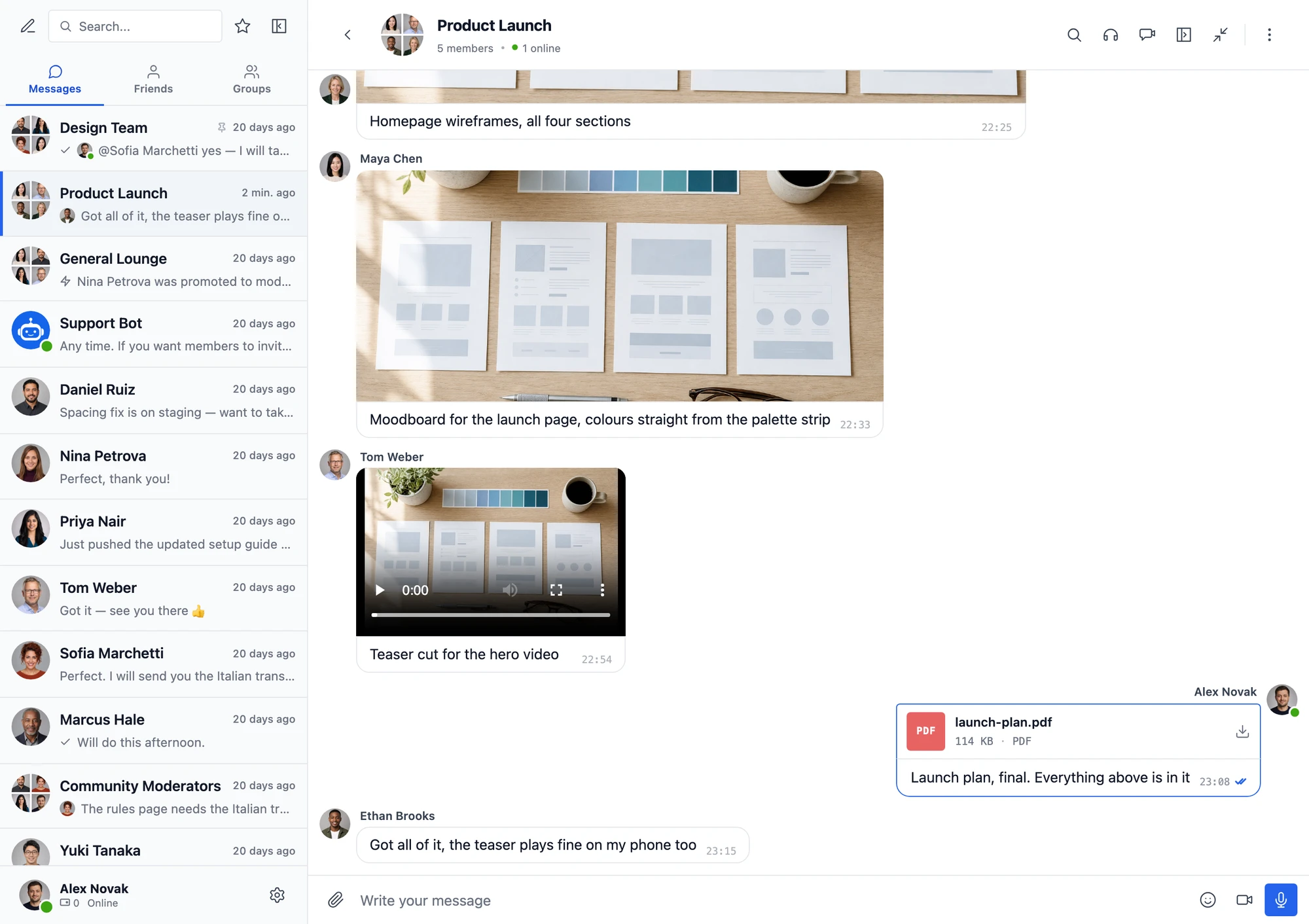
A group conversation in Better Messages with a photo, a video and a PDF that members shared, all kept in cloud storage

How to Add Video Chat to a WordPress Site

· 11 min read
Creator of Better Messages

"Video chat on a WordPress site" can mean two different things, and the right tool depends on which one you need.

  • A meeting. Someone hosts a call at a set time and sends people a link: a webinar, a class, a consultation.
  • Members calling each other. The people on your site, members of a community, buyers and sellers on a marketplace, students of a course, start a video call with each other whenever they want, the way they already send each other messages.

Most WordPress video chat plugins are built for the first. This guide walks through every way to add video chat to WordPress, what each one takes to set up and to run, and which one fits which kind of site.

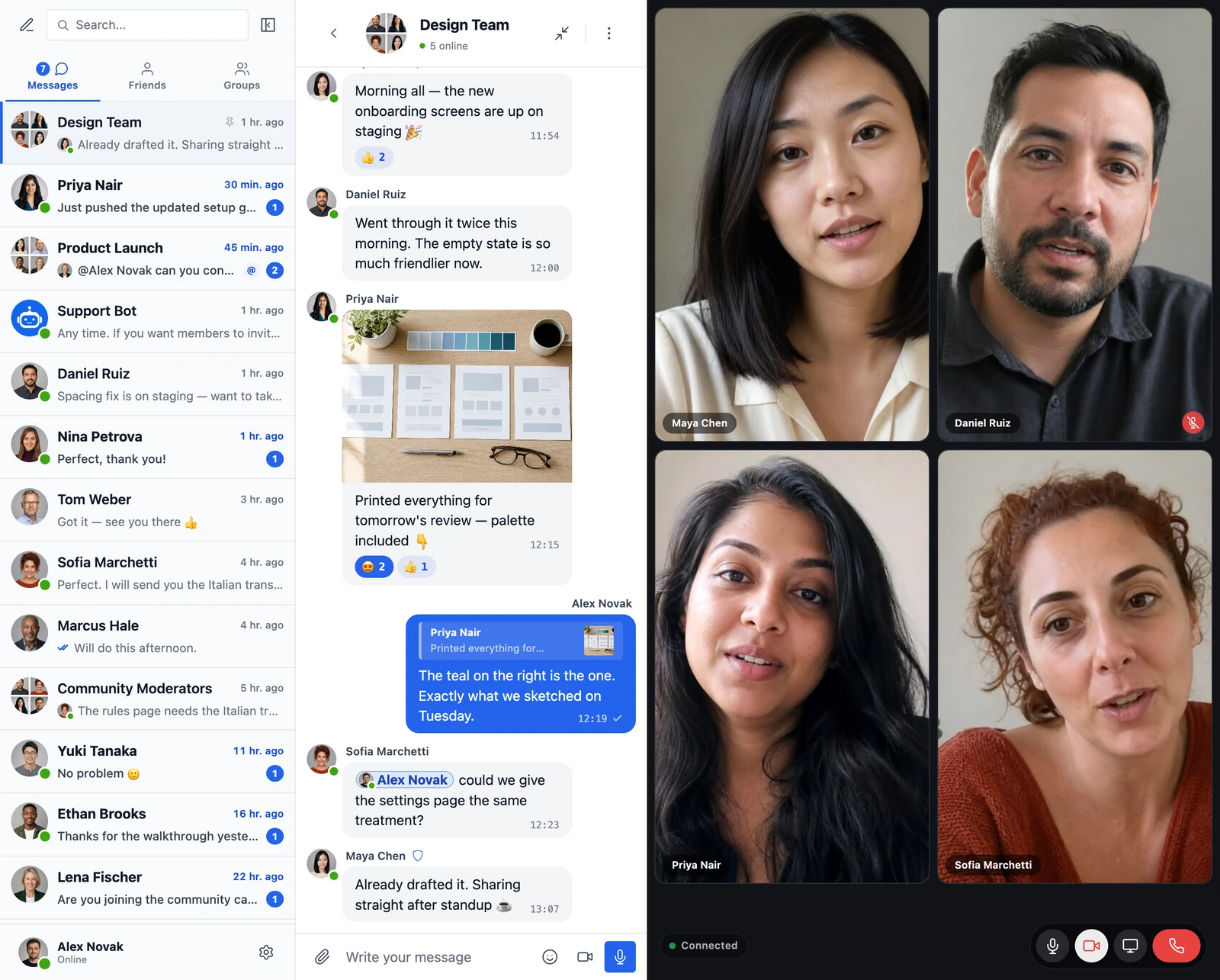
A group video chat on a WordPress site: four participants in a grid of camera tiles beside the conversation, with the mic, camera, screen sharing and hang-up controls along the bottom

Better Messages 3.0: The Redesign, the Appearance Tab, and Everything Else in the Release

· 11 min read
Creator of Better Messages

Better Messages 3.0 is out. It is the largest release the plugin has had: every surface of the messenger was redrawn, the styling moved out of the WordPress Customizer into the plugin's own Appearance tab with a live preview, and a handful of features landed alongside it — location messages, video messages, per-conversation translation, an offline outbox, a device cache that no longer resets itself on every update, and a Mobile App page that left alpha and is now visible on the free version.

Your conversations, settings and integrations carry across untouched, including the colors and sizes you had set in the Customizer. Three things do need your attention on upgrade, and they are listed at the bottom in Updating from 2.x.

The redesigned Better Messages 3.0 messenger

Voice and Video Messages 2.0: Round Video Notes, Automatic Transcription, and Bots That Listen

· 5 min read
Creator of Better Messages

The voice add-on has a new name and a new version. Better Messages – Voice and Video Messages 2.0 keeps everything the voice recorder did and adds a camera button beside the microphone: short video messages, recorded in the composer, sent like any other message.

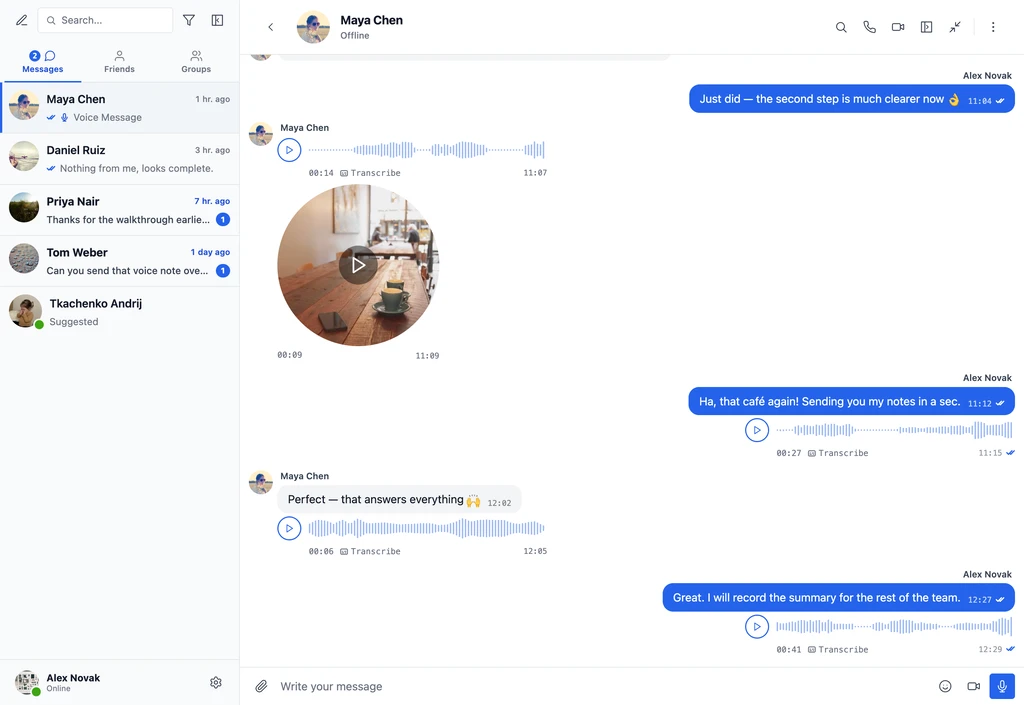
Alongside it, Better Messages 3.0 picked up two things on the voice side that this post is the right place for — voice messages that transcribe themselves the moment they are sent, and AI chat bots you can talk to instead of typing.

Voice messages and a round video message in a Better Messages conversation

WordPress Monetized Messaging: Build a Paid DM Platform with Per-Message Billing

· 10 min read
Creator of Better Messages
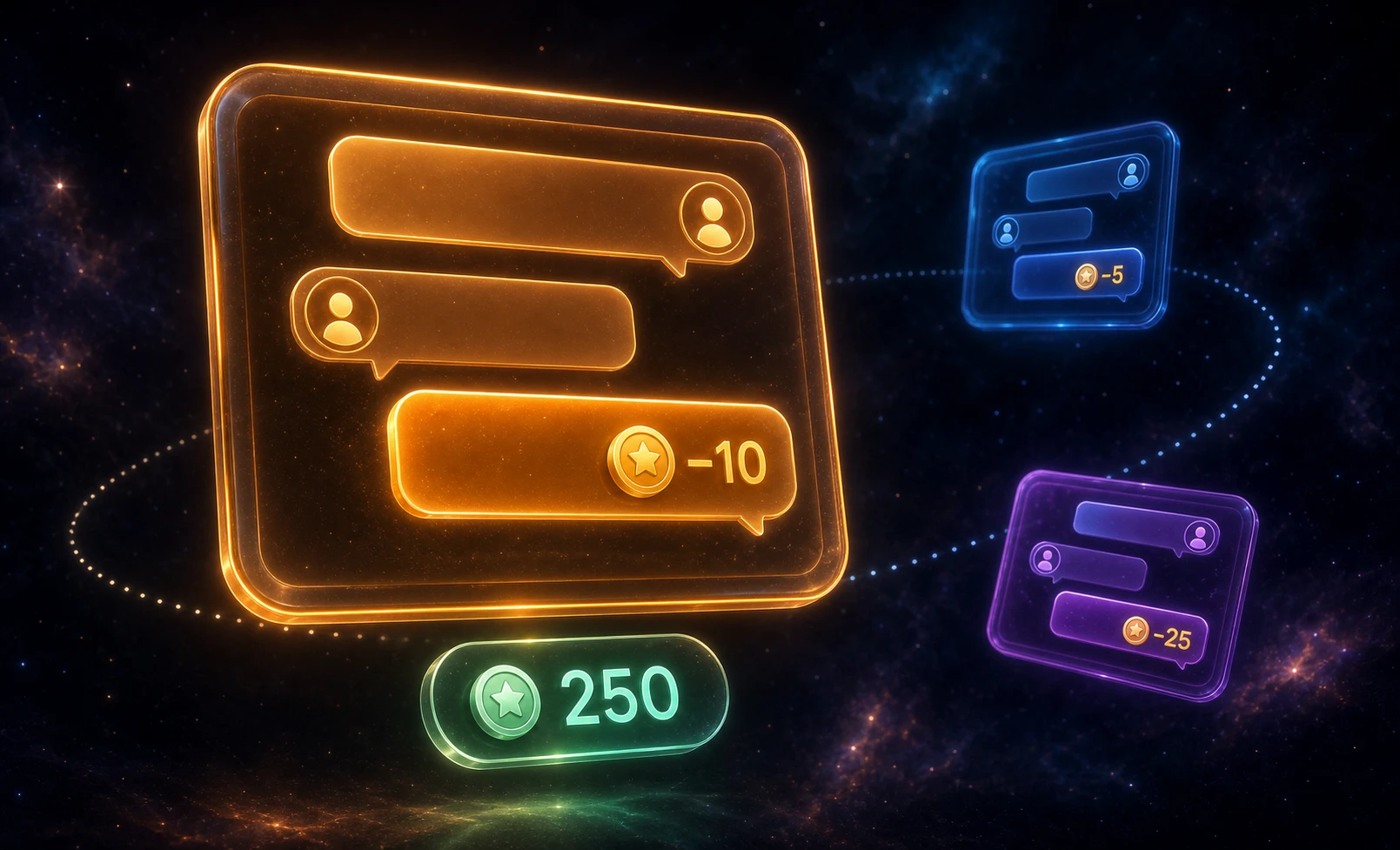
WordPress monetized messaging platform — per-message billing, per-role pricing, and balance display inside the messenger

A monetized messaging platform sells the conversation itself. Visitors browse profiles for free, but sending a direct message costs points — and so does opening a new thread or placing a call. The business model is paid DMs: the platform charges per interaction, the recipient (a creator, coach, or expert) earns a share, and the user tops up a balance to keep talking. Better Messages plus a points engine (GamiPress or MyCRED) implements this on WordPress — per-message billing, per-role pricing, per-call rates, with the balance shown inside the chat.

WordPress Chat Rooms Website: Build a Live Chat Community From Scratch

· 11 min read
Creator of Better Messages
Build a WordPress chat rooms website — topic-based rooms with guest access, role-gated private rooms, and live moderation

The classic chat-rooms website — a list of topic rooms across the homepage, a public lobby for guests, a few private rooms behind a login, people drifting between them all evening — is one of the oldest layouts on the web. IRC servers, AIM rooms, and the small Java-applet chats of the early 2000s all hit the same shape. WordPress can host that site today with a single plugin and no external chat service.