Better Messages for WP User Manager (WPUM): Profile-Driven Private Messaging
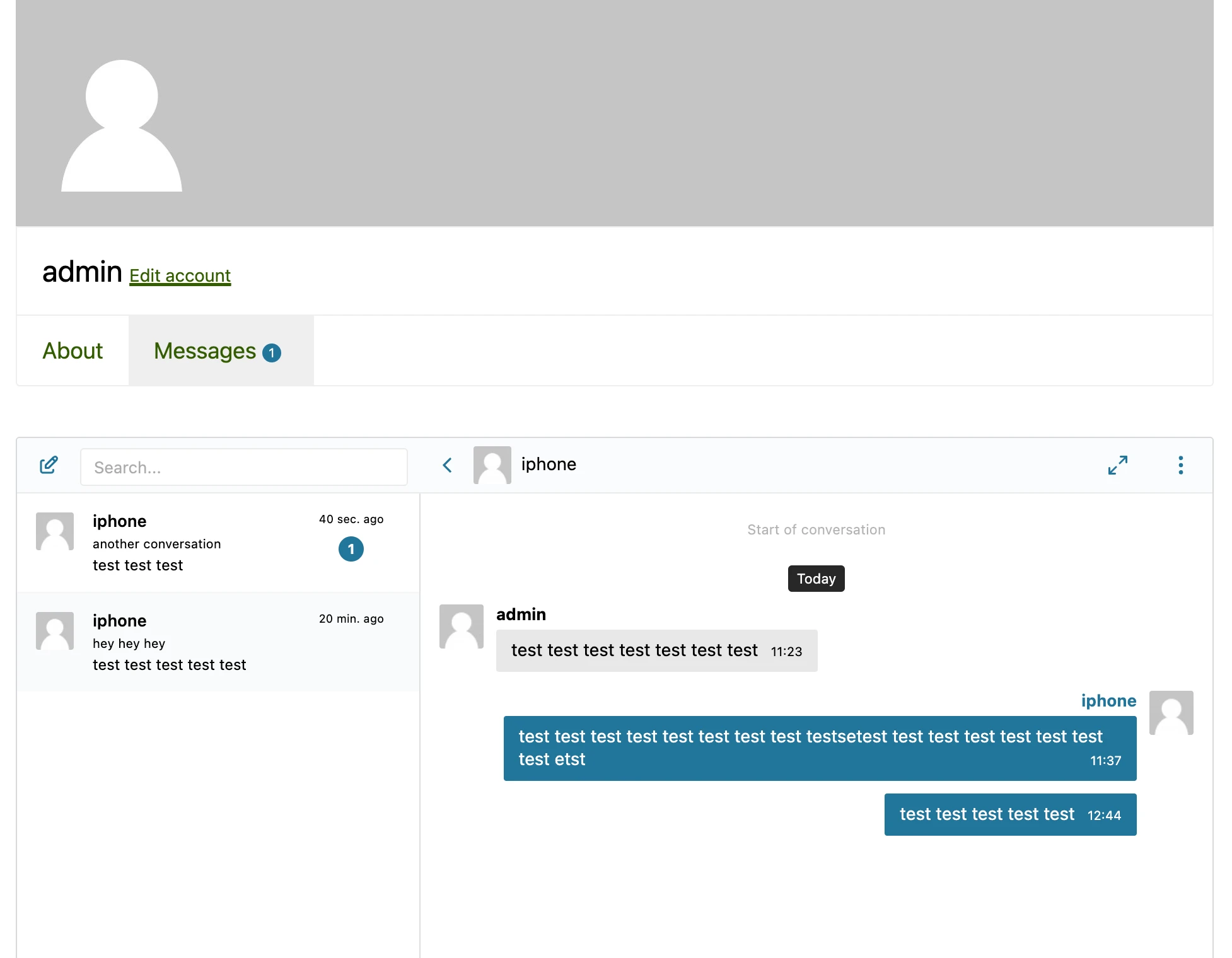
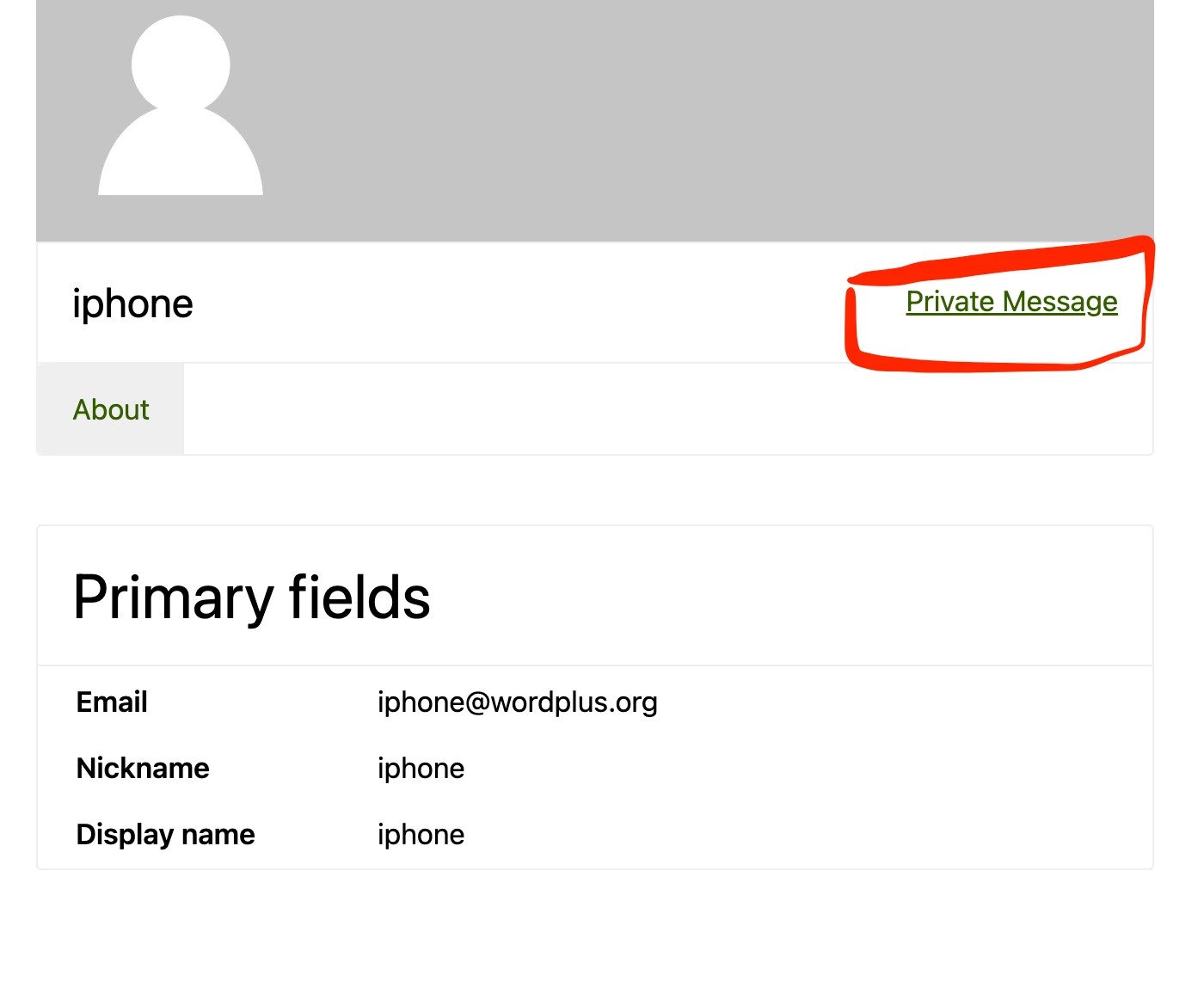
The WP User Manager integration for Better Messages adds a Messages tab to the logged-in user's WPUM profile, a Private Message button on every other user's profile, and uses WPUM avatars and links throughout the messenger. Commonly paired with WP Job Manager (same author) for combined job-listing + profile messaging. Works on both the free and WebSocket versions.
To install the plugin ensure that your website running:
- WordPress 5.9 or newer
- PHP 7.4 or newer
Installation#
How to install WP User Manager#
Download WP User Manager from official website and install following standard WordPress installation process
How to install Better Messages with WP User Manager#
- Install the plugin through the WordPress plugins screen directly or upload the plugin files to the
/wp-content/plugins/bp-better-messagesdirectory. - Activate the plugin through the Plugins screen in WordPress
- Use the Better Messages -> Settings menu to configure the plugin
- Set Messages Location to Show in WP User Manager profile or you can also set any WordPress page to be a messages homepage
Supported features#
When you install WP User Manager plugin with Better Messages:
- All avatars in Better Messages interface automatically displayed from WP User Manager user profiles
- All links to user profiles in Better Messages interface automatically points to WP User Manager user profiles
Automatically adding messages tab in currently logged-in user profile#
Automatically adding private message button in other user profiles#

Frequently asked questions#
Does it work alongside WP Job Manager?#
Yes — same author. Sites running both get layered messaging: job-listing chat on every published job, profile chat on every WPUM profile.
Can I restrict messaging by WPUM user group?#
WPUM user groups map to WordPress roles, which Better Messages reads via Settings → Permissions.
Can guests message WPUM members?#
Optional — enable Guest Chat in Better Messages → Settings → Guest Chat.
Will the Messages tab integrate with WPUM's profile tab system?#
Yes — registered through WPUM's standard profile-tab API.
See also#
- WP User Manager private messaging — full feature write-up
- WP Job Manager integration — common pairing
- ProfileGrid integration
- UsersWP integration
- Ultimate Member integration