LearnDash Student & Instructor Messaging Plugin
LearnDash is the most-installed LMS plugin on WordPress. Students who have a question for an instructor often open a support ticket on a separate system, drop a note in a forum that may or may not be monitored, or — most often — abandon the question. Better Messages adds a real-time messenger that hooks into LearnDash at every level: a Message Instructor button on every course page, an auto-managed Course Group Chat that mirrors course enrollment, a LearnDash Group cohort chat, and a Send Message button on the LearnDash Instructor Role public profile.
This guide walks through what Better Messages adds to a LearnDash site, how the auto-managed chats stay in sync with enrollment changes, and what the differences are between the free and WebSocket versions.
What Better Messages adds to LearnDash
Once LearnDash is detected and the integration is enabled in Better Messages → Settings → Integrations → LMS, three independent features come online:
- Message Instructor button on every course page — students open a private DM with the course author in one click.
- Course Group Chat — a group conversation auto-created per course, with the course author and every enrolled student auto-joined.
- LearnDash Group Chat — a group conversation for each LearnDash Group (a cohort of students sharing access to one or more courses), with Group Leaders auto-joined as instructors.
A fourth toggle adds a Send Message button to the public profile generated by the paid LearnDash Instructor Role add-on.
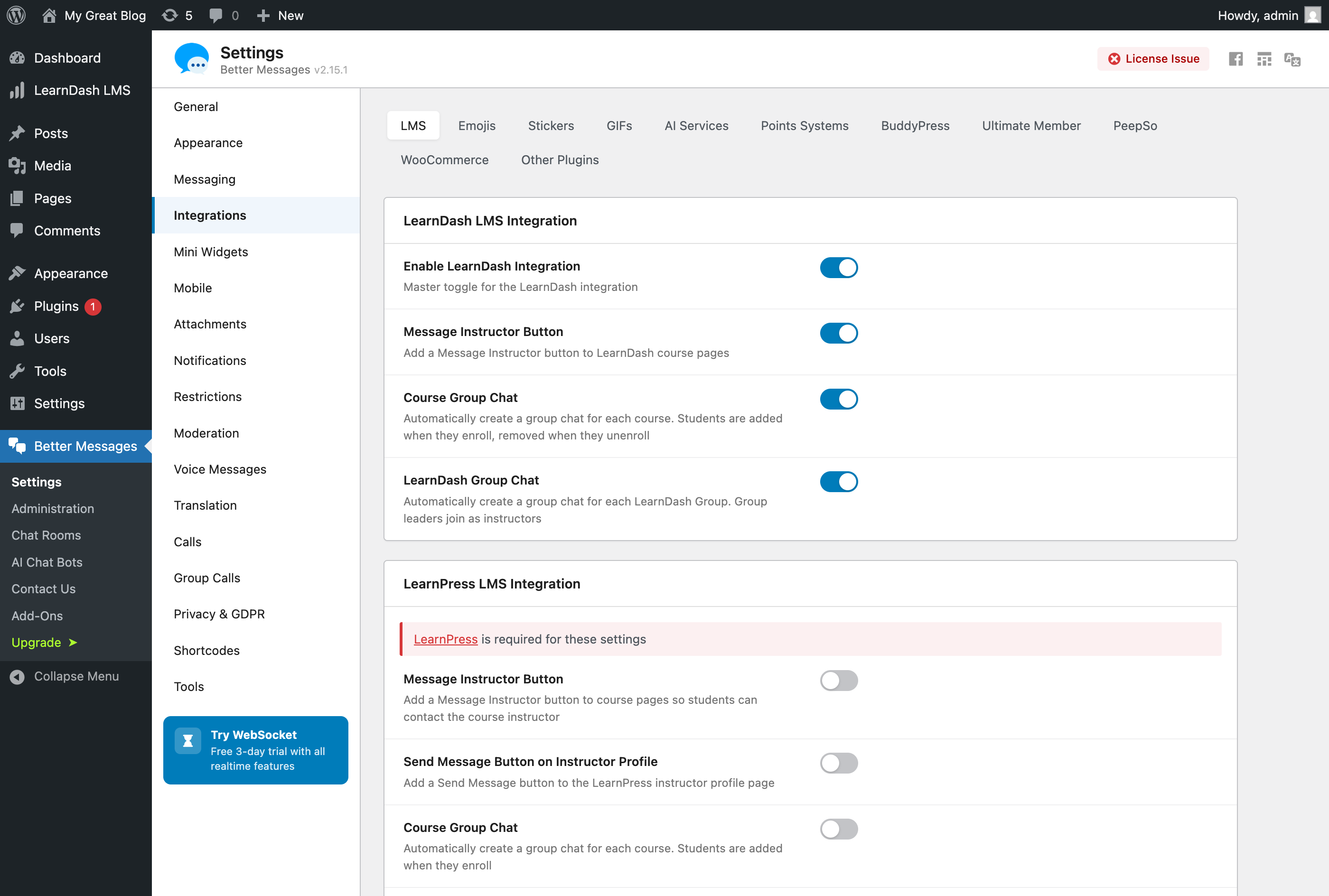
Message Instructor button on course pages
Adds a Message Instructor button to every LearnDash course page. The button targets the user listed as the course author, and is hidden on the instructor's own course.
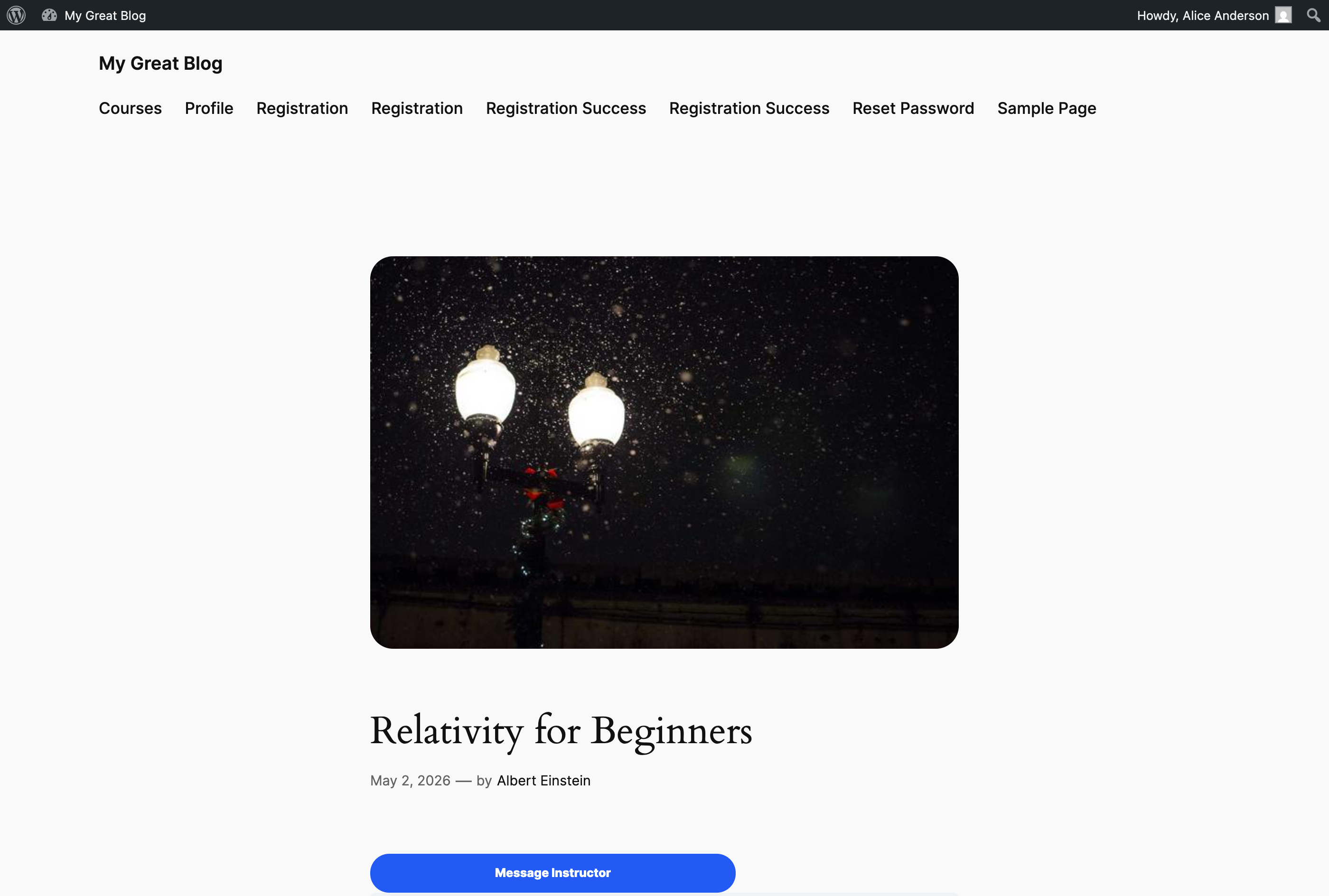
Clicking it opens a private one-to-one conversation with the instructor — no group, no other students.
If your site uses a custom layout, page builder, or block theme that breaks the auto-injected button, place it manually with a shortcode:
[better_messages_learndash_course_button]
[better_messages_learndash_course_button course_id="123"]
[better_messages_learndash_course_button text="Ask the instructor"]
The shortcode auto-detects the current course on a course page, and supports per-instance overrides for course, recipient, label, and CSS classes.
Course Group Chat — auto-managed enrollment
When Course Group Chat is enabled, opening a course in the messenger creates a group conversation that the course author and every enrolled student can join. Students are added on enrollment and removed when their access is revoked.
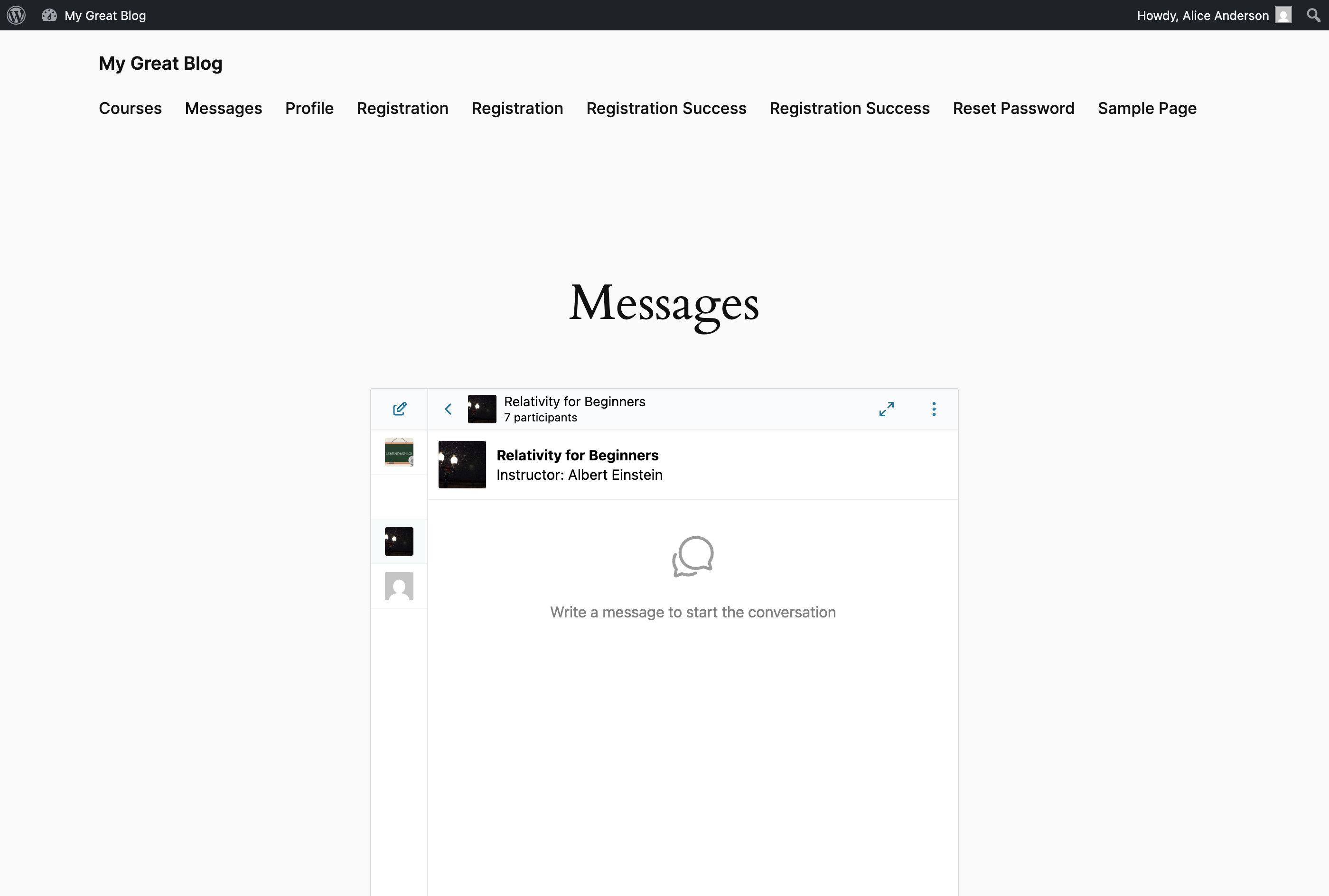
The conversation header shows the course thumbnail, title, and instructor name — so students always know which course the discussion belongs to. The card is rendered automatically above the conversation, including on private DMs opened through the Message Instructor button.
The enrollment sync is driven by LearnDash's learndash_update_course_access hook, which Better Messages listens to for both adds and removes — including the ones LearnDash performs automatically when a student is enrolled into a course via a LearnDash Group.
To hide the course info card across all LMS conversations, toggle off Better Messages → Settings → Integrations → LMS → Shared Course Settings → Course Info Card.
LearnDash Group Chat — cohort messaging
LearnDash Groups are cohorts of students sharing access to one or more courses, managed by users with the Group Leader role. Better Messages mirrors that organization by creating a dedicated chat for each LearnDash Group.
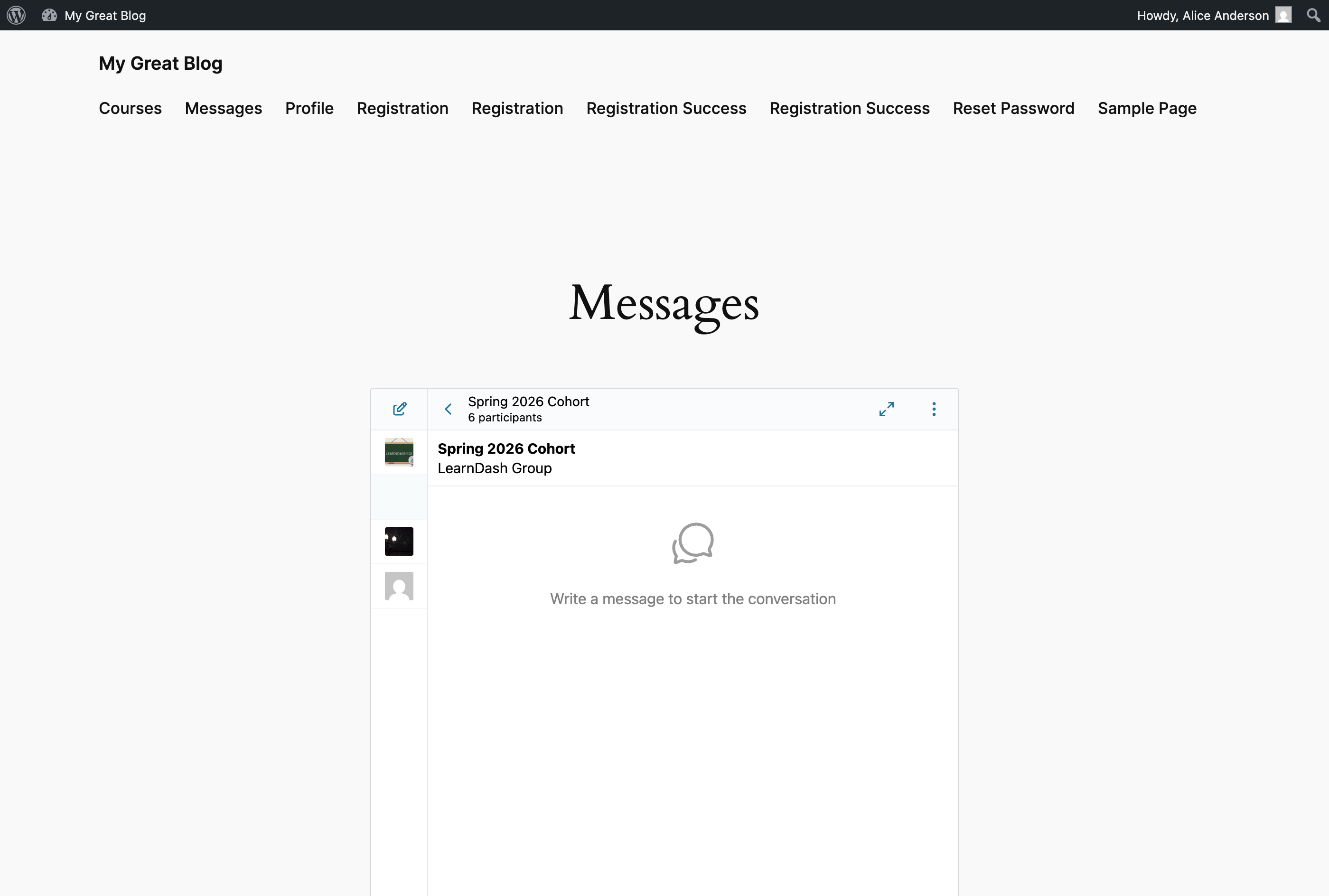
Group members are kept in sync via LearnDash's ld_added_group_access and ld_removed_group_access hooks, and every Group Leader assigned to the cohort is auto-joined as an instructor of the chat.
Send Message button on the Instructor Role profile
If you run the paid LearnDash Instructor Role add-on, every instructor gets a public profile at /instructor/<username>/. With Send Message Button on Instructor Profile enabled, Better Messages adds a Send Message button to that profile, right under the instructor's name.
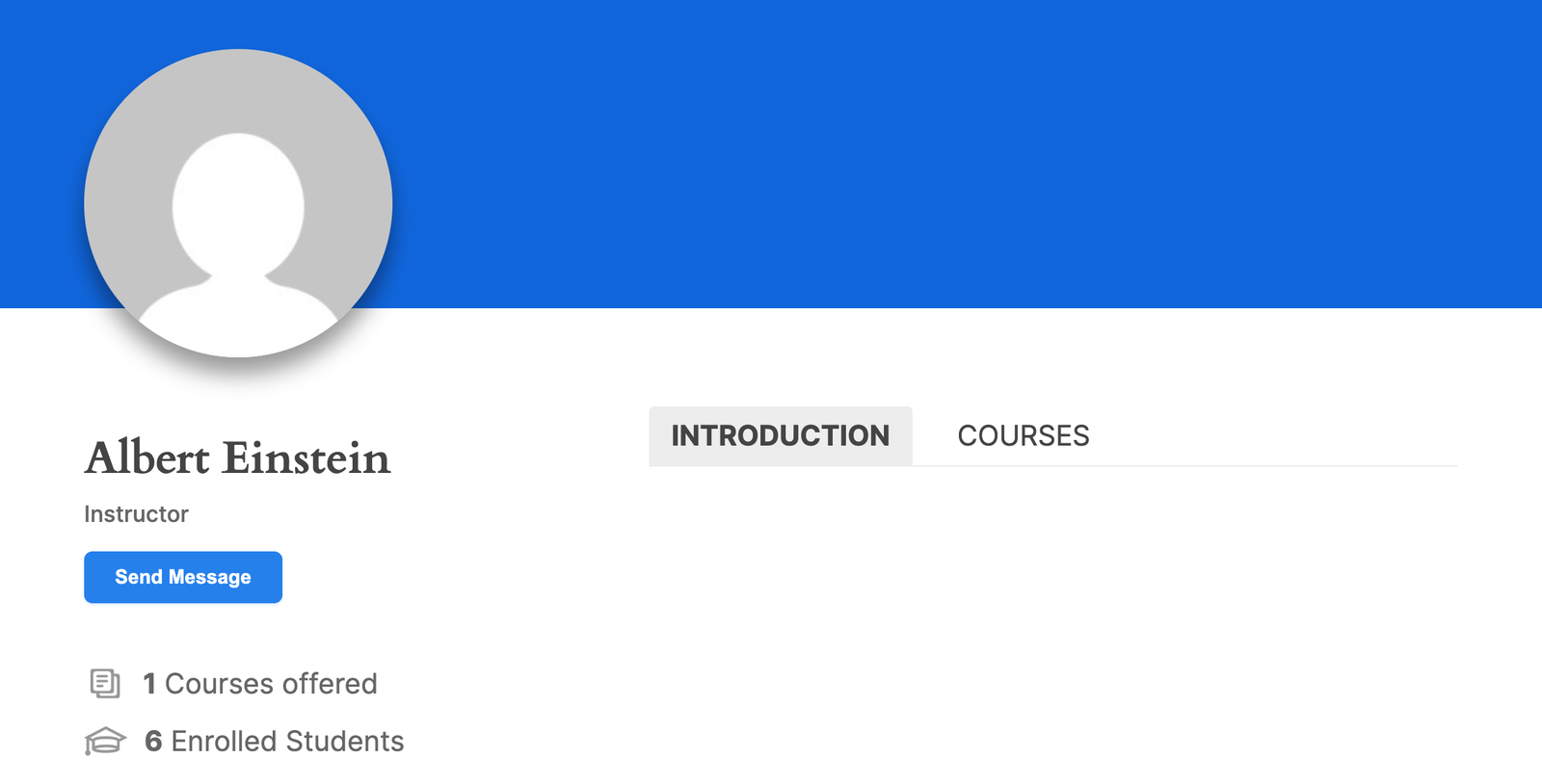
Clicking it opens a private DM with that instructor — the same flow as the Message Instructor button on a course page, but available anywhere the instructor's profile is linked.
The LearnDash Instructor Role add-on is a separate paid LearnDash extension and is not bundled with Better Messages. The toggle is hidden on sites without it.
Courses widget for students
Once Course Group Chat or LearnDash Group Chat is enabled, the user's enrolled courses and LearnDash Group cohorts surface in the dedicated Courses widget on the messenger's Mini Widgets bar, Side Panel, and Mobile bar — separate from the social Groups widget so academic chats and friend cohorts do not mix.
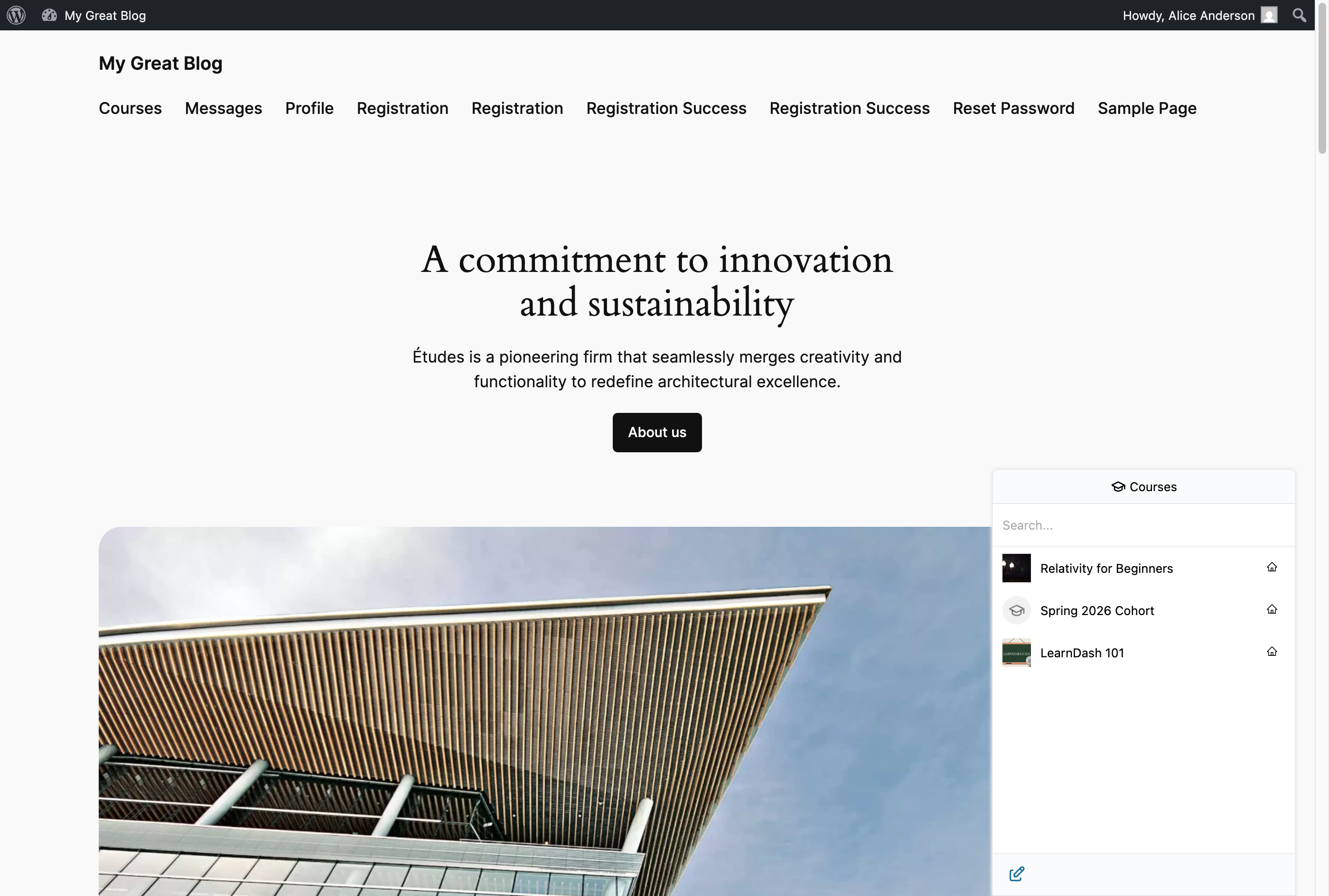
The widget icon, role restrictions, and "Hide Tab When Empty" behavior are configurable under Better Messages → Settings → Mini Widgets → Courses.
Shared course settings (apply to all LMS integrations)
Three toggles under Settings → Integrations → LMS → Shared Course Settings apply to every LMS course conversation across LearnDash, LearnPress, Tutor LMS, MasterStudy LMS, and FluentCommunity Courses:
- Course Info Card (on by default) — show the title, image, and instructor name banner above each course conversation, including private DMs opened by Message Instructor.
- Email Notifications (on by default) — send the standard new-message email to participants when activity happens in a course chat.
- Push Notifications (off by default, requires WebSocket version) — send browser and mobile push notifications for new course messages.
Changing any of these toggles propagates across all four LMS integrations.
Installing Better Messages on LearnDash
- Install Better Messages from WordPress.org and activate it.
- Open WP Admin → Better Messages → Settings → Integrations → LMS → LearnDash Integration.
- Toggle on the features you want: Message Instructor Button, Course Group Chat, LearnDash Group Chat, and (if applicable) Send Message Button on Instructor Profile.
Free vs WebSocket version for LearnDash sites
| Feature | Free version | WebSocket version |
|---|---|---|
| Message Instructor button on course pages | yes | yes |
| Auto-managed Course Group Chat | yes | yes |
| LearnDash Group Chat with auto-joined Group Leaders | yes | yes |
| Instructor Role profile Send Message button | yes | yes |
| Courses widget on the Mini Widgets bar | yes | yes |
| Real-time delivery | polling | instant |
| Push notifications for course messages (integration-level real-time push) | — | yes |
| One-on-one voice and video calls inside course threads | — | yes |
| Group voice and video calls inside course threads (cohort office hours, study sessions) | — | yes |
| Web push notifications for new messages | — | yes |
| Read receipts | — | yes |
| End-to-end encryption (optional per thread) | — | yes |
The WebSocket version turns course threads into something close to a course Discord — instant message delivery, push notifications when an instructor posts an update, and one-click voice / video calls for office hours, all inside the course's own conversation thread.
Frequently asked questions
Will students from different courses end up in the same thread?
No — each course has its own Course Group Chat. Students enrolled in multiple courses see multiple separate threads, one per course.
What happens when a student's access is revoked?
LearnDash fires learndash_update_course_access on revoke, which Better Messages listens to. The student is removed from the Course Group Chat immediately. Their previous messages remain in the thread history.
Does it work with LearnDash group leaders and assistant instructors?
Yes — Group Leaders are auto-joined as instructors of the LearnDash Group Chat. Assistant instructors on a course can be added to the Course Group Chat manually or through a custom filter.
Can students message each other from the course?
The Course Group Chat is shared — students can post to each other inside it. For private student-to-student DMs, that depends on whether your site allows the messenger globally; with WordPress role-based access on, you can restrict who can start one-to-one threads.
Does it work alongside LearnDash Forums?
Yes — the two surfaces address different intents. Forums are asynchronous and threaded; Better Messages course chats are real-time and one-room-per-course. Many LearnDash sites use both — forums for long-form questions, chats for real-time discussion.
Will it work with the other LMS plugins on the same site?
Yes — Better Messages has matching integrations for LearnPress, Tutor LMS, MasterStudy LMS, and FluentCommunity Courses, and they share the Course Info Card / email / push settings. A site running LearnDash plus another LMS will see Course Group Chats from both, surfaced together in the Courses widget.
See also
- LearnDash integration documentation — full setup reference with every option
- Group conversations — how group chats work in general
- Mini widgets — including the Courses widget
- Real-time messaging — what changes with the WebSocket version