WordPress Chat for SaaS Community Sites
A growing number of SaaS companies host their community on WordPress — public docs, a paid product, a blog, a customer community — instead of running a separate Discord or Slack workspace. The reasons converge: the customer data is in the WordPress database, the conversation can be searched and indexed, and the brand is fully white-labeled. The missing piece is the community-chat layer that competes with Slack / Discord for user-to-user discussion. Better Messages fills that gap with role-gated rooms, AI knowledge bots, REST API integration, and a native mobile app.
The SaaS community stack on WordPress
| Layer | Plugin |
|---|---|
| Marketing site + docs | WordPress core + theme |
| Membership / paid tiers | MemberPress, Paid Memberships Pro, Restrict Content Pro |
| Community / profiles | FluentCommunity (closest to Discord-style) or BuddyBoss Platform |
| Customer chat | Better Messages |
| Knowledge base | Documentation theme (Docusaurus / Diveinfo) or BetterDocs |
| Helpdesk | Awesome Support or FluentSupport |
| Mobile app | Better Messages iOS / Android |
The on-site customer community lives alongside docs and the marketing site; one login, one source of truth.
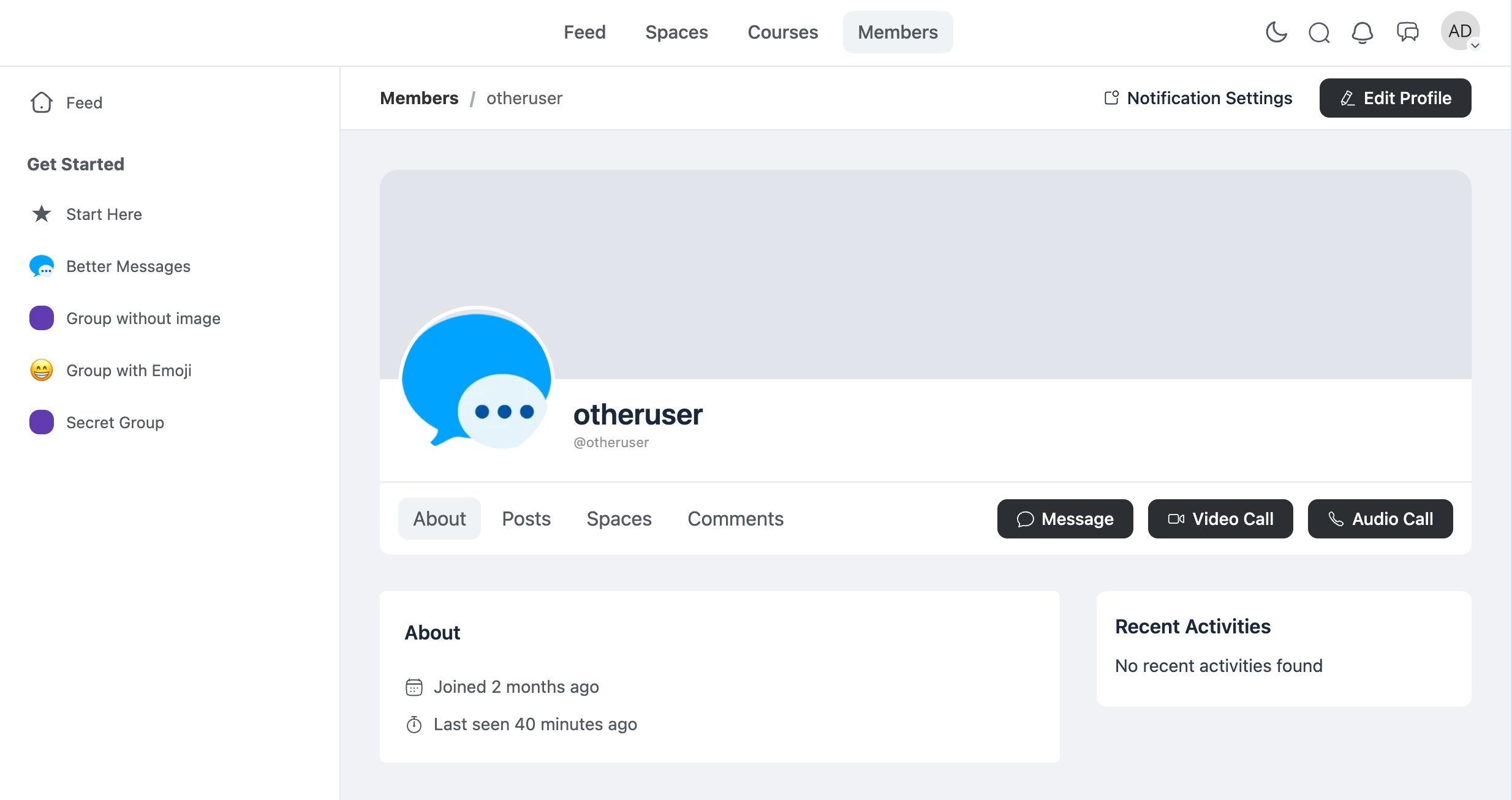
What a SaaS customer community looks like
Public lobby for product discussion
A general chat room open to all customers (or all visitors, with guest access). Customers discuss product workflows, share tips, debug together. Lower-friction than filing a support ticket for casual questions.
Paid-tier-only rooms
Higher-tier customers get access to dedicated rooms — "Pro Users", "Enterprise Customers", "Beta Program Members". Role-gated by the WordPress role the membership plugin sets.
Customer ↔ founder DMs (top tier)
Some SaaS companies open founder DM access to top-tier customers as a value-add. Configure via role-based access: only the "Enterprise" role can DM the founder; everyone else cannot.
AI knowledge bot
An AI Chat Bot configured with the product's documentation answers FAQ questions inside the community. Configured via OpenAI / Anthropic / Gemini with the docs URL whitelist or a knowledge-base file upload. Saves the support team from answering the same product question 50 times a day. See AI chat bots for WordPress private messaging.
REST API for product integration
The product itself can post into the community — release notes pop into the General room, incident updates land in the Status room, new feature flags announced via API call. Better Messages has a documented REST API; the SaaS backend posts as a bot user. See WordPress chat REST API for developers.
Free vs WebSocket version for SaaS communities
| Feature | Free version | WebSocket version |
|---|---|---|
| Role-gated chat rooms | yes | yes |
| Paid-tier-only access | yes | yes |
| AI knowledge bots (OpenAI / Anthropic / Gemini) | — | yes |
| REST API for product → community integration | yes | yes |
| Real-time delivery | polling | instant |
| Group voice / video calls (founder AMAs, customer office hours) | — | yes |
| Web push for new product announcements | — | yes |
| End-to-end encryption (founder DMs with enterprise customers) | — | yes |
| Native mobile app | yes | yes |
| White-label mobile app (your SaaS brand) | — | yes |
SaaS communities depend on the AI knowledge bot + web push combination — the bot answers the easy questions automatically, web push pulls customers back when a release ships. Without the WebSocket version both are out of reach.
Frequently asked questions
Why WordPress instead of Slack / Discord for a SaaS community?
WordPress keeps the conversation tied to the customer's account, gated by their subscription tier, owned by the SaaS company. Search of community discussion is indexable, exportable, and survives a Slack-pricing change or Discord moderation policy shift. Discord still wins for very-large free communities (>10,000 members) on raw scaling and bot ecosystem; WordPress wins for paid-tier SaaS communities under that size.
How does the AI knowledge bot stay current with our docs?
Configure with file search (OpenAI) — upload the docs export as a knowledge base. Re-upload when docs update (or automate via a cron job). For real-time docs, expose a docs URL whitelist that the bot's web-search capability reads.
Can our product post into the community automatically?
Yes — use the REST API to post as a bot user. Examples: new release notes posted to a #releases room, incident updates posted to a #status room, feature-flag toggles announced in #beta-program.
Can we restrict messages to specific seats / SSO users?
Yes — Better Messages reads WordPress roles. Connect your SSO provider to WordPress (via WP SAML, miniOrange SSO, etc.); the SSO identity sets the WordPress role; Better Messages respects it.
Will the mobile app support our SaaS brand?
The standard mobile app is Better Messages-branded. For full white-label (your SaaS name + icon + splash screen on the App Store / Play Store), the white-label rebuild service ships under your own developer accounts. See WordPress chat mobile app.
Can enterprise customers have private DMs encrypted end-to-end?
Yes — enable end-to-end encryption per thread. The relay server cannot read message content. Useful for sensitive customer discussions (contract renewals, infrastructure issues). See End-to-end encrypted messaging on WordPress.
See also
- FluentCommunity chat plugin — the closest WordPress fit for Discord-style channels
- WordPress membership site chat — paid SaaS-tier mapping
- AI chat bots for WordPress private messaging — knowledge bots for SaaS support
- WordPress chat REST API for developers — product → community integration
- WordPress chat mobile app — white-label app for SaaS customers
- End-to-end encrypted messaging — for enterprise-customer DMs