App Lock
The app lock keeps the conversations private on a phone that someone else picks up. When the app opens, and when it comes back after some time in the background, it asks for Face ID, Touch ID or the fingerprint, with the passcode or the screen lock of the phone as the fallback. While the app is in the background, the app switcher shows no conversations.


What a member sees#
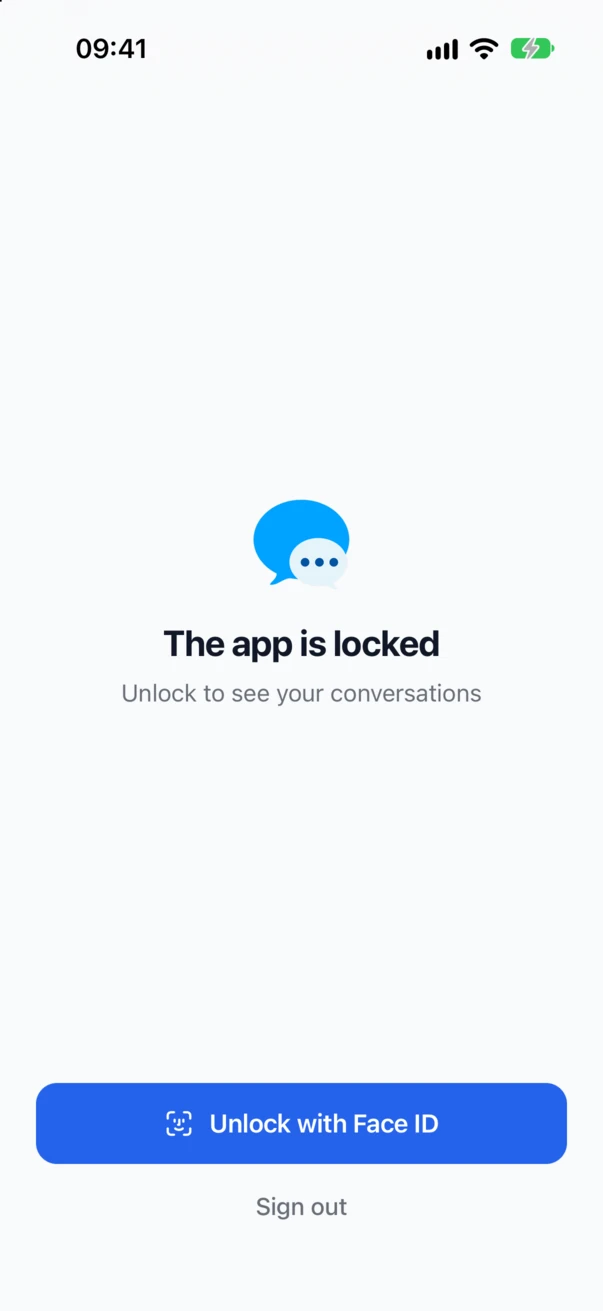
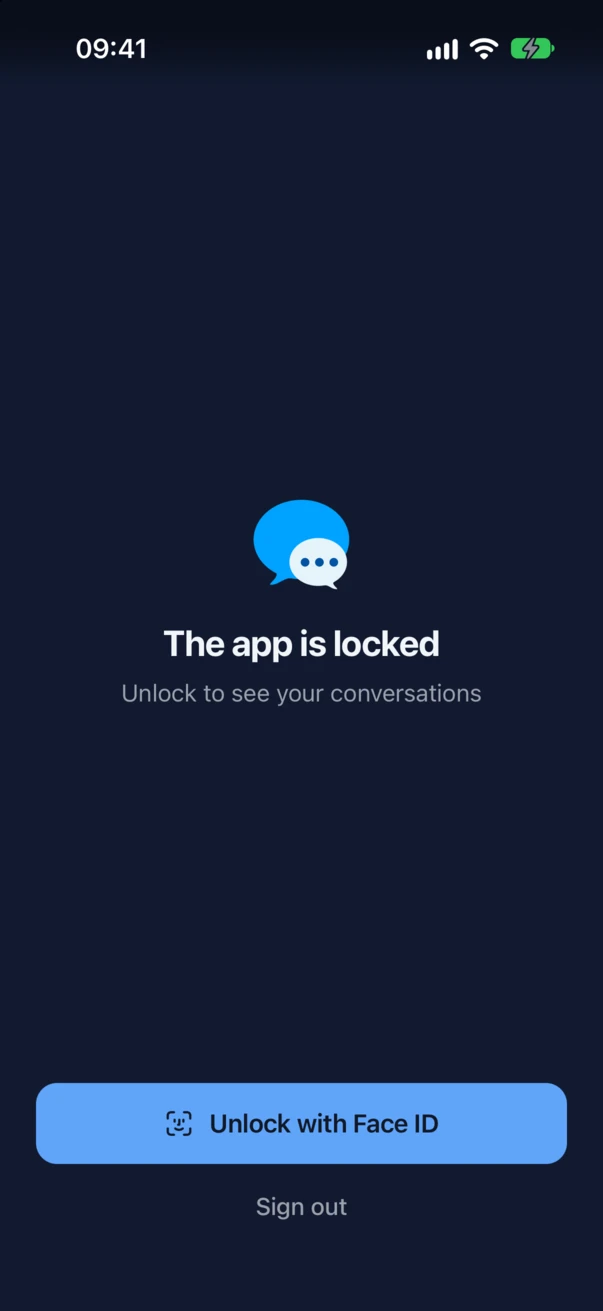
The locked app shows The app is locked and Unlock to see your conversations under the logo of your site, and asks for Face ID at once. Unlock with Face ID asks again (the button names what the phone has: Touch ID, the fingerprint, the face, or the passcode). Sign out under it signs the app out on that phone, after a confirmation, for a member who cannot unlock it.
After too many failed attempts, the phone itself locks Face ID or the fingerprint, and the app asks the member to unlock the phone with its passcode first.
The lock screen takes the logo and the background of the login screen, and follows the light or dark setting of the phone.
Turning it on#
With Each member chooses, the member turns the lock on in the settings of the app: App Lock → Lock with Face ID (or Touch ID, or the fingerprint). The app asks for Face ID once to make sure it works, and then shows Lock after, where the member picks how long the app may stay in the background before it asks again:
- Immediately
- After 1 minute
- After 5 minutes
- After 15 minutes
- After 1 hour

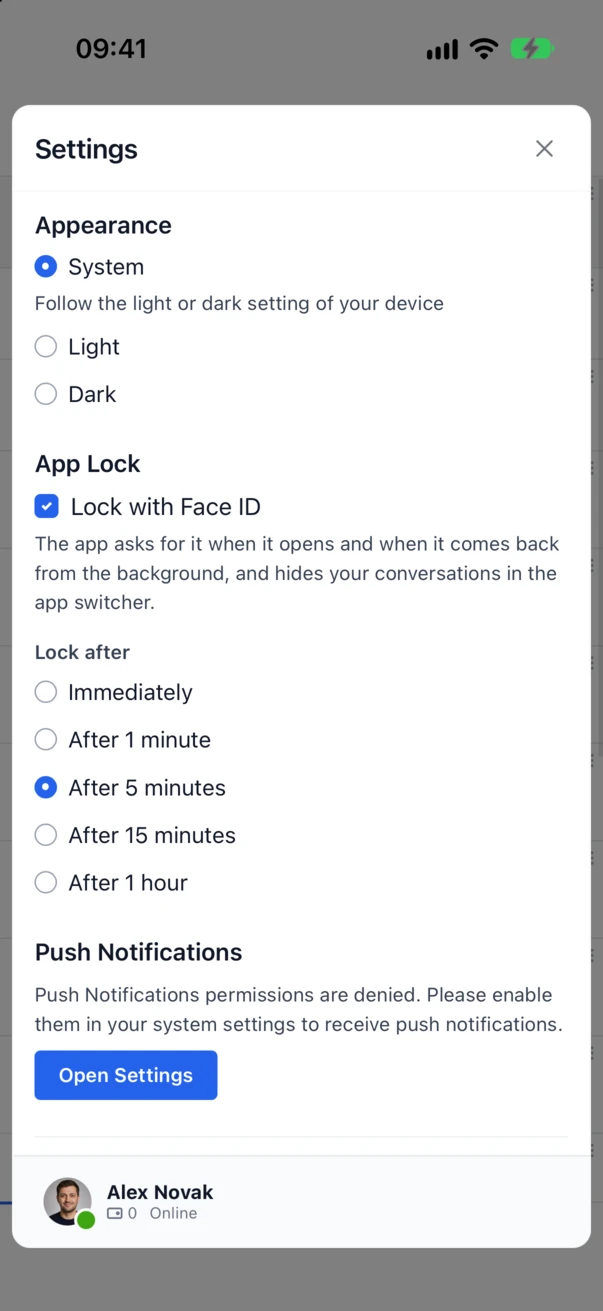
With Required, the switch is on and cannot be turned off, and the line under it says that the site requires the app lock. The member still picks Lock after, up to the time the site set.
A phone with no passcode, no Face ID and no fingerprint cannot be locked. With Each member chooses, the app shows no switch on such a phone. With Required, the app does not open until the phone has a screen lock: it says so and offers Try again.
The settings#
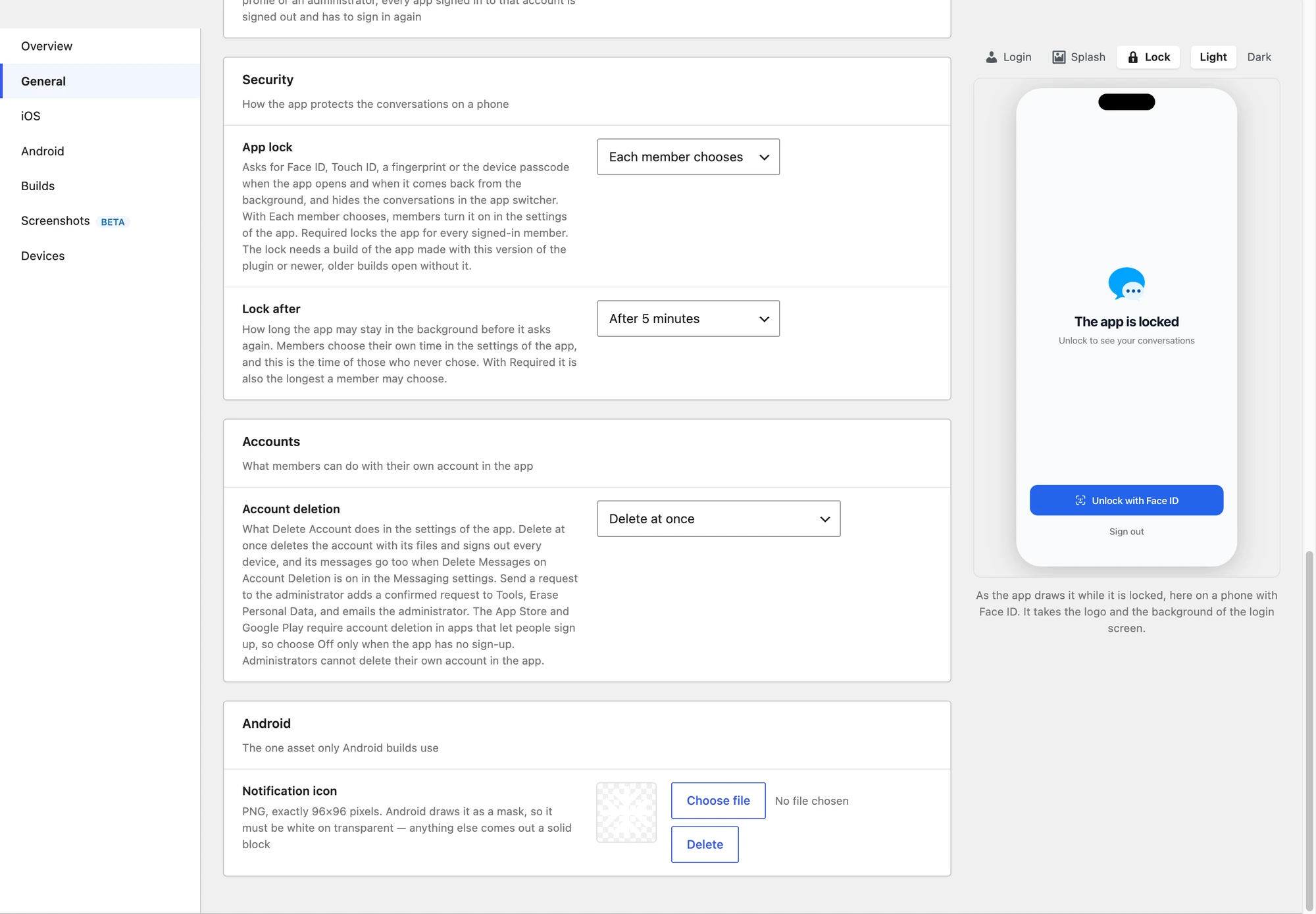
Better Messages → Mobile App → General → Security:
| Setting | What it does |
|---|---|
| App lock | Off: no lock, and no switch in the app. Each member chooses (the default): each member turns it on in the settings of the app. Required: the app locks for every signed-in member |
| Lock after | How long the app may stay in the background before it asks again: Immediately, After 1 minute, After 5 minutes (the default), After 15 minutes or After 1 hour. It is the time of members who never chose their own. With Required, it is also the longest a member may choose |
While you edit this section, the phone preview on the right shows the lock screen.

When the app locks#
- When the app starts. A fresh start always asks, whatever Lock after says. A reload of the app, for example after an update, does not.
- After the time in the background. The time counts from the moment the app goes to the background, the home screen or another app. Picking a photo or a file from the app, and the questions the phone asks for a permission, do not count as background.
- Not right after signing in. The first start after a sign-in does not ask.
The app switcher#
While the lock is on, the conversations never show in the app switcher. On iPhone the app covers itself with its launch screen when it goes to the background. On Android the app switcher shows no picture of the app.
Calls#
A call is never covered by the lock. The call screen of the app is native and stays in front, so a member can answer and talk without unlocking. When the app would lock during a call, it waits for the call to end and asks then.
Older builds of the app#
The lock is a native part of the app. An app built before Better Messages 3.2 has no lock: it shows no switch, and opens without a lock even when the site sets Required. Publish a new build in the stores before you rely on Required.
For developers#
| Hook | Type | What it does |
|---|---|---|
better_messages_mobile_app_lock | filter | The lock of the site, an array with mode (off, choice or required) and after in seconds (0 to a day). An unknown mode counts as choice |
add_filter( "better_messages_mobile_app_lock", function( $lock ) {
    $lock["mode"]  = "required";
    $lock["after"] = 60;

    return $lock;
} );
The member choices live on the phone, not on the site: the switch and the Lock after time of a member are kept by the app on each device.