Login Screen of the Mobile App
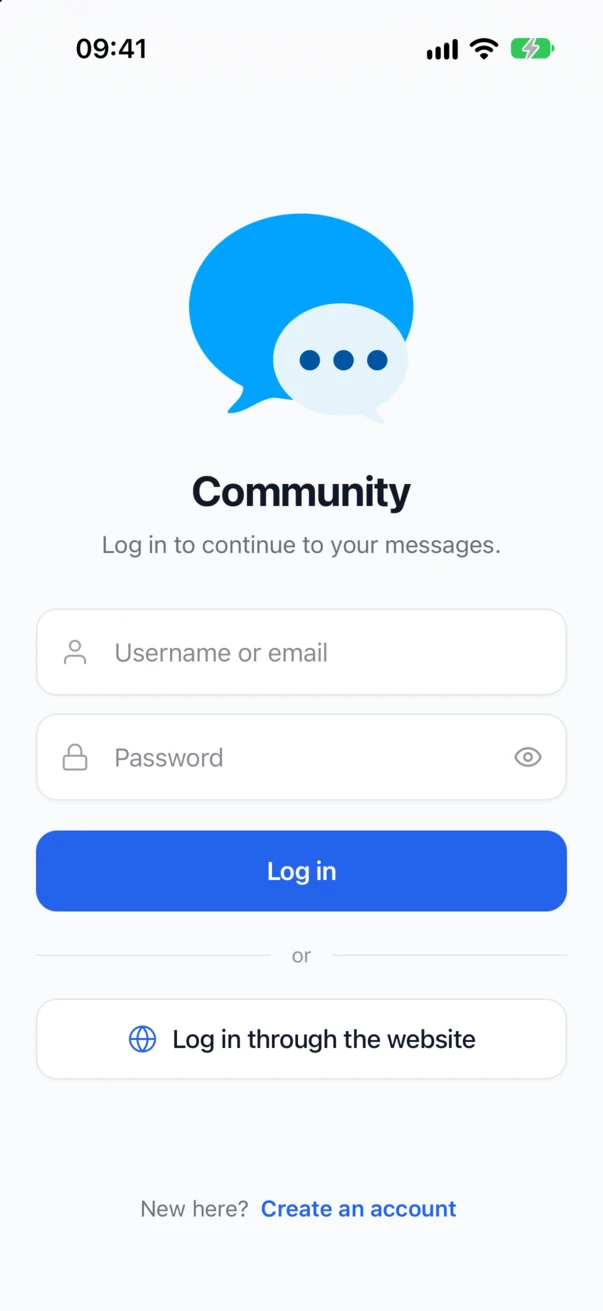
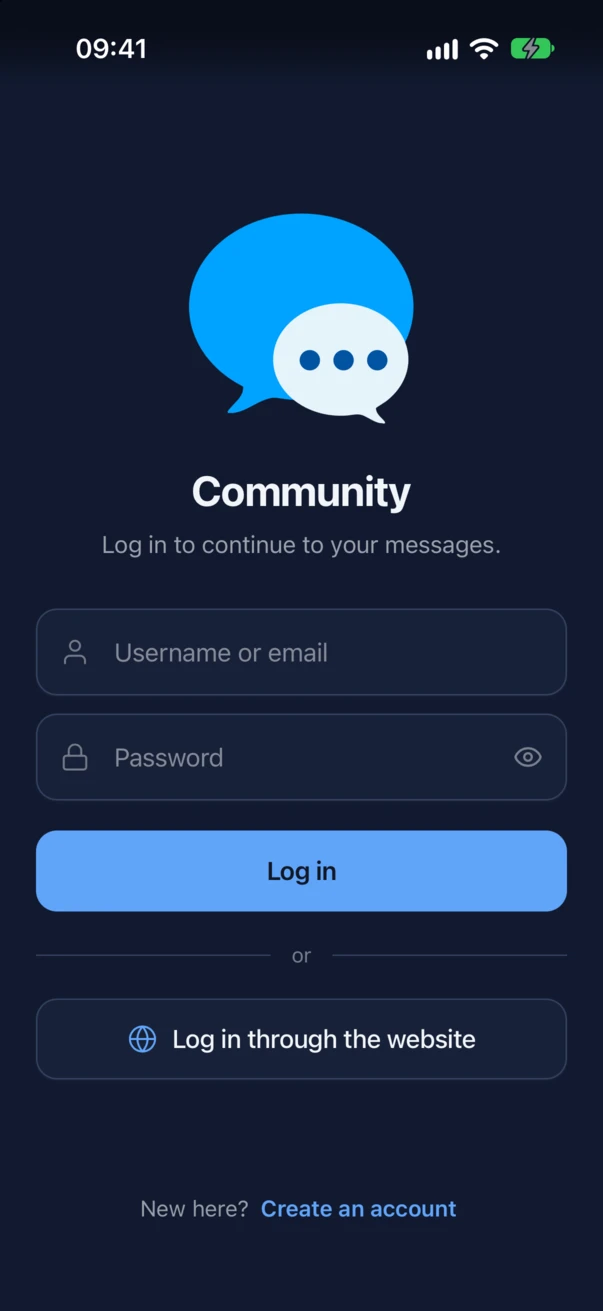
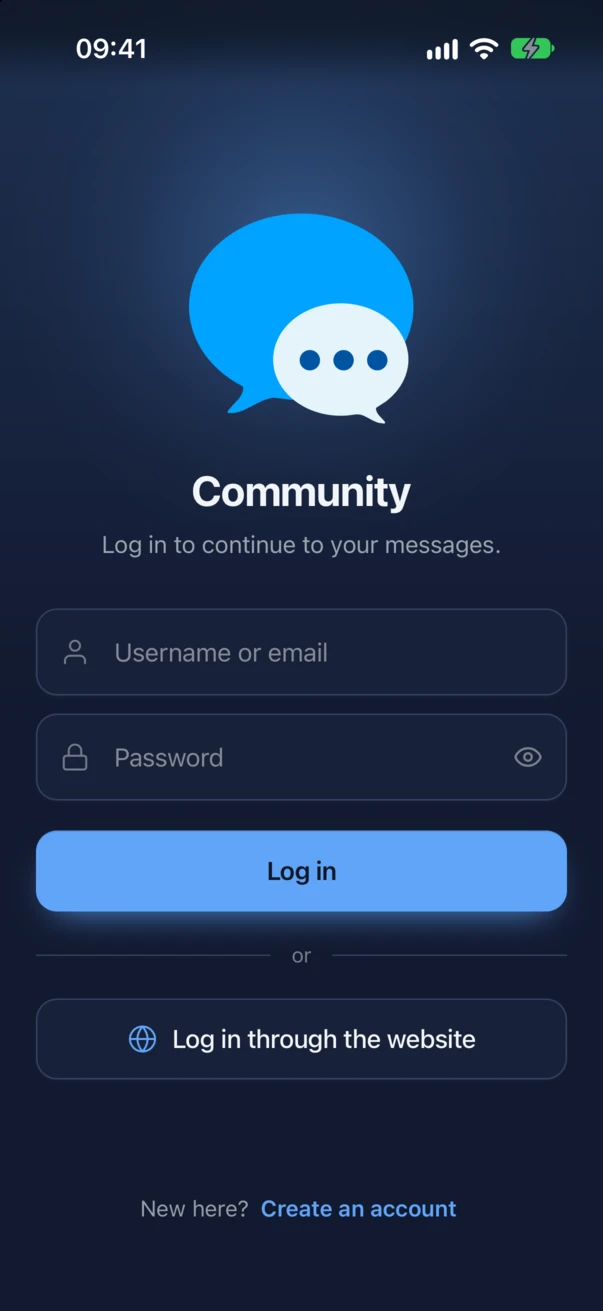
The login screen is the first screen of the app for anyone who is not signed in. It is drawn with the colors of the messenger from Better Messages → Settings → Appearance, in light and dark, and follows the light or dark setting of the phone.


What the screen shows#
From the top:
- The mark of your site. The login logo when you uploaded one. Without a logo, the site icon of WordPress (Site Icon, set in the Customizer under Site Identity or in the settings of the site). Without either, the first letter of the site name in a tile shaped like an app icon.
- The site name, from Settings → General → Site Title, and the line Log in to continue to your messages.
- The ways in that Sign-in methods allows: the username and password fields with Log in, and Log in through the website. See Sign-in and two-factor authentication.
- I agree to terms and conditions when a Terms & Conditions URL is set. The member ticks it before logging in.
- New here? Create an account when Anyone can register is on in Settings → General → Membership. It opens the registration page of the site in the browser.
The fields offer the passwords the phone has saved for your site, the password has an eye to show it, and errors show on the screen itself.
The settings#
Better Messages → Mobile App → General → Login screen:
| Setting | What it does |
|---|---|
| Logo | Optional, and recommended. PNG or SVG with a transparent background. Without one, the screen shows the site icon or the site name, as described above, and builds start without it |
| Logo for dark mode | Optional. Shown in place of the logo while the app is dark, for a logo that does not read on a dark background. Leave it empty to use the logo in both |
| Logo height | The tallest the logo is drawn. Both logos use it |
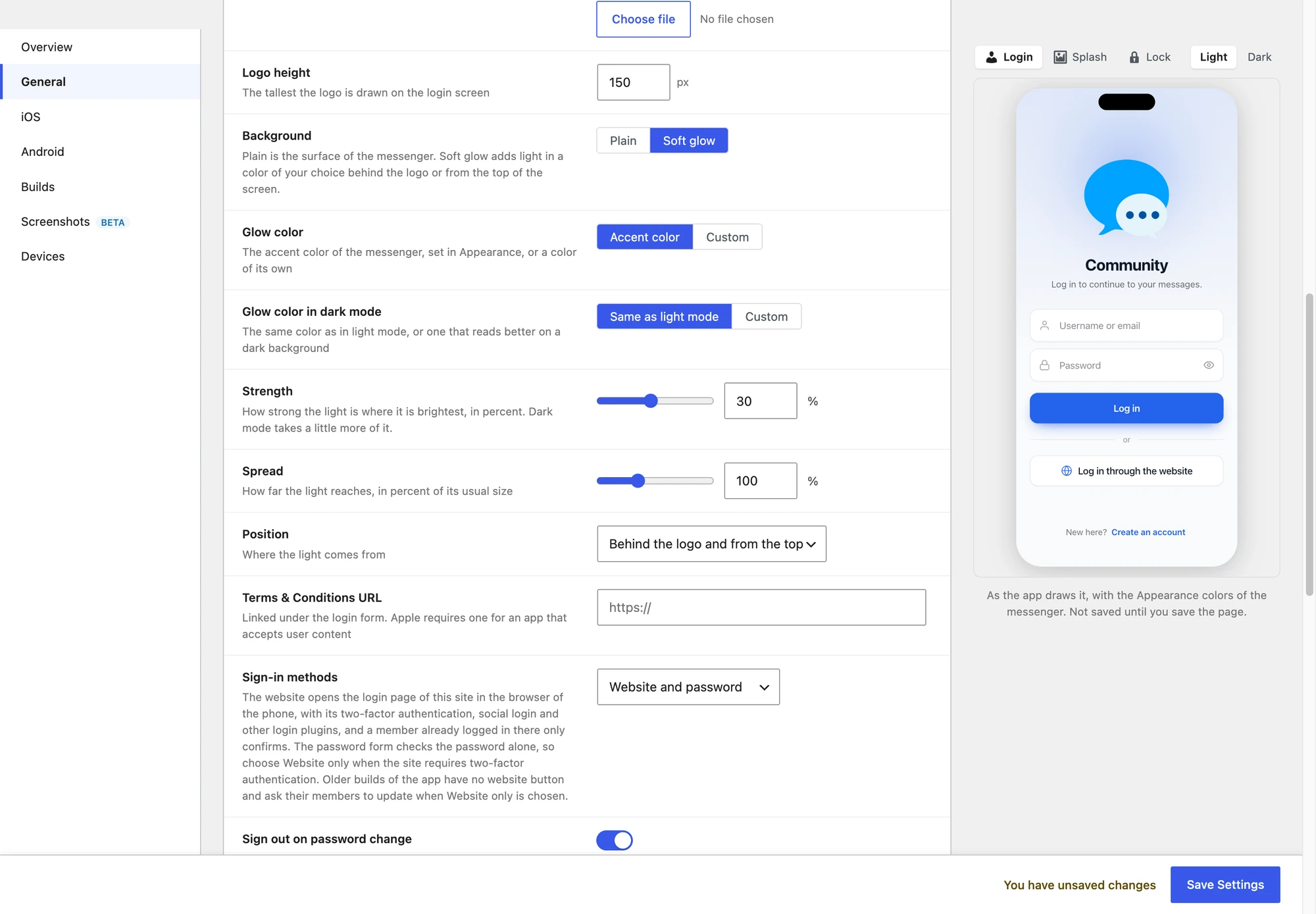
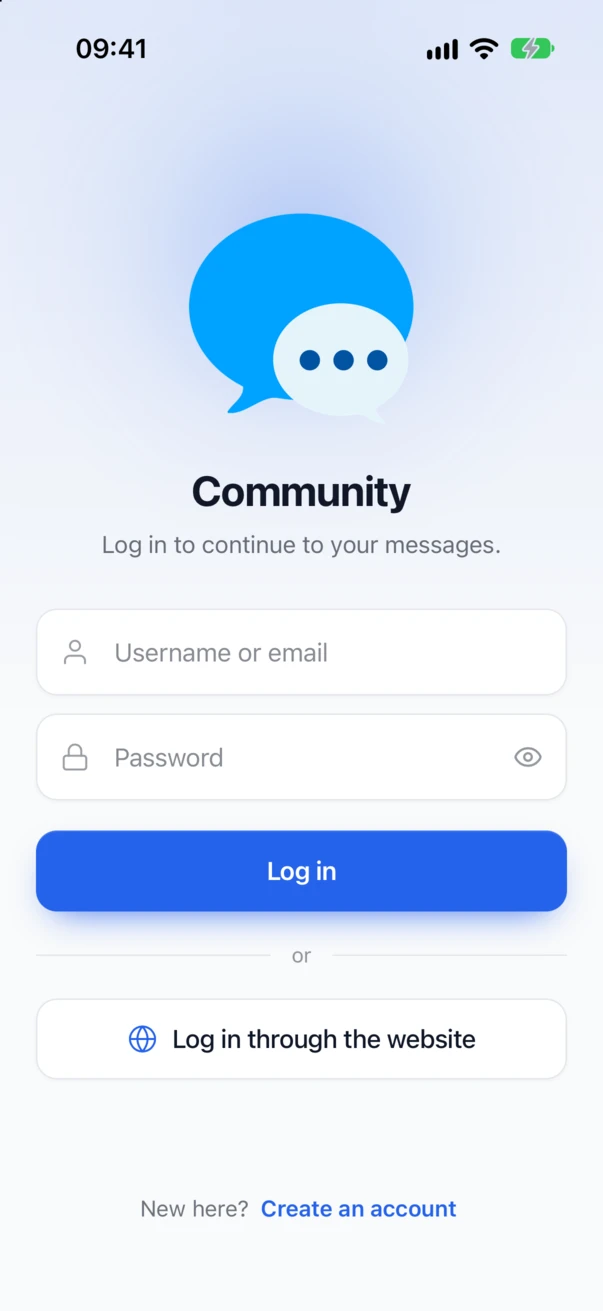
| Background | Plain (the default) is the surface of the messenger. Soft glow adds light behind the logo or from the top of the screen |
| Glow color | Accent color, the accent of the messenger from Appearance, or Custom |
| Glow color in dark mode | Same as light mode, or a Custom color that reads better on a dark background |
| Strength | How strong the light is where it is brightest, from 5 to 60 percent. Dark mode takes a little more of it |
| Spread | How far the light reaches, from 50 to 200 percent of its usual size |
| Position | Behind the logo, From the top of the screen, or Behind the logo and from the top |
| Terms & Conditions URL | Linked under the login form. Apple requires one for an app that accepts user content |
The glow settings appear once Soft glow is chosen.



The phone preview#
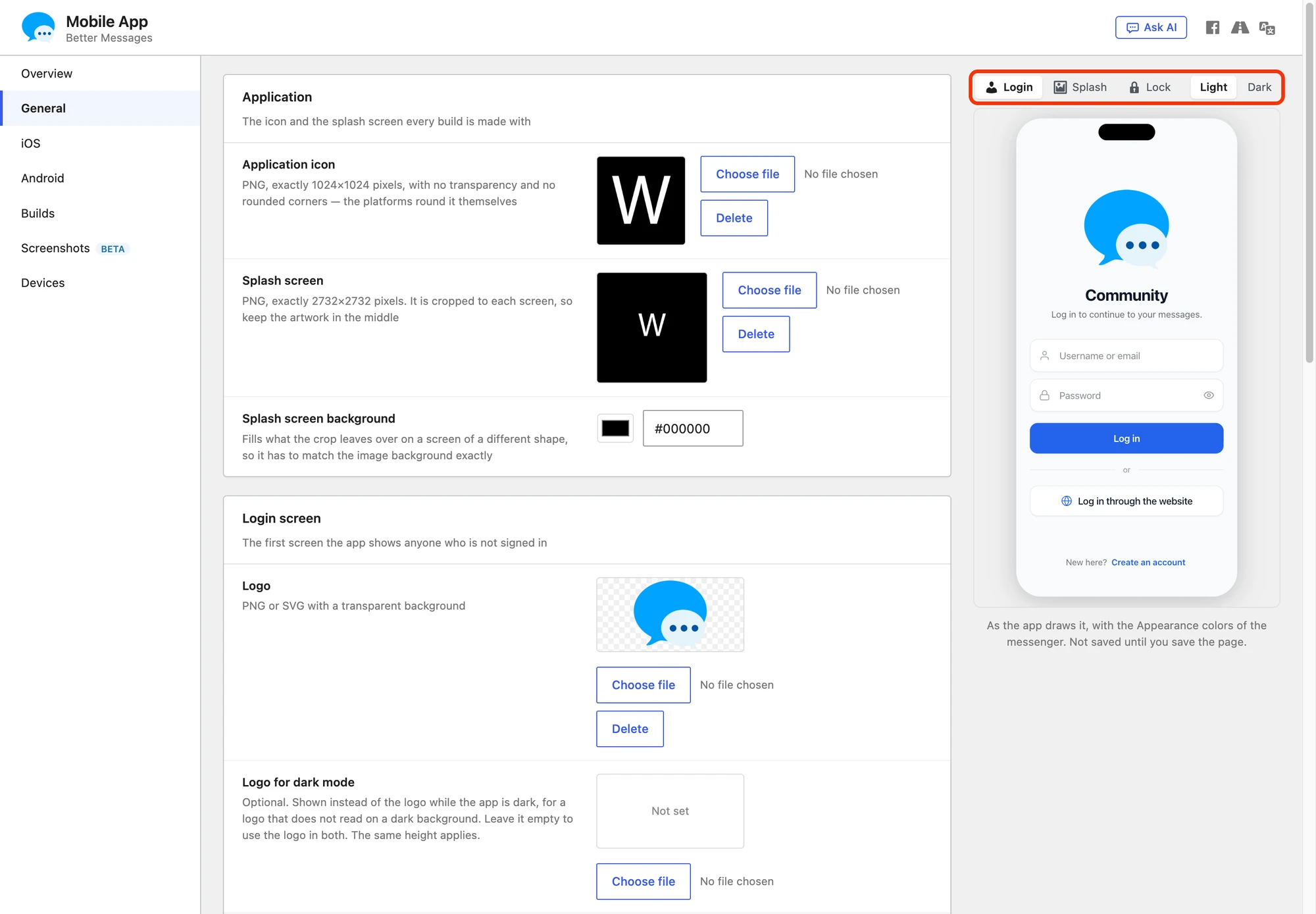
On the right of Mobile App → General, a phone shows the app as it will look, drawn by the same screens and styles as the app itself. Above it you switch between:
- Login, the login screen, with the changes on the page before you save them
- Splash, the splash screen as iOS shows it while the app starts
- Lock, the lock screen of the app lock, which takes the logo and the background of the login screen
- Light and Dark
The phone stays in view while you scroll, and shows the screen of the section you edit. Android is not previewed yet.

When a change reaches the app#
The login screen is drawn by the part of the app that comes from your site, so a change reaches installed apps without a new build, the way a plugin update does (see How an update reaches an installed app). An app open on the login screen picks up the change on a later start.
The new design, the logo for dark mode and the glow are part of Better Messages 3.2, so they reach every app that runs Better Messages 3.2 from your site. A new build is only needed for what the login screen does natively: website sign-in.
For developers#
| Hook | Type | What it does |
|---|---|---|
better_messages_mobile_app_login_background | filter | The background: loginBackground (plain or glow), loginGlowColor, loginGlowColorDark, loginGlowStrength, loginGlowSpread and loginGlowPosition (logo, top or both). Values are checked again after the filter |
better_messages_mobile_settings | filter | Everything the login screen and the other app screens read from the site, among them loginLogo, loginLogoDark, siteName, siteIcon and termsAndConditions |
better_messages_registration_url | filter | Where Create an account leads |
add_filter( "better_messages_mobile_app_login_background", function( $background ) {
    $background["loginBackground"]   = "glow";
    $background["loginGlowColor"]    = "#7c3aed";
    $background["loginGlowPosition"] = "top";

    return $background;
} );