wpForo Private Messages Plugin
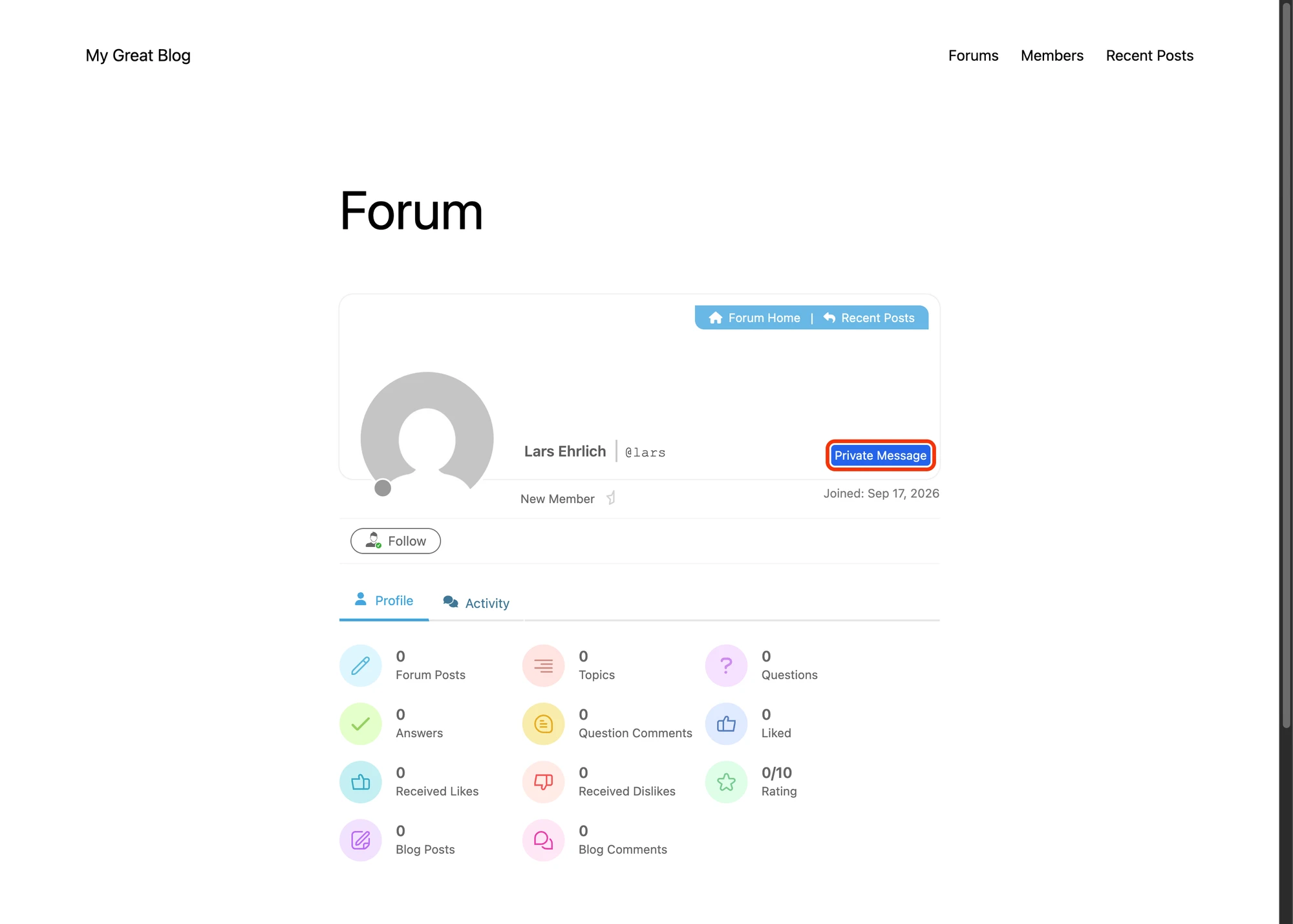
wpForo is one of the most-installed forum plugins on WordPress. Forum users often want to take a thread out of public view and continue the conversation privately. Better Messages adds a modern real-time messenger to wpForo sites — taking over the wpForo profile Private Message button and using wpForo avatars / links throughout the messenger.
What Better Messages adds to wpForo#
Once Better Messages is installed and the Messages Location is set to a WordPress page:
- Private Message button on every wpForo user profile — replaces the native wpForo PM button.
- wpForo avatars and profile links used throughout the messenger.
- Real-time delivery, group chats, file uploads, reactions, mentions — everything wpForo's native PM does not offer.
Installing Better Messages on a wpForo site#
- Install Better Messages from WordPress.org and activate it.
- Create a WordPress page where the messages will be located (or pick an existing one).
- Open WP Admin → Better Messages → Settings → General and set Messages Location to that page.
The wpForo profile Private Message button now points at Better Messages.
Free vs WebSocket version for wpForo sites#
| Feature | Free version | WebSocket version |
|---|---|---|
| Private Message button on wpForo profiles | yes | yes |
| Avatars and profile links from wpForo | yes | yes |
| Group conversations and file uploads | yes | yes |
| Real-time delivery | polling | instant |
| One-on-one voice and video calls | — | yes |
| Group voice and video calls (off-thread huddles) | — | yes |
| Web push notifications for new messages | — | yes |
| Read receipts | — | yes |
| End-to-end encryption (optional per thread) | — | yes |
For wpForo communities running paid or member-only forums, the WebSocket version's instant delivery and web push notifications turn private messaging from "the place threads go to die" into a daily-engagement surface.
Frequently asked questions#
Does it replace wpForo's built-in Private Messages?#
It takes over the same Private Message button URLs, so members never see the old PM component. The native PM can be left active or disabled — Better Messages does not require disabling it.
Will existing wpForo PM threads survive?#
The data stays in the database. The wpForo PM component reads from its own tables, while Better Messages reads from its own tables — they do not interfere with each other. Most sites leave the wpForo PM disabled after switching.
Does it integrate with wpForo's forum-level moderation?#
Better Messages has its own moderation layer (pre-moderation, bad-words filter, user reports). It does not piggyback on wpForo's moderation, but its own moderation works on every messenger surface.
Can forum members message each other in groups?#
Yes — Better Messages supports group conversations. Members can be added to a thread either ad-hoc or via integration with whichever community plugin you also run (BuddyPress Groups, BuddyBoss Groups, etc.).
Does it work with wpForo Pro Memberships?#
Yes — wpForo Pro maps subscription tiers to WordPress roles, which Better Messages reads. Configure messaging permissions by role in Better Messages → Settings → Restrictions.
See also#
- wpForo integration documentation — full setup reference
- BuddyPress messaging plugin — for forums + community on BuddyPress
- BuddyBoss messaging plugin — for forums + community on BuddyBoss