88 posts tagged with "Guides"

How-to guides and tutorials

View All Tags

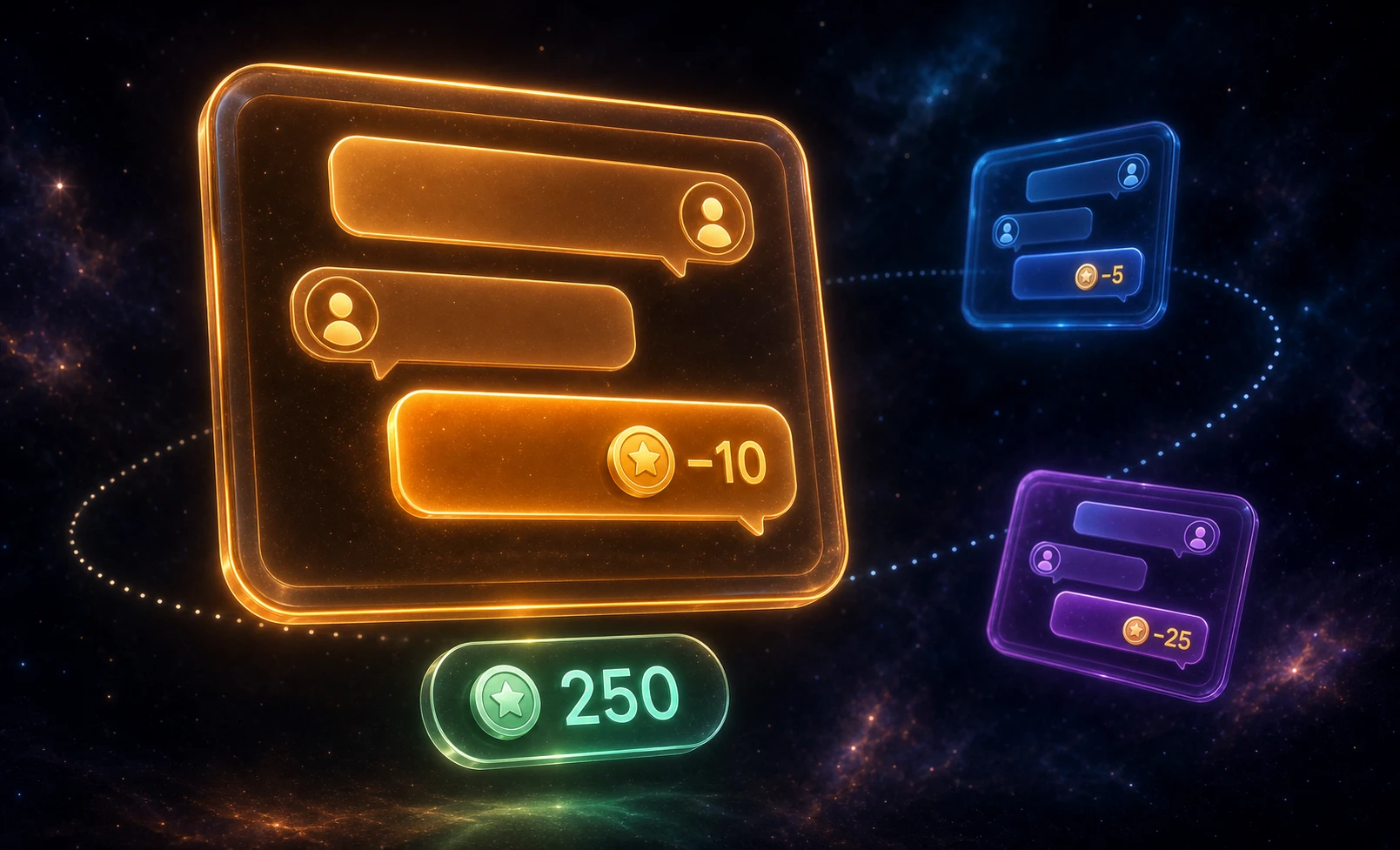
WordPress Monetized Messaging: Build a Paid DM Platform with Per-Message Billing

· 10 min read
Creator of Better Messages
WordPress monetized messaging platform — per-message billing, per-role pricing, and balance display inside the messenger

A monetized messaging platform sells the conversation itself. Visitors browse profiles for free, but sending a direct message costs points — and so does opening a new thread or placing a call. The business model is paid DMs: the platform charges per interaction, the recipient (a creator, coach, or expert) earns a share, and the user tops up a balance to keep talking. Better Messages plus a points engine (GamiPress or MyCRED) implements this on WordPress — per-message billing, per-role pricing, per-call rates, with the balance shown inside the chat.

WordPress Chat Rooms Website: Build a Live Chat Community From Scratch

· 11 min read
Creator of Better Messages
Build a WordPress chat rooms website — topic-based rooms with guest access, role-gated private rooms, and live moderation

The classic chat-rooms website — a list of topic rooms across the homepage, a public lobby for guests, a few private rooms behind a login, people drifting between them all evening — is one of the oldest layouts on the web. IRC servers, AIM rooms, and the small Java-applet chats of the early 2000s all hit the same shape. WordPress can host that site today with a single plugin and no external chat service.

WordPress Live Chat Plugin: Real-Time Chat for Visitors and Members

· 12 min read
Creator of Better Messages

"Live chat" on a WordPress site has two distinct meanings — and most WordPress live chat plugins only cover one of them. The first is visitor-to-staff support chat: a floating bubble in the corner, anonymous visitors typing to a sales or support agent. The second is member-to-member real-time chat: logged-in users private-messaging each other, group chats, chat rooms, community discussion. Better Messages handles both from one plugin, with a single chat surface and a single REST API.

WordPress live chat plugin — floating chat bubble and mini widgets on a WordPress site

WordPress Intranet Chat: Real-Time Messaging for Internal Communication

· 13 min read
Creator of Better Messages

An internal WordPress intranet — built on BuddyBoss, BuddyPress, FluentCommunity, Woffice, or Olympus — already hosts the employee directory, the document library, the org chart, the company announcements. What it usually doesn't host is the conversation: the day-to-day private messages, the department group chats, the live discussion when something needs to be sorted now rather than emailed. A native WordPress chat plugin adds that conversation layer inside the same intranet — one login, one inbox, one set of WordPress roles to manage.

WordPress intranet chat — department channels and real-time internal communication on a WordPress site

Shortcode Builder: Live Chat Button on Any Custom Post Type, No PHP

· 7 min read
Creator of Better Messages

Until this release, putting a Live Chat button onto a custom directory, a marketplace listing, or a real-estate agent profile that Better Messages didn't ship a dedicated integration for required PHP. You'd open the theme template, fetch get_the_ID(), look up a vendor user id from postmeta, build a unique tag per post, and finally call do_shortcode() with the right attributes. It worked, but every CPT meant another snippet to write and maintain.

Better Messages 2.15.9 ships a visual Shortcode Builder that does this for you. Point it at a sample listing, pick a few radio buttons, copy the resulting shortcode, paste it anywhere. The same shortcode then works for every listing of that shape — Better Messages resolves the target user, the conversation thread, and the in-chat banner against whichever listing the visitor is currently looking at.

RealHomes Real Estate Chat: Buyer ↔ Agent Messaging

· 13 min read
Creator of Better Messages

RealHomes from Inspiry Themes is one of the longest-running real-estate WordPress themes — property post types, agent and agency CPTs, the Easy Real Estate plugin, three design variations (Ultra / Modern / Classic), Elementor templates, and a polished user dashboard with CRM Inquiries. What it does not ship with is a real-time chat layer that keeps the conversation on-site, with persistent history, file attachments and the option to escalate to a call. The native contact form mails the agent, then the lead goes cold while the buyer browses the next listing. Better Messages adds a Live Chat row on every property page, every listing card, every agent and agency profile, and a Messages tab inside the RealHomes dashboard — same accent color as the rest of the theme, no template overrides needed.

Houzez Real Estate Chat: Buyer ↔ Agent Messaging

· 9 min read
Creator of Better Messages

Houzez from Favethemes is the most-installed real estate theme on the WordPress ecosystem — every Houzez site ships with property post types, agent and agency CPTs, a polished user dashboard, the Houzez Studio Elementor builder, and contact actions on every listing. What it does not ship with is a real-time chat layer that keeps a conversation on-site, with persistent history, file attachments, and the option to escalate to a call. The native contact buttons send an email, then the lead goes cold while the buyer browses the next listing. Better Messages adds a Live Chat button on every property page, every listing card, every agent and agency profile, and a Messages tab inside the Houzez dashboard — same accent color as the rest of the theme, no template overrides needed.

Motors Car Dealer Chat: Real-Time Buyer ↔ Dealer Messaging

· 5 min read
Creator of Better Messages

The Motors plugin from Stylemix turns WordPress into a car-dealer / vehicle-classifieds platform — the most-installed automotive listing plugin on the WordPress ecosystem. Motors ships with Message Us and Make an Offer Price buttons that email the dealer; what it does not ship with is a real-time chat that keeps the conversation on-site, with persistent history, file attachments, and the option to escalate to a call. Better Messages adds that layer: a Live Chat button on every car listing, a LIVE CHAT pill on every inventory list card, a Live Chat row on the dealer profile, and a MESSAGES tab inside the dealer dashboard.

Classified Listing (RTCL) Chat: Real-Time Messaging Plugin

· 5 min read
Creator of Better Messages

Classified Listing (RTCL — Radius Theme Classified Listing) is the best-known classifieds plugin on WordPress, used for everything from local for-sale boards to country-wide listings sites. Better Messages adds a WordPress-native real-time chat layer to RTCL sites — running on its own WebSocket cloud, with the messenger hooking into every RTCL surface: the listing page, archive cards, author / store pages, the My Account dashboard, plus a floating header chat icon with live unread badge.

WordPress LMS Chat: Student & Instructor Messaging Compared

· 7 min read
Creator of Better Messages

WordPress LMS plugins compete on course-builder UX, certificates, and quizzes — but none of them ship with real-time student ↔ instructor messaging out of the box. Students who hit a roadblock either drop the question in a forum that may or may not be monitored, email the instructor and wait, or abandon the course. The fix is a chat layer that lives inside the course page, knows which students are enrolled, and stays in sync as enrollment changes.