WordPress Chat for SaaS Community Sites
A growing number of SaaS companies host their community on WordPress — public docs, a paid product, a blog, a customer community — instead of running a separate Discord or Slack workspace. The reasons converge: the customer data is in the WordPress database, the conversation can be searched and indexed, and the brand is fully white-labeled. The missing piece is the community-chat layer that competes with Slack / Discord for user-to-user discussion. Better Messages fills that gap with role-gated rooms, AI knowledge bots, REST API integration, and a native mobile app.
The SaaS community stack on WordPress#
| Layer | Plugin |
|---|---|
| Marketing site + docs | WordPress core + theme |
| Membership / paid tiers | MemberPress, Paid Memberships Pro, Restrict Content Pro |
| Community / profiles | FluentCommunity (closest to Discord-style) or BuddyBoss Platform |
| Customer chat | Better Messages |
| Knowledge base | Documentation theme (Docusaurus / Diveinfo) or BetterDocs |
| Helpdesk | Awesome Support or FluentSupport |
| Mobile app | Better Messages iOS / Android |
The on-site customer community lives alongside docs and the marketing site. One login, one source of truth.
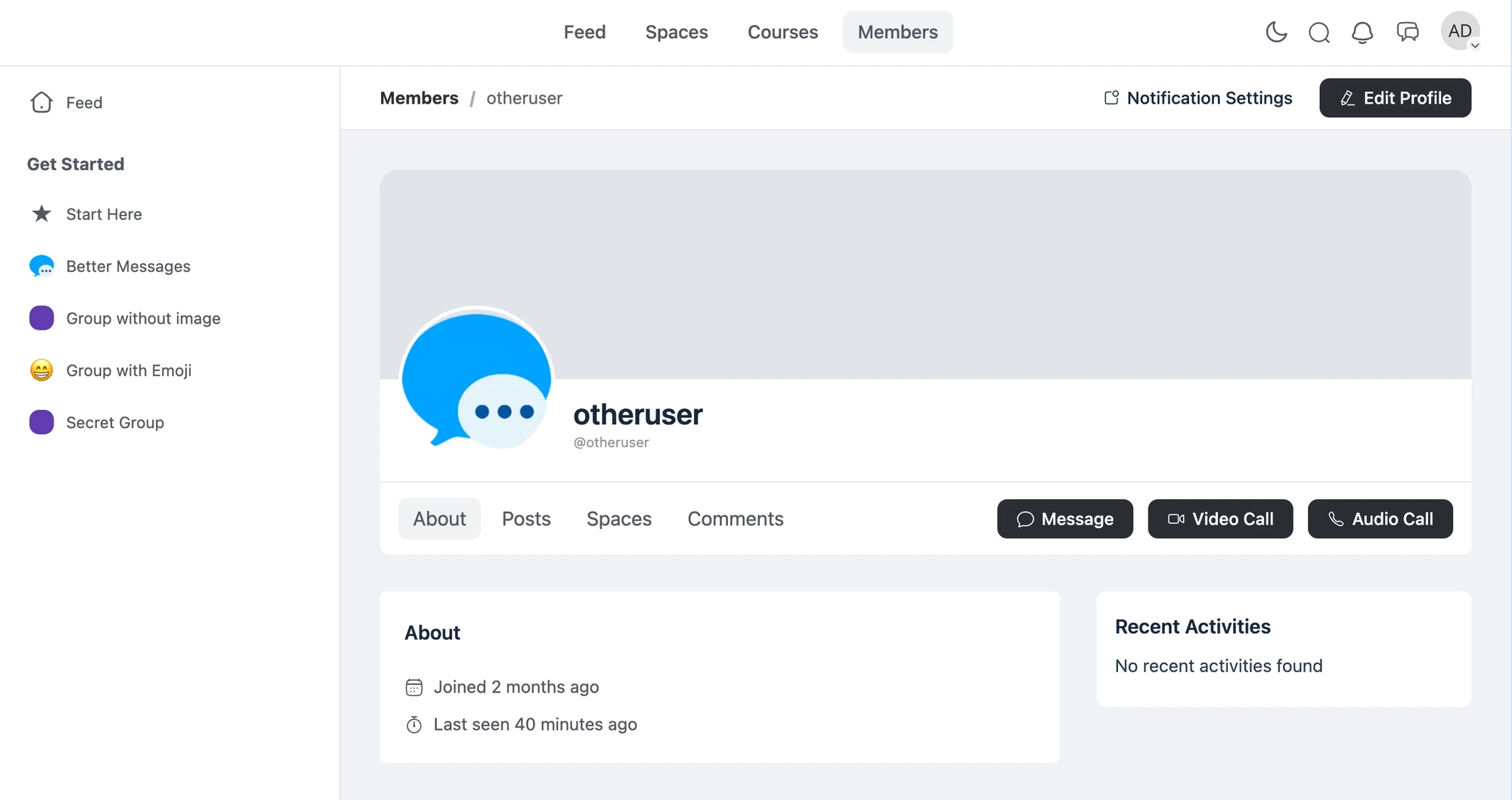
What a SaaS customer community looks like#
Public lobby for product discussion#
A general chat room open to all customers (or all visitors, with guest access). Customers discuss product workflows, share tips, debug together. Lower-friction than filing a support ticket for casual questions.
Paid-tier-only rooms#
Higher-tier customers get access to dedicated rooms — "Pro Users", "Enterprise Customers", "Beta Program Members". Role-gated by the WordPress role the membership plugin sets.
Customer ↔ founder DMs (top tier)#
Some SaaS companies open founder DM access to top-tier customers as a value-add. Configure via role-based access: only the "Enterprise" role can DM the founder. Everyone else cannot.
AI knowledge bot#
An AI Chat Bot configured with the product's documentation answers FAQ questions inside the community. Configured via OpenAI / Anthropic / Gemini with the docs URL whitelist or a knowledge-base file upload. Saves the support team from answering the same product question 50 times a day. See AI chat bots for WordPress private messaging.
REST API for product integration#
The product itself can post into the community — release notes pop into the General room, incident updates land in the Status room, new feature flags announced via API call. Better Messages has a documented REST API. The SaaS backend posts as a bot user. See WordPress chat REST API for developers.
Free vs WebSocket version for SaaS communities#
| Feature | Free version | WebSocket version |
|---|---|---|
| Role-gated chat rooms | yes | yes |
| Paid-tier-only access | yes | yes |
| AI knowledge bots (OpenAI / Anthropic / Gemini) | yes | yes |
| REST API for product → community integration | yes | yes |
| Real-time delivery | polling | instant |
| Group voice / video calls (founder AMAs, customer office hours) | — | yes |
| Web push for new product announcements | — | yes |
| End-to-end encryption (founder DMs with enterprise customers) | — | yes |
| Native mobile app | set up only | yes |
| White-label mobile app (your SaaS brand) | — | yes |
SaaS communities depend on the AI knowledge bot + web push combination — the bot answers the easy questions automatically, web push pulls customers back when a release ships. Without the WebSocket version both are out of reach.
Frequently asked questions#
How does the AI knowledge bot stay current with our docs?#
Configure with file search (OpenAI) — upload the docs export as a knowledge base. Re-upload when docs update (or automate via a cron job). For real-time docs, expose a docs URL whitelist that the bot's web-search capability reads.
Can our product post into the community automatically?#
Yes — use the REST API to post as a bot user. Examples: new release notes posted to a #releases room, incident updates posted to a #status room, feature-flag toggles announced in #beta-program.
Can we restrict messages to specific seats / SSO users?#
Yes — Better Messages reads WordPress roles. Connect your SSO provider to WordPress (via WP SAML, miniOrange SSO, etc.). The SSO identity sets the WordPress role. Better Messages respects it.
Will the mobile app support our SaaS brand?#
The standard mobile app is Better Messages-branded. For full white-label (your SaaS name + icon + splash screen on the App Store / Play Store), the white-label rebuild service ships under your own developer accounts. See WordPress chat mobile app.
Can enterprise customers have private DMs encrypted end-to-end?#
Yes — enable end-to-end encryption per thread. The relay server cannot read message content. Useful for sensitive customer discussions (contract renewals, infrastructure issues). See End-to-end encrypted messaging on WordPress.
See also#
- FluentCommunity chat plugin — the closest WordPress fit for Discord-style channels
- WordPress membership site chat — paid SaaS-tier mapping
- AI chat bots for WordPress private messaging — knowledge bots for SaaS support
- WordPress chat REST API for developers — product → community integration
- WordPress chat mobile app — white-label app for SaaS customers
- End-to-end encrypted messaging — for enterprise-customer DMs