18 posts tagged with "WebSocket"

WebSocket version / realtime features

View All Tags

WordPress Chatbot Plugin: AI Chatbots on OpenAI, Claude or Gemini

· 15 min read
Creator of Better Messages

To add an AI chatbot to WordPress, install Better Messages, save an API key of OpenAI, Anthropic or Google Gemini, and create a bot under Better Messages → AI Chat Bots. The bot is free on WordPress.org and becomes a member of your messenger: people chat with it one to one, mention it in a group or chat room, or open it from a live chat button on any page.

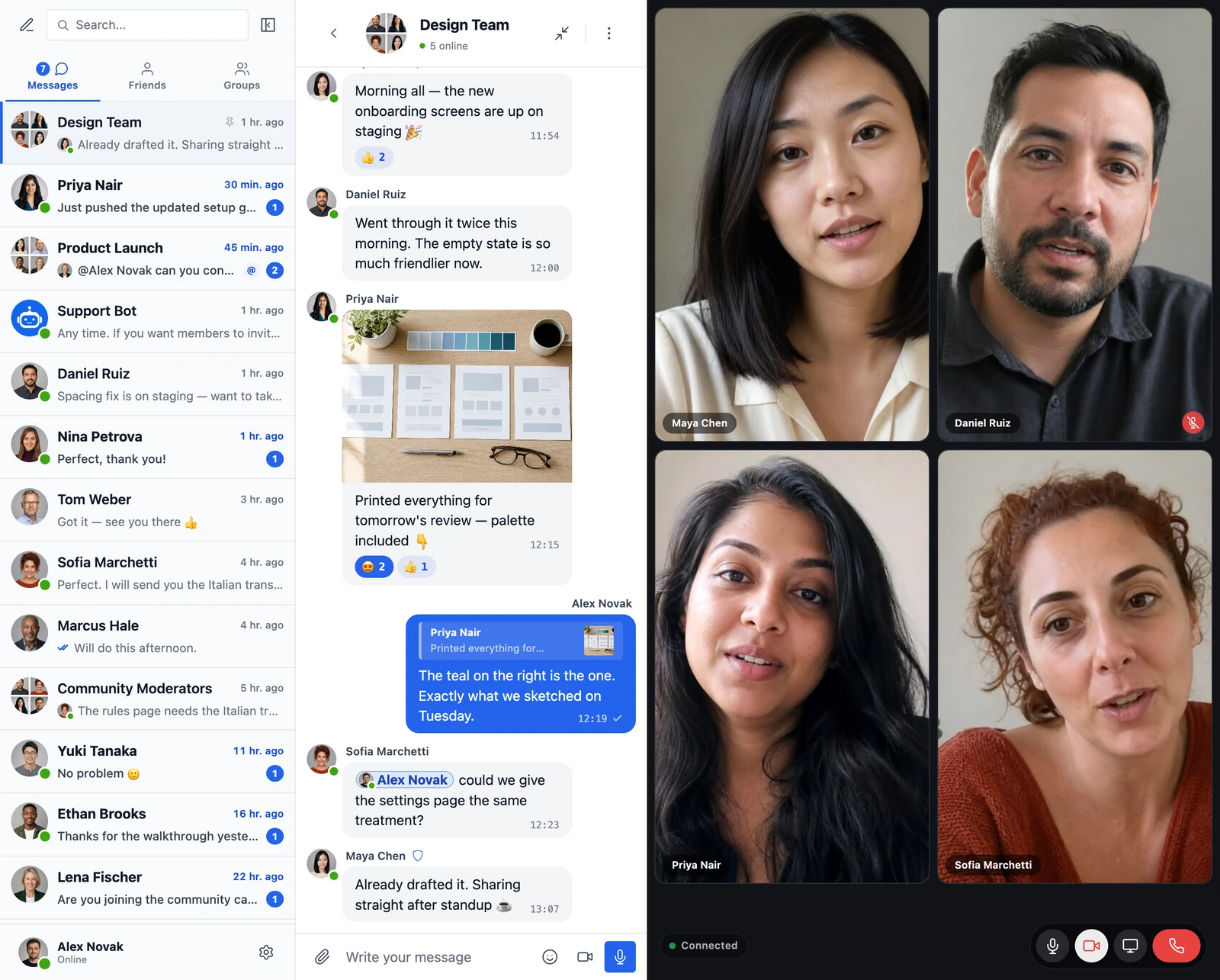
WordPress chatbot plugin: an AI assistant answering members in a WordPress messenger

Better Messages 3.2: Upgraded Group Video Calls, Call Recording and Mobile App Sign-in

· 18 min read
Creator of Better Messages

Better Messages 3.2 is out, and it is a release about calls. Group video calls on your WordPress site now let people check their camera and microphone before anyone sees or hears them, blur or replace what is behind them, take the noise out of their microphone, and meet in calls with no fixed size. Moderators can record a call with a transcript, put a speaker in the spotlight and end a call for everyone. The mobile app signs members in through the login page of your site, two-factor authentication included, and locks with Face ID or a fingerprint.

Your conversations, settings and licence carry across. The mobile apps need a new build for their part of the release, and the few things worth checking are at the bottom, in Updating from 3.1.

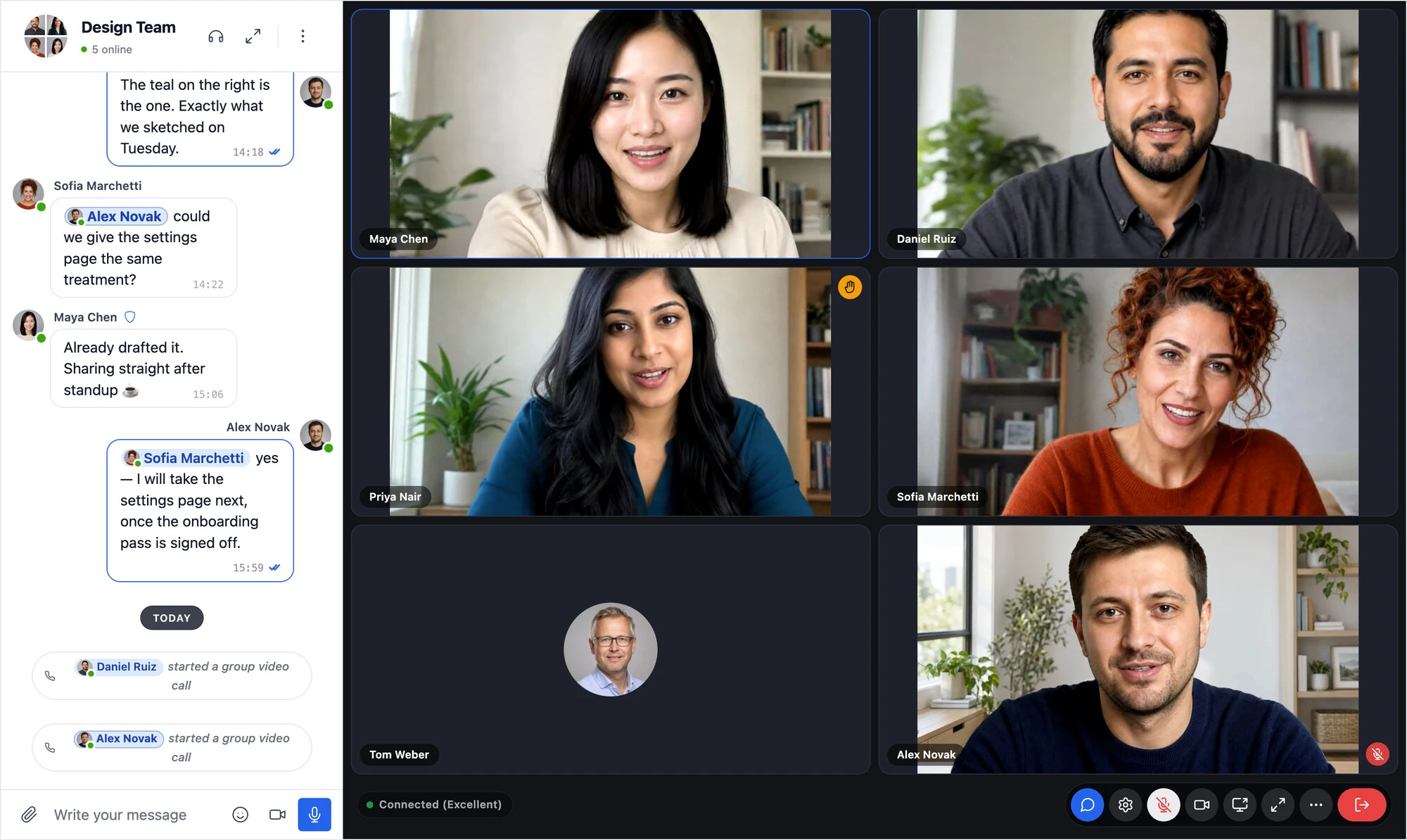
A WordPress group video call in Better Messages: six people in the Design Team conversation, one with a virtual office background and one with a raised hand, beside the chat

Better Messages 3.1: WordPlus Cloud, Notification Levels, Live Streams, Cloud Storage and an AI Assistant

· 9 min read
Creator of Better Messages

Better Messages 3.1 is out. Where 3.0 redrew the messenger, 3.1 changes what runs behind it: the licences and updates of the WebSocket version now come from WordPlus Cloud, the plugin no longer carries the Freemius SDK, and the cloud brings something new to your chat rooms, live streams. Members now choose how much each conversation notifies them, attachments can live in cloud storage, and an AI assistant in your admin answers questions about the plugin from its documentation and your own settings.

Your conversations, settings and licence carry across without anything to do. The few things worth checking are at the bottom, in Updating from 3.0.

Introducing WordPlus Cloud, the New Home of the Better Messages Cloud

· 6 min read
Creator of Better Messages

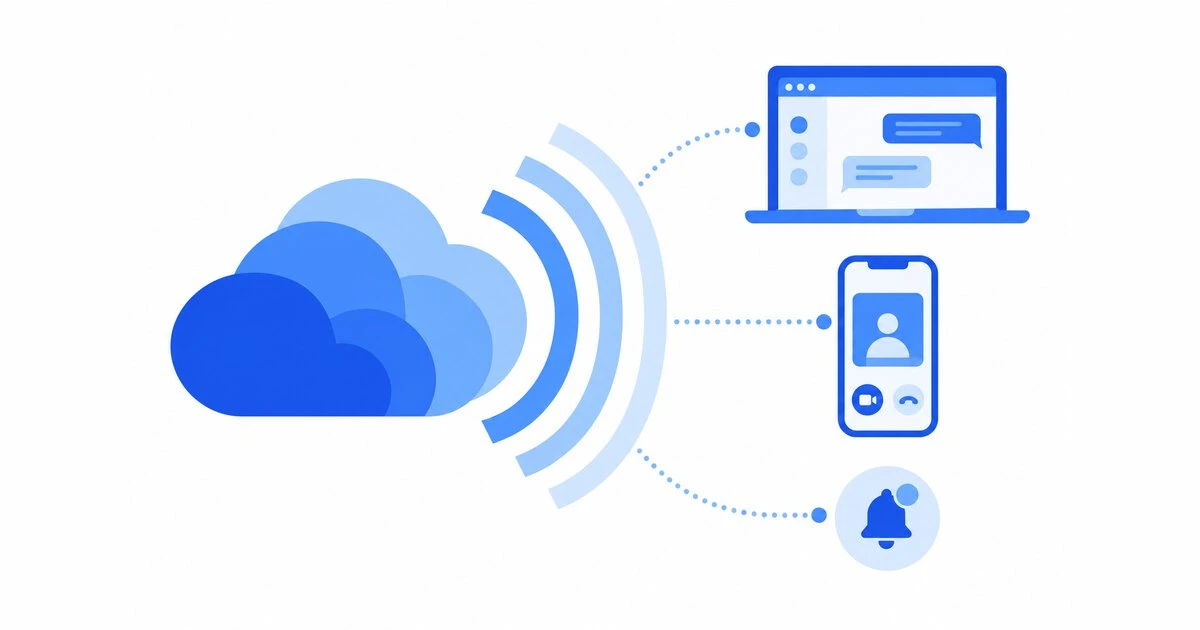
The cloud that runs realtime messaging, voice and video calls, push notifications, mobile apps and AI for every site on the WebSocket version of Better Messages now has its own name: WordPlus Cloud, at www.wordplus.cloud. The servers, the team and the service are the same. What is new is that the cloud is no longer only for Better Messages, and that your licence, your sites and your downloads now live in an account of their own.

If you run the WebSocket version, there is nothing you need to do. This post explains what changes, what stays, and why.

Layered blue signal waves spreading from a cloud to browser windows and phones

How to Add Video Chat to a WordPress Site

· 11 min read
Creator of Better Messages

"Video chat on a WordPress site" can mean two different things, and the right tool depends on which one you need.

  • A meeting. Someone hosts a call at a set time and sends people a link: a webinar, a class, a consultation.
  • Members calling each other. The people on your site, members of a community, buyers and sellers on a marketplace, students of a course, start a video call with each other whenever they want, the way they already send each other messages.

Most WordPress video chat plugins are built for the first. This guide walks through every way to add video chat to WordPress, what each one takes to set up and to run, and which one fits which kind of site.

A group video chat on a WordPress site: four participants in a grid of camera tiles beside the conversation, with the mic, camera, screen sharing and hang-up controls along the bottom

WordPress Monetized Messaging: Build a Paid DM Platform with Per-Message Billing

· 10 min read
Creator of Better Messages
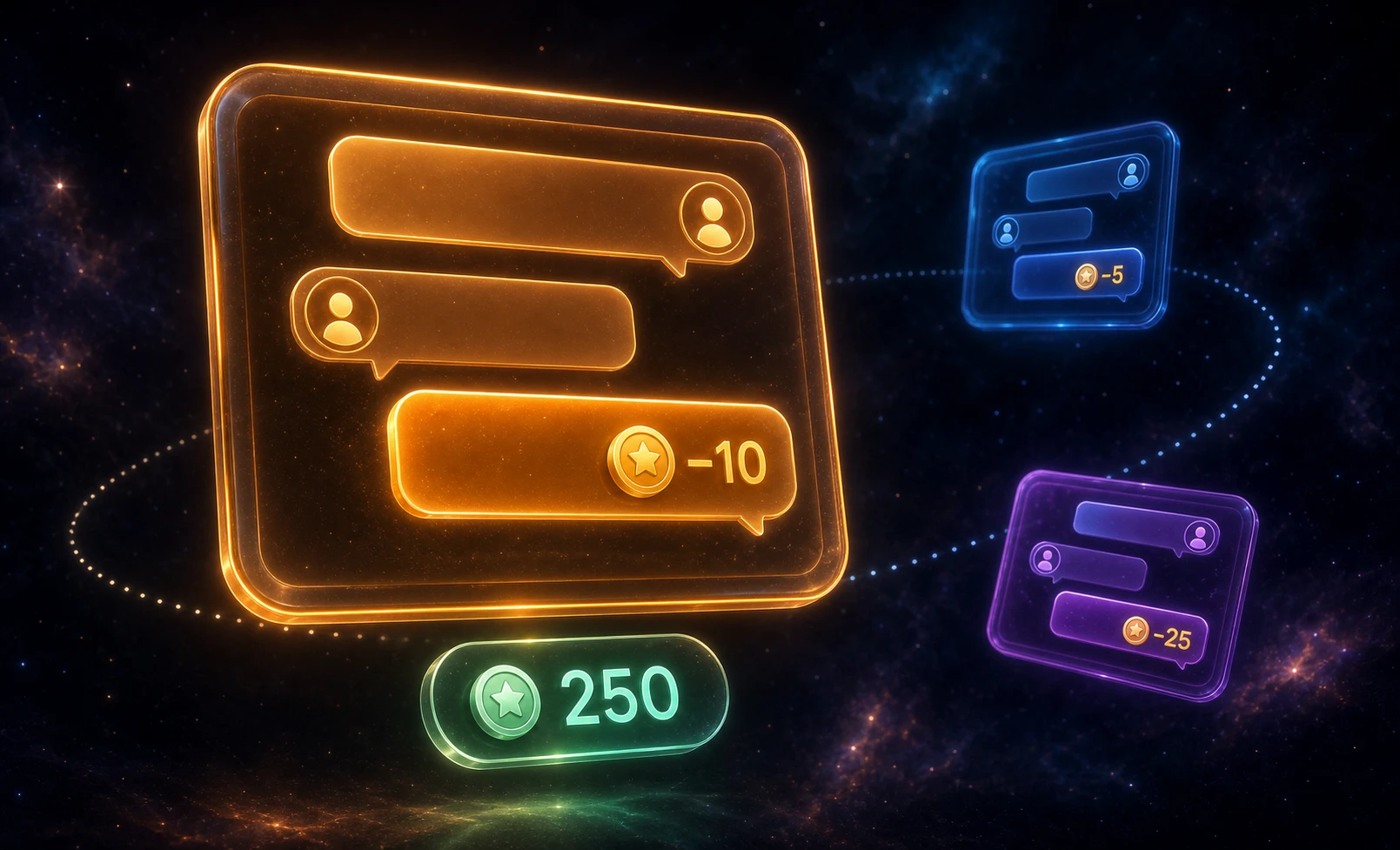
WordPress monetized messaging platform — per-message billing, per-role pricing, and balance display inside the messenger

A monetized messaging platform sells the conversation itself. Visitors browse profiles for free, but sending a direct message costs points — and so does opening a new thread or placing a call. The business model is paid DMs: the platform charges per interaction, the recipient (a creator, coach, or expert) earns a share, and the user tops up a balance to keep talking. Better Messages plus a points engine (GamiPress or MyCRED) implements this on WordPress — per-message billing, per-role pricing, per-call rates, with the balance shown inside the chat.

Free WordPress Live Chat Plugin: Visitors Chat Without an Account

· 16 min read
Creator of Better Messages

Better Messages is a free WordPress live chat plugin: a visitor clicks a Live Chat button, types a name and writes to the person you choose, with no account to create. The free version delivers messages by polling every few seconds, and the WebSocket version delivers them instantly and adds calls, with every conversation kept in your own WordPress database.

WordPress live chat plugin: a chat bubble on a WordPress page, with a visitor on one side and the person answering on the other

WordPress Intranet Chat: Real-Time Messaging for Internal Communication

· 13 min read
Creator of Better Messages

An internal WordPress intranet — built on BuddyBoss, BuddyPress, FluentCommunity, Woffice, or Olympus — already hosts the employee directory, the document library, the org chart, the company announcements. What it usually doesn't host is the conversation: the day-to-day private messages, the department group chats, the live discussion when something needs to be sorted now rather than emailed. A native WordPress chat plugin adds that conversation layer inside the same intranet — one login, one inbox, one set of WordPress roles to manage.

WordPress intranet chat — department channels and real-time internal communication on a WordPress site

Voice Message Transcription in WordPress Chat: Voice Notes to Text

· 11 min read
Creator of Better Messages

Better Messages transcribes voice messages in WordPress chat: anyone in the conversation presses Transcribe on a voice message, or every recording is turned into text as it is sent, and the text shows under the audio for everyone in that conversation. It needs the Voice and Video Messages add-on and one of two providers, the OpenAI Transcription API with your own key, which works on the free version too, or Better Messages Cloud AI, included with the WebSocket license.

End-to-End Encrypted Messaging on WordPress

· 8 min read
Creator of Better Messages

Most WordPress messaging plugins store every message in plaintext in the database. Anyone with access to the database — a site admin, a host's support engineer, an attacker who exfiltrates a database backup — can read every conversation. For most sites that is acceptable. For some sites — therapists with clients, lawyers with opposing parties, journalists with sources, founders discussing acquisition terms — it is not. Better Messages 2.13 introduced optional per-thread end-to-end encryption: messages are encrypted in the sender's browser, stay encrypted at rest, and are decrypted in the recipient's browser. The database holds ciphertext only.