Directorist Chat: Real-Time Messaging for Directory Listings
Directorist turns WordPress into a directory site — a YellowPages, a restaurant guide, a coworking-space finder, a marketplace of services. Each listing has an author. The obvious bridge between a visitor and that author is a one-click Send Message button. Better Messages adds a real-time chat layer that hooks into every Directorist surface: the listing page, archive cards, the author profile, and a Messages tab inside the Directorist user dashboard.
What Better Messages adds to Directorist#
Once Better Messages is installed and the Directorist integration is enabled under Better Messages → Settings → Integrations → Directories:
- Send Message button on the listing page inside the Author Info card.
- Send Message button on archive listing cards in the grid and list views (opt-in).
- Send Message button on the author profile page.
- Messages tab inside the Directorist user dashboard next to My Listings, My Profile, Favorite Listings.
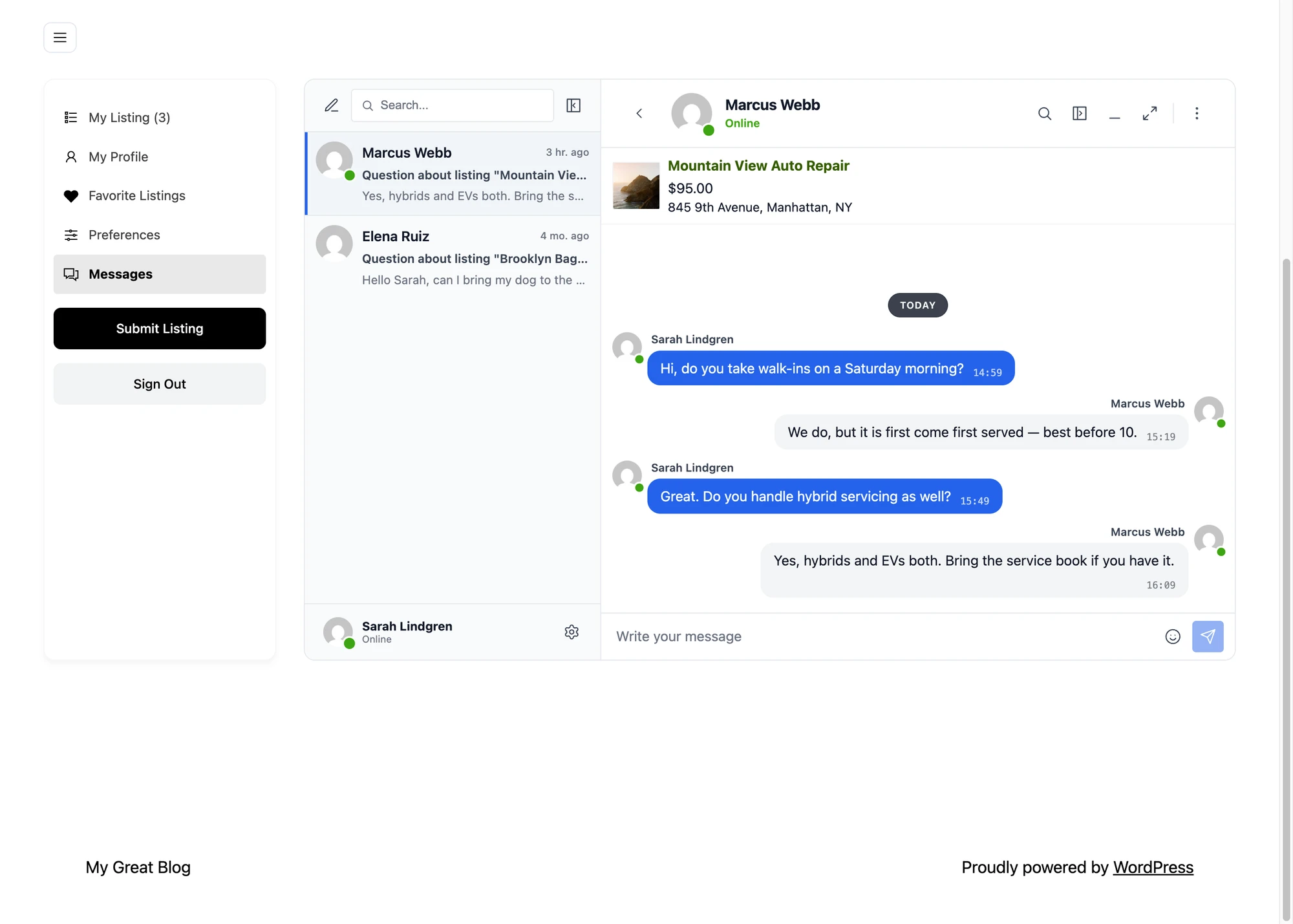
- Listing info card — conversations started from a listing show the listing's image, title, price, and address inside the thread.
- Author profile links — clicking the author's name in a conversation opens the Directorist author profile, not the WordPress one.
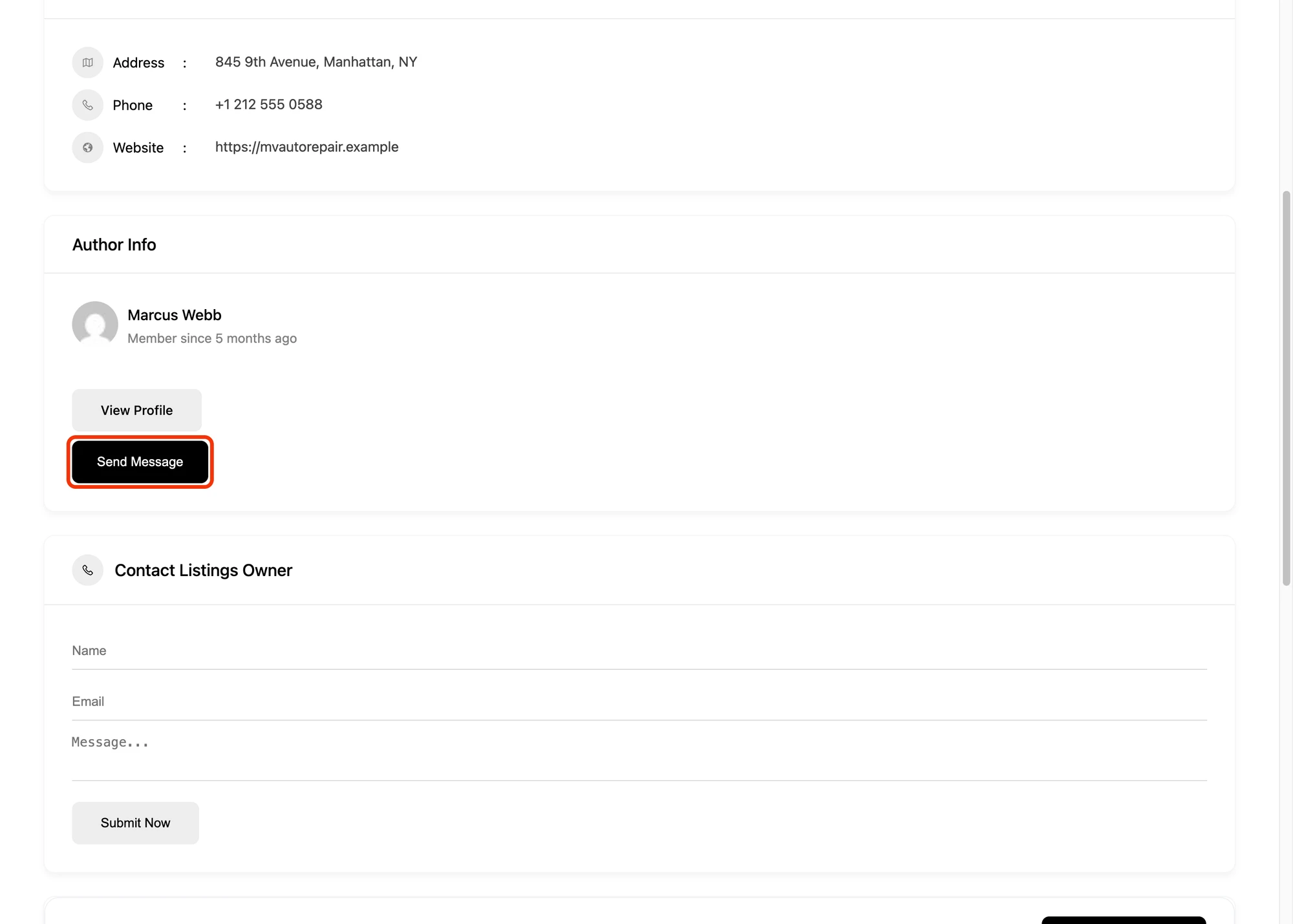
Messages tab inside the user dashboard#

Visitors and listing owners read and reply to conversations without leaving the Directorist dashboard. Combined with Messages Location → Show in Directorist Dashboard, every internal Messages link routes to this tab.
Listing info card inside the conversation#

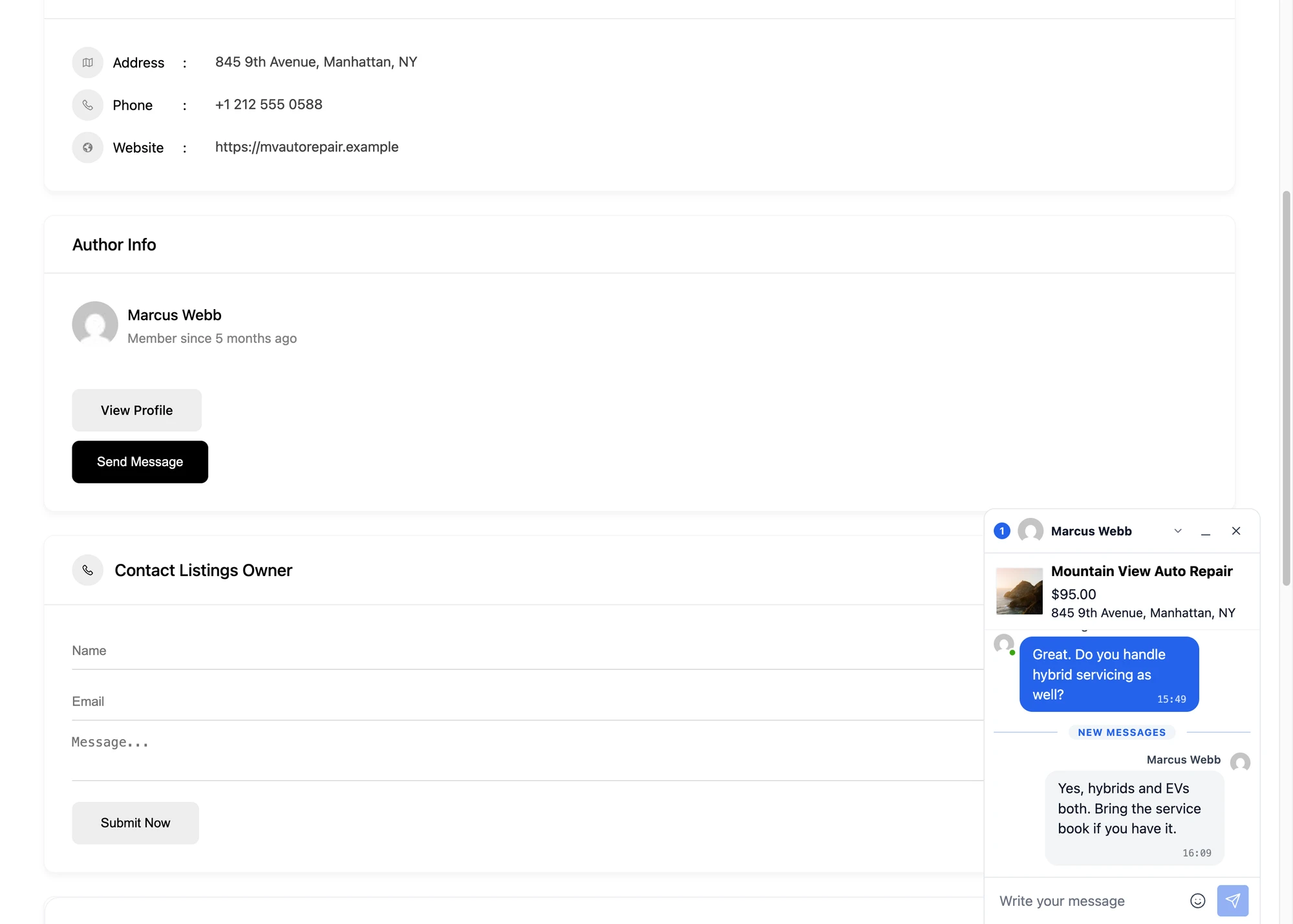
The card removes the "what listing is this about" question — the owner sees exactly which listing the visitor is asking about, with the image and price visible at the top of the thread.
Installing Better Messages on a Directorist site#
- Install Better Messages from WordPress.org and activate it.
- Make sure Directorist is active.
- Open WP Admin → Better Messages → Settings → Integrations → Directories → Directorist Integration.
- Toggle Enable Directorist Integration and the individual placement toggles you want.

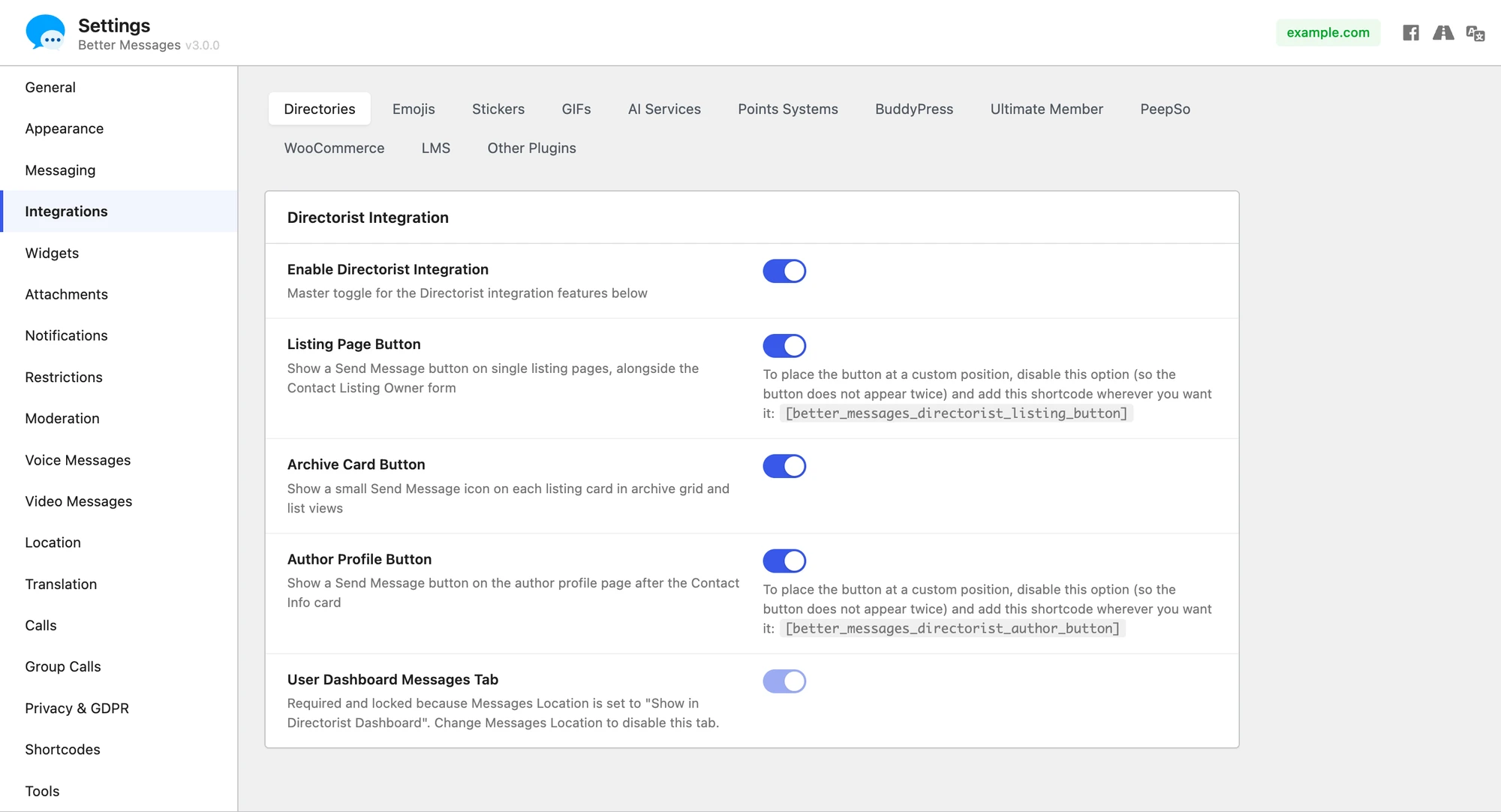
For custom layouts, manual placement is supported via shortcodes:
[better_messages_directorist_listing_button]
[better_messages_directorist_author_button]
Free vs WebSocket version for Directorist sites#
| Feature | Free version | WebSocket version |
|---|---|---|
| Send Message buttons on listing, archive cards, author profile | yes | yes |
| Messages tab inside the Directorist dashboard | yes | yes |
| Listing info card inside the conversation | yes | yes |
| Author profile links from Directorist | yes | yes |
| Real-time delivery | polling | instant |
| Mini-widget popup chat | — | yes |
| One-on-one voice and video calls inside the thread | — | yes |
| Group voice and video calls (e.g. multi-owner business team) | — | yes |
| Web push notifications for new messages | — | yes |
| Read receipts | — | yes |
| End-to-end encryption (optional) | — | yes |
For Directorist sites monetizing paid listings, the WebSocket version's web push notifications mean listing owners see and reply to inquiries within minutes, not hours — the engagement signal that paid-listing customers expect.
Frequently asked questions#
Does it work with Directorist Pro extensions?#
Yes — the integration listens to Directorist's core listing and author hooks, which Pro extensions extend rather than replace. Booking, claim-listing, and review extensions all coexist.
Can visitors message without registering?#
Optional. With Guest Chat enabled, unregistered visitors can start a thread from a listing by typing a name and email. The thread is preserved if they later register.
Can I have a Send Message button on archive cards but not the listing page?#
Yes — each placement has its own toggle in the integration settings. Enable archive cards, disable the listing page button (or vice versa).
Does it support multi-directory sites?#
Yes — Better Messages does not care which Directorist directory a listing belongs to. The button appears for every listing regardless of directory.
Will it work with custom Directorist templates?#
Most Directorist themes use the standard template hooks. The integration auto-renders the buttons. For heavily customized themes, place the buttons manually via shortcode (each placement has a matching shortcode).
See also#
- Directorist integration documentation — full setup reference
- GeoDirectory chat — for GeoDirectory-driven sites
- HivePress listing chat — for HivePress-driven sites
- Classified Listing chat — for Classified Listing (RTCL) sites