Better Messages for WC Vendors: Live Chat for Marketplace Vendors
The WC Vendors integration for Better Messages adds a Live Chat button on every vendor product page, on the vendor store page (classic themes via template hook; block themes via shortcode), and a Messages tab inside the WC Vendors Pro Vendor Dashboard. Works on both the free WC Vendors plugin and WC Vendors Pro. Both the free and WebSocket versions of Better Messages support the integration.
To install the plugin ensure that your website running:
- WordPress 5.9 or newer
- PHP 7.4 or newer
Installation#
How to install WC Vendors#
Download WC Vendors from the official website and install following the standard WordPress plugin installation process.
How to install Better Messages with WC Vendors#
- Install the plugin through the WordPress plugins screen directly or upload the plugin files to the
/wp-content/plugins/bp-better-messagesdirectory. - Activate the plugin through the Plugins screen in WordPress
- Use the Better Messages -> Settings menu to configure the plugin
- Go to Integrations -> WooCommerce and Enable Vendor Live Chat in the WC Vendors Integration section

Supported features#
When you install the WC Vendors plugin with Better Messages:
- Vendors get a new Live Chats section in their Shop Settings to enable Live Chat per store
- Vendor avatars in the Better Messages interface are automatically displayed from WC Vendors shop profiles
- Vendor links in the Better Messages interface automatically point to WC Vendors shop pages
- Conversations started from a product page show the product card (image, title, price) inside the thread
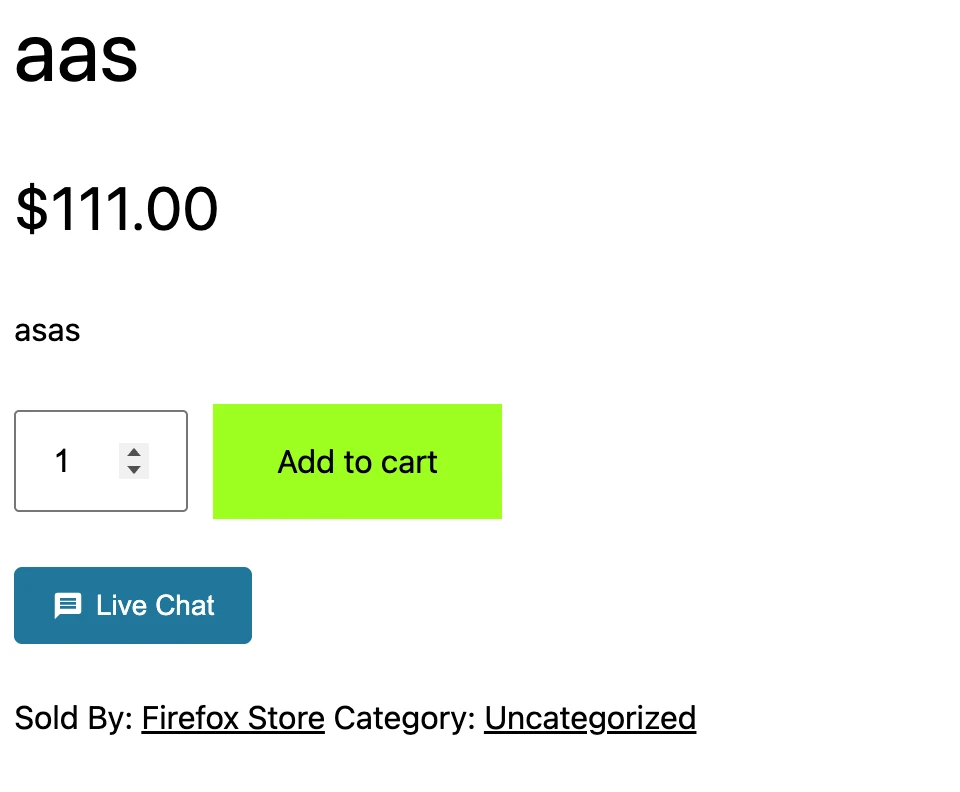
Adds a Live Chat button to vendor product pages#
If you are using a custom page builder or the button does not show up automatically, use this shortcode on your product page: [better_messages_wc_vendors_product_button]

Adds a Live Chat button to the vendor shop page#
The button is injected automatically on classic-theme storefronts (for example, Storefront) via the wcvendors_after_main_header template hook. Block themes do not fire this hook — on those, place the button manually with the shortcode: [better_messages_wc_vendors_store_button]
Adds a Messages tab to the WC Vendors Pro Vendor Dashboard#
Vendors using the WC Vendors Pro dashboard get a new Messages tab with an unread-message counter. This dashboard tab is only available with WC Vendors Pro — the free plugin does not provide a custom vendor dashboard, so the chat lives on store and product pages instead.
Free vs WebSocket version for WC Vendors stores#
| Feature | Free version | WebSocket version |
|---|---|---|
| Live Chat button on product / store pages | yes | yes |
| Messages tab in WC Vendors Pro dashboard | yes | yes |
| Per-vendor enable / disable | yes | yes |
| Vendor avatars and links from WC Vendors shop profile | yes | yes |
| Product card context in threads | yes | yes |
| Real-time delivery | polling | instant |
| Mini-widget popup chat | — | yes |
| One-on-one voice and video calls inside the thread | — | yes |
| Group voice and video calls (vendor team) | — | yes |
| Web push notifications for new messages | — | yes |
| Read receipts | — | yes |
| End-to-end encryption (optional) | — | yes |
For WC Vendors stores on the free plugin (no vendor dashboard), the WebSocket version's mini-widget popup is the difference between losing the customer when they click Live Chat (navigated away) and keeping them on the product page where they were considering checkout.
Frequently asked questions#
Does it work with WC Vendors Pro Memberships?#
Yes — Better Messages reads vendor capability flags set by Pro Memberships.
Can vendors message each other?#
Yes — the Better Messages inbox is a full messenger. Vendors can also be added to group conversations.
What if my theme is a block theme?#
The store-page button needs a manual shortcode placement on block themes. Product-page buttons render on both classic and block themes.
Does it work with WC Vendors Stripe payment add-ons?#
Yes — payment add-ons extend WC Vendors' vendor capability flags rather than replace them.
Can guests start a thread?#
Yes if Guest Chat is enabled in Better Messages → Settings → General → Guest Chat.
See also#
- WC Vendors chat — full feature write-up
- WordPress marketplace chat — comparing every marketplace integration
- Dokan integration
- WCFM integration
- MultiVendorX integration