Better Messages for Progressify: PWA Push Notifications for Chat
Overview#
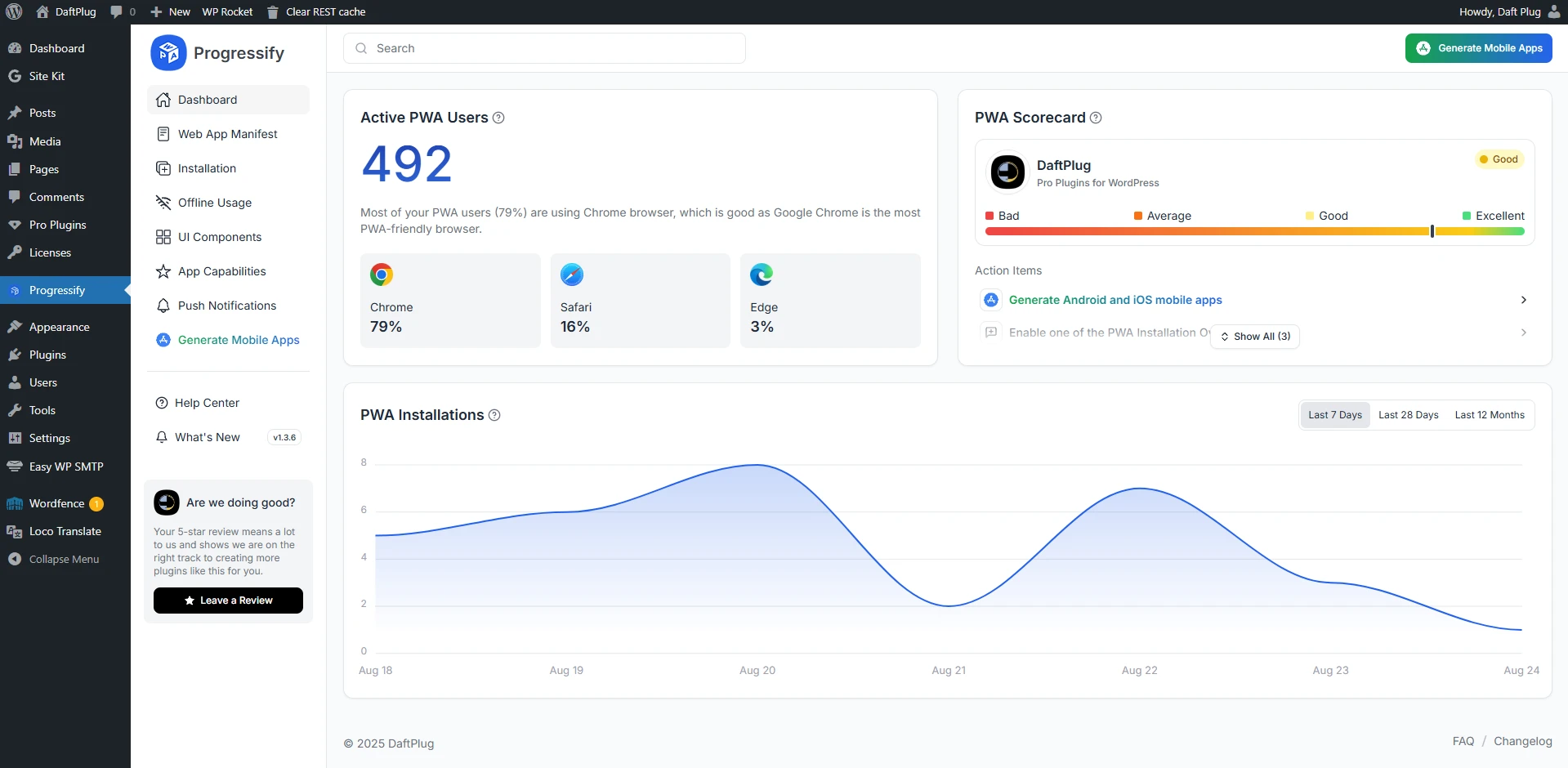
Progressify is a plugin which allows you to convert your website into PWA (Progressive Web App), including sending push notifications to your users.
Special integration is required to send messages notifications from Better Messages to your users, which is now included in Better Messages plugin.
Installation#
- Get Progressify from official website and install following standard WordPress installation process
- Configure Progressify plugin and enable push notifications in Progressify settings
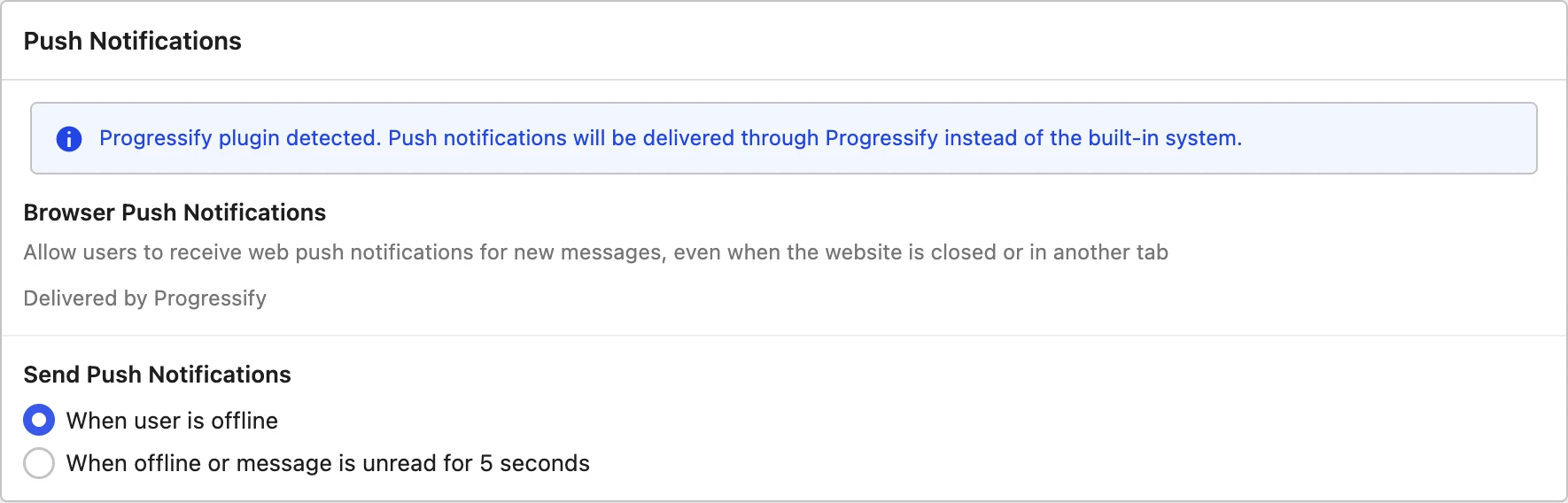
Better Messages detects Progressify on its own and routes push notifications through it. There is nothing to switch on: under Better Messages → Settings → Notifications → Push Notifications a banner confirms it — "Progressify plugin detected. Push notifications will be delivered through Progressify instead of the built-in system."

Bottom menu overlap fix#
If you are using Progressify's bottom navigation menu, it may overlap the Better Messages reply area on mobile devices. Add the following CSS to fix this:
body.bm-mobile .bm-wrap-main,
body.bm-mobile .bm-chat-wrap,
body.bm-mobile .bm-single-thread-wrap,
body.bm-mobile .bm-wrap-group {
    bottom: 58px !important;
}
If you applied this fix on 2.x, the old rule targeted .bp-messages-* with a
.bp-messages-mobile companion class. In 3.0 the wrappers are prefixed bm-, and the full-screen
marker bm-mobile is set on <html> and <body> rather than on the wrapper — so the selector is
scoped from body, as above. The old rule does nothing and can be removed.
You can add this CSS via WP Admin → Appearance → Customize → Additional CSS, or use the better_messages_css_customizations filter.
See also#
- Progressify PWA push notifications — full feature write-up
- OneSignal integration — for standard desktop web push
- FluentNotify integration — web push through your own Firebase project
- WordPress chat mobile app — native iOS / Android apps
- Real-time messaging — what the WebSocket version unlocks