Captcha
A captcha keeps bots out of the guest sign-up form. Better Messages asks for it in two places:
- when a visitor signs up as a guest
- when a returning guest asks for a sign-in link
There are seven providers to pick from. One of them, ALTCHA, runs on the site itself and needs no account and no keys, so a captcha can be on within a minute.
Picking a provider#
Navigate to WP Admin → Better Messages → Settings → Integrations → Captcha. The panel shows the provider the site has now.
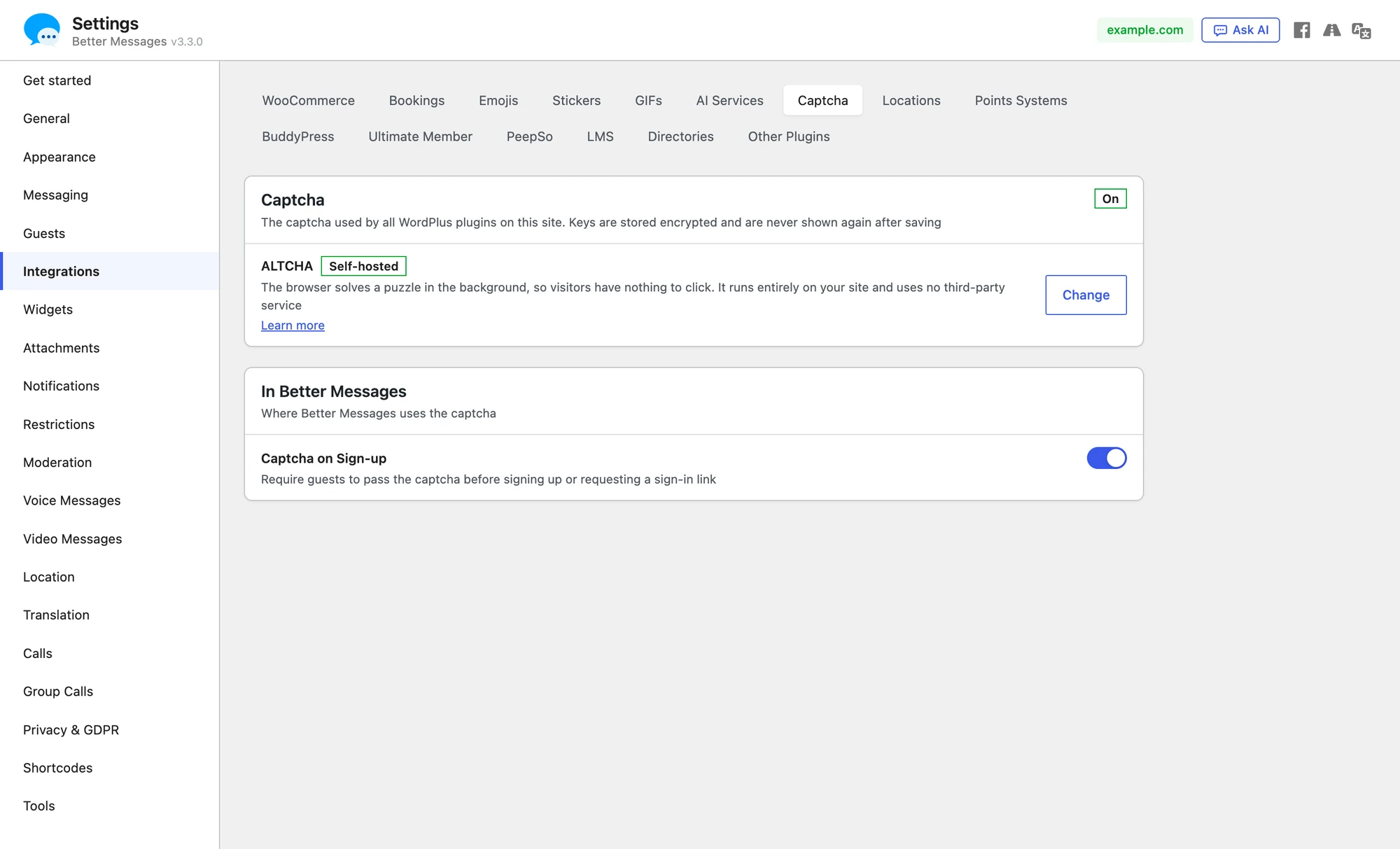
Press Change to see every provider. Each card says what a visitor will see, and a tag says where the check runs: Self-hosted on the site, Cloud at the provider.

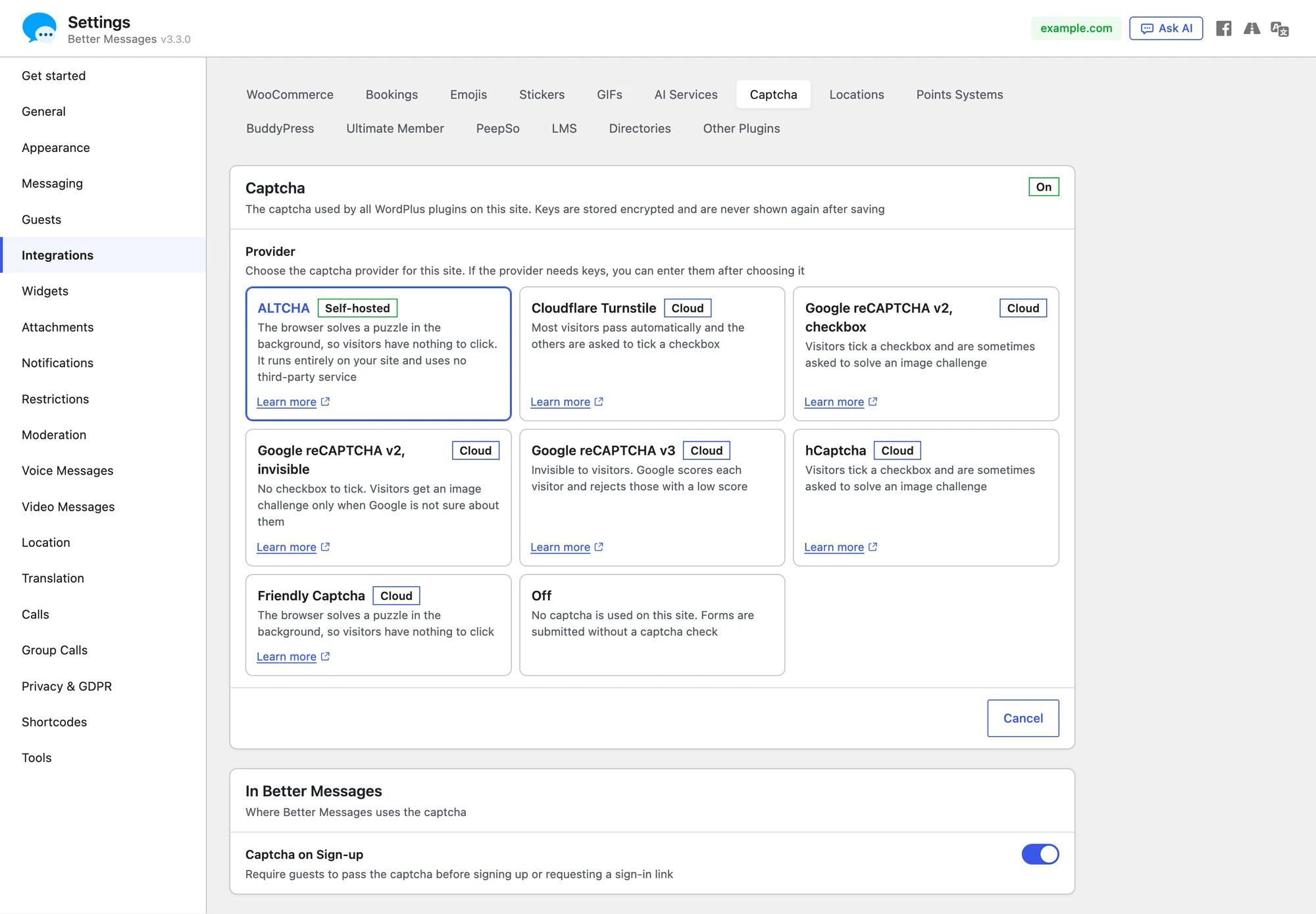
| Provider | What a visitor sees | Runs | Keys |
|---|---|---|---|
| ALTCHA | A line that says Verified once the browser solved a puzzle in the background | On the site | None |
| Cloudflare Turnstile | A box that most visitors pass without a click | Cloudflare | Site key and secret key |
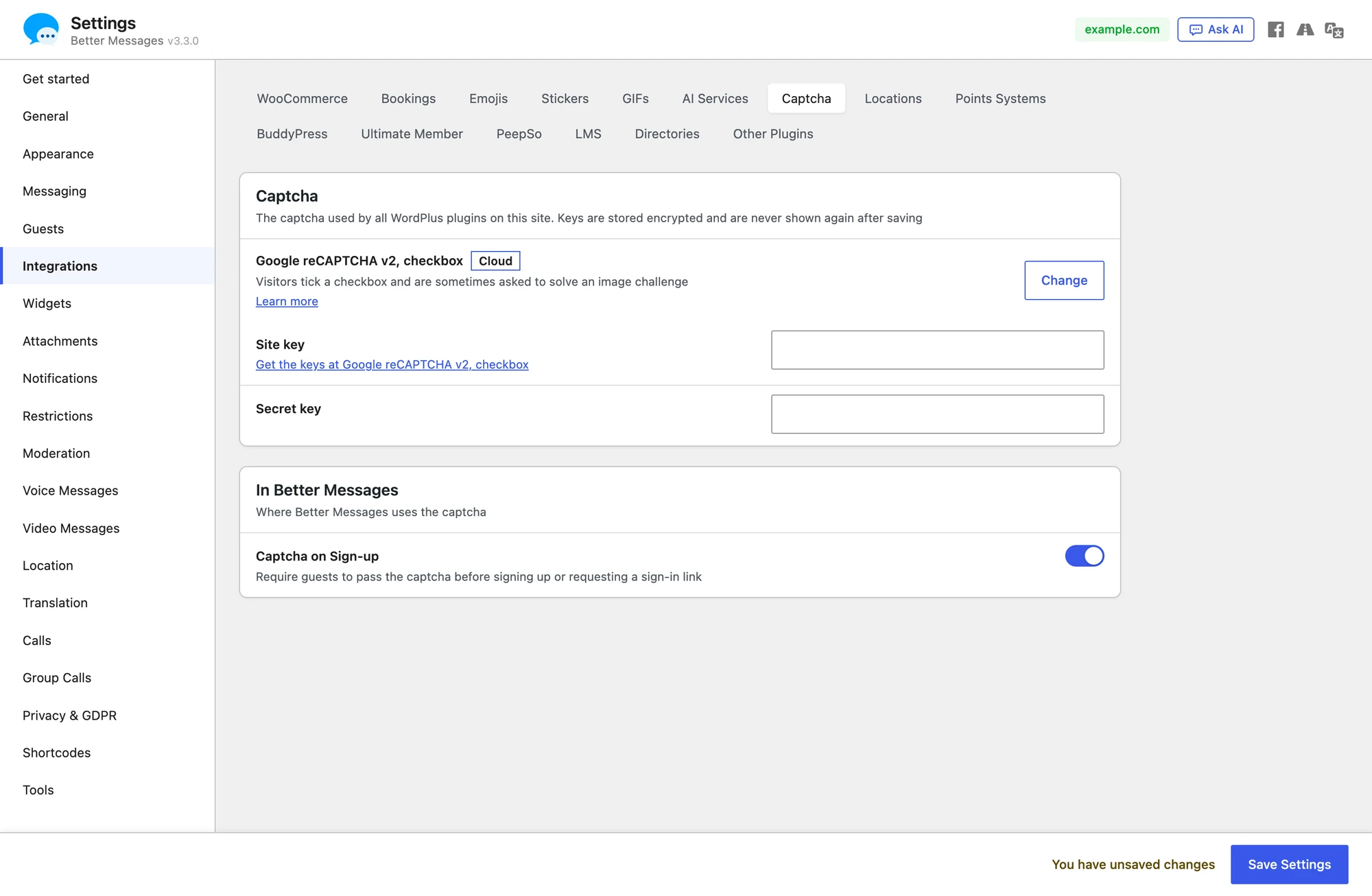
| Google reCAPTCHA v2, checkbox | A checkbox to tick, sometimes an image challenge after it | Site key and secret key | |
| Google reCAPTCHA v2, invisible | The reCAPTCHA badge in the form, an image challenge only when Google is not sure | Site key and secret key | |
| Google reCAPTCHA v3 | The reCAPTCHA badge in the form, nothing to click, Google scores each visitor | Site key and secret key | |
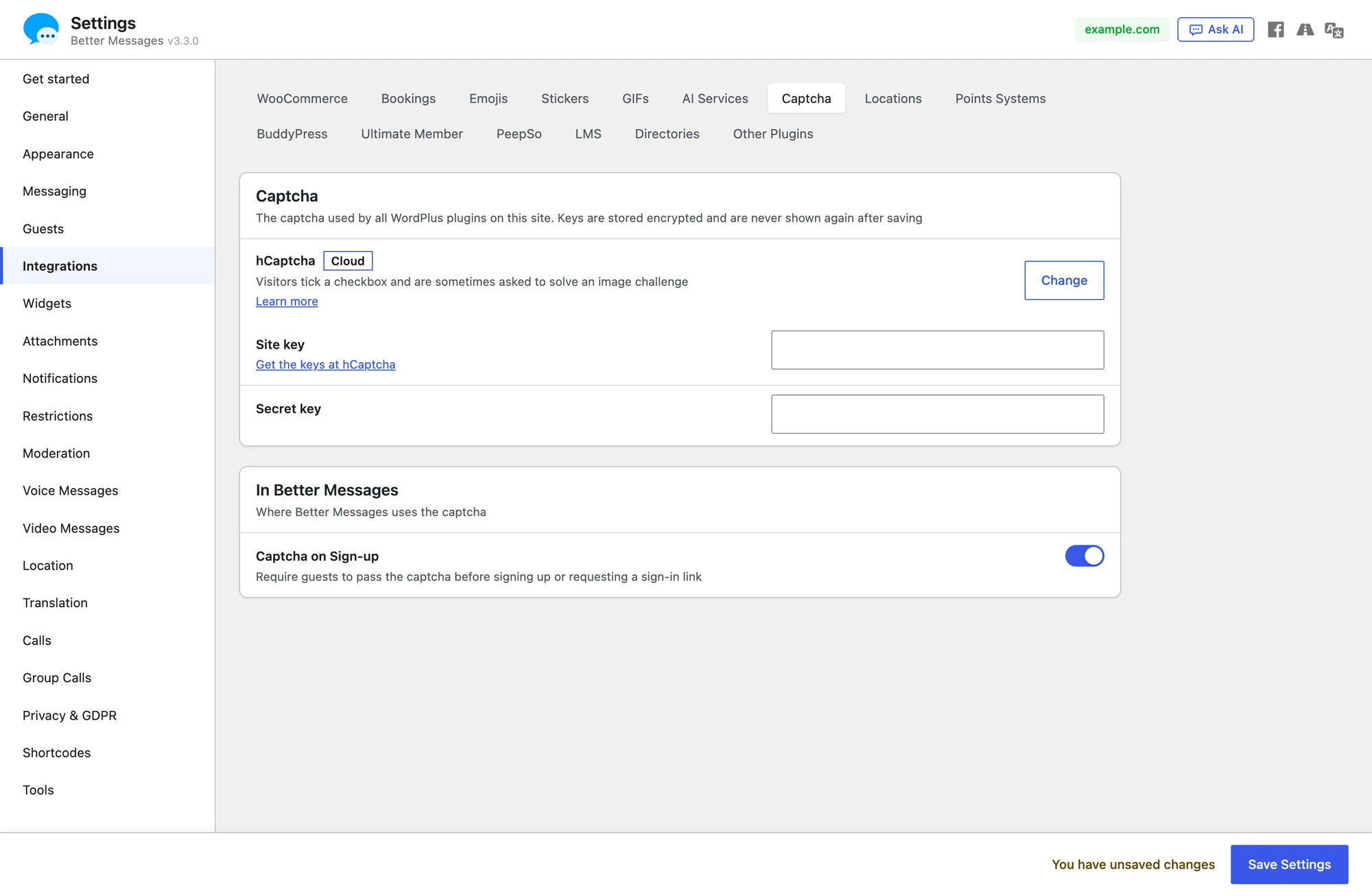
| hCaptcha | A checkbox to tick, sometimes an image challenge after it | hCaptcha | Site key and secret key |
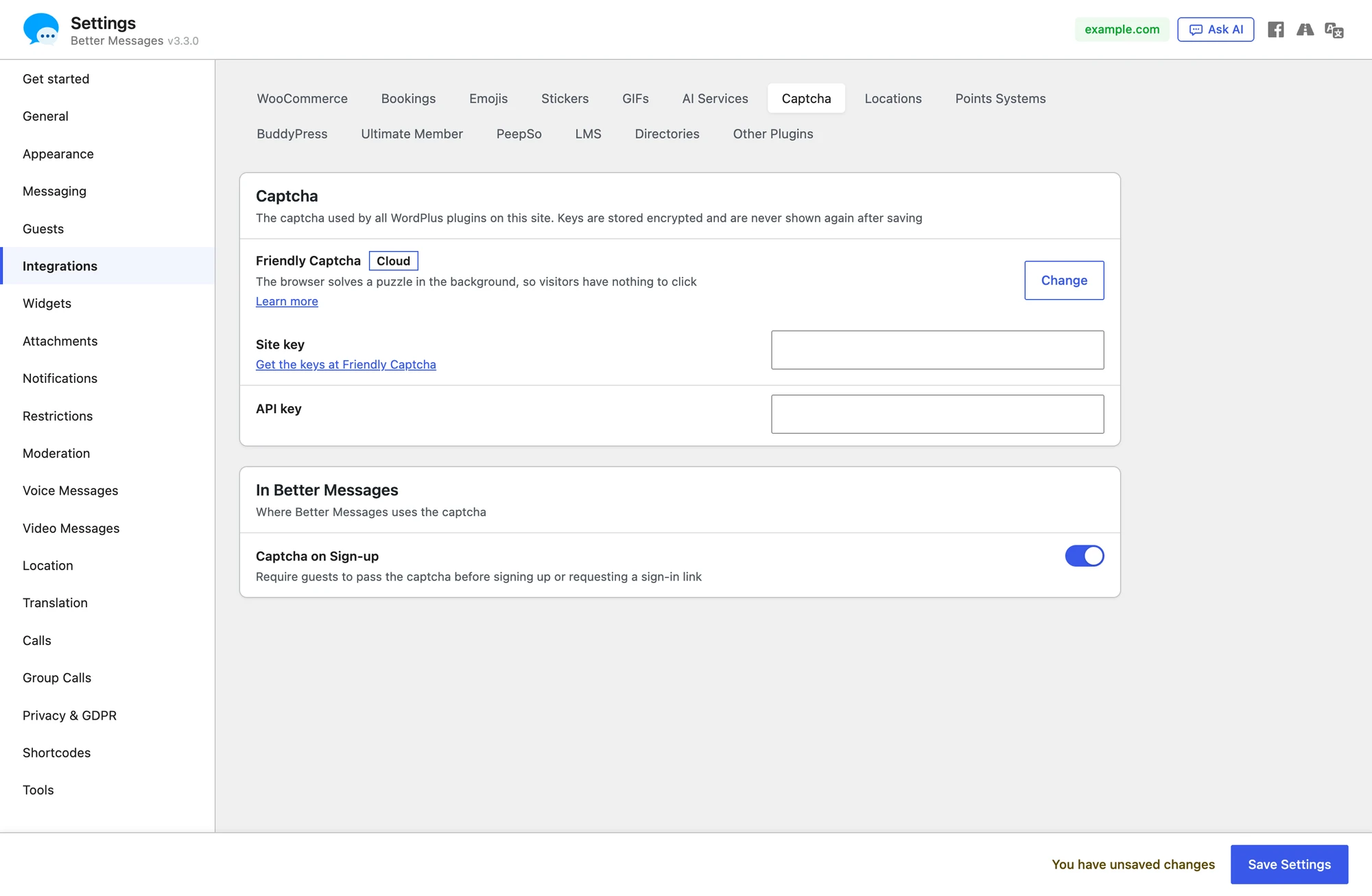
| Friendly Captcha | A puzzle the browser solves in the background | Friendly Captcha | Site key and API key |
| Off | No captcha anywhere on the site | — | — |
A provider that needs keys shows their fields once it is picked. The link next to the Site key field opens the page of the provider where the keys are made.

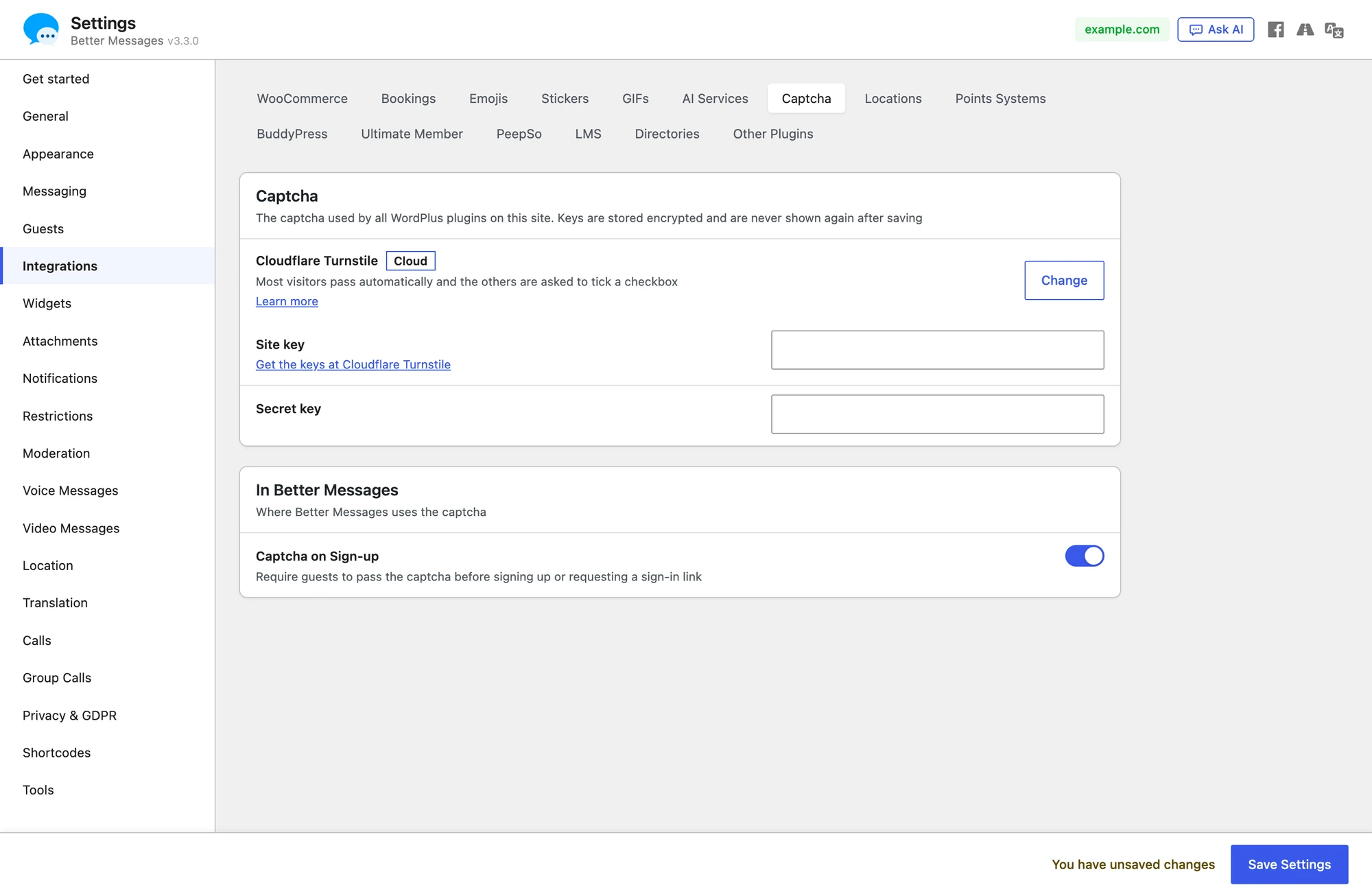
Nothing is saved when a provider is picked or a key is typed. Press Save Settings, which shows at the foot of the page as soon as something is changed, to save the provider and its keys.
The secret key is stored encrypted and is never shown again. After it is saved the panel shows only its last four characters. Typing a new one replaces it, and Remove the saved key deletes it at once.
Turning it on for the sign-up form#
The captcha of the site is asked in the sign-up form once Captcha on Sign-up is on. Navigate to WP Admin → Better Messages → Settings → Guests and turn it on in the Sign-up Form section. The row says which captcha the site has, with a link to change it.
The same switch is in the card In Better Messages under the Captcha panel, so the captcha can be picked and turned on in one place.
It is off by default. While it is on and something is wrong with the captcha, the row says what:
| The row says | What happens in the form |
|---|---|
| No captcha provider is selected yet | The form has no captcha |
| The provider is not active until its keys are added | The form has no captcha |
| The provider rejected the saved key | Sign-up is blocked until a working key is saved |
How each provider looks in the form#
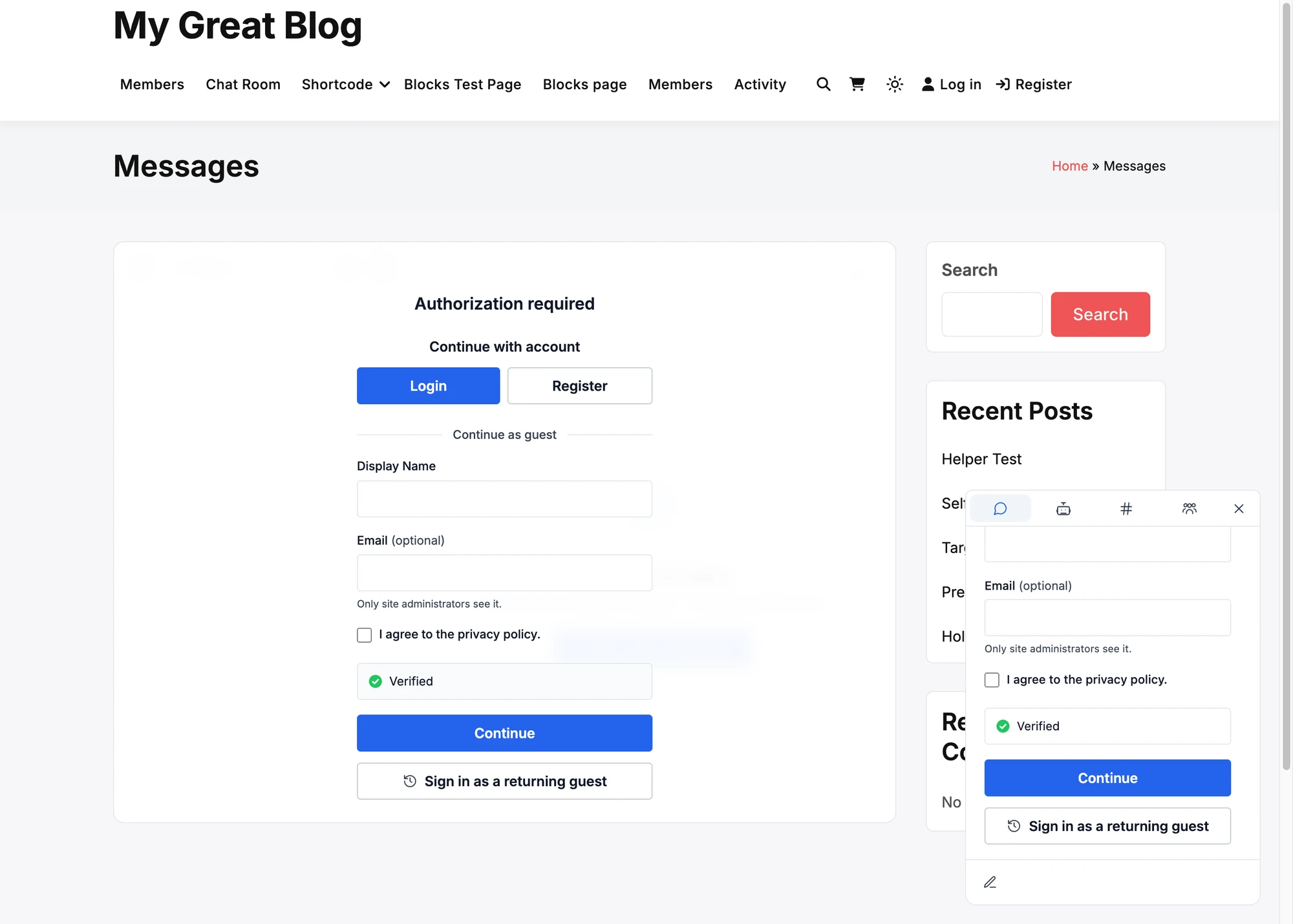
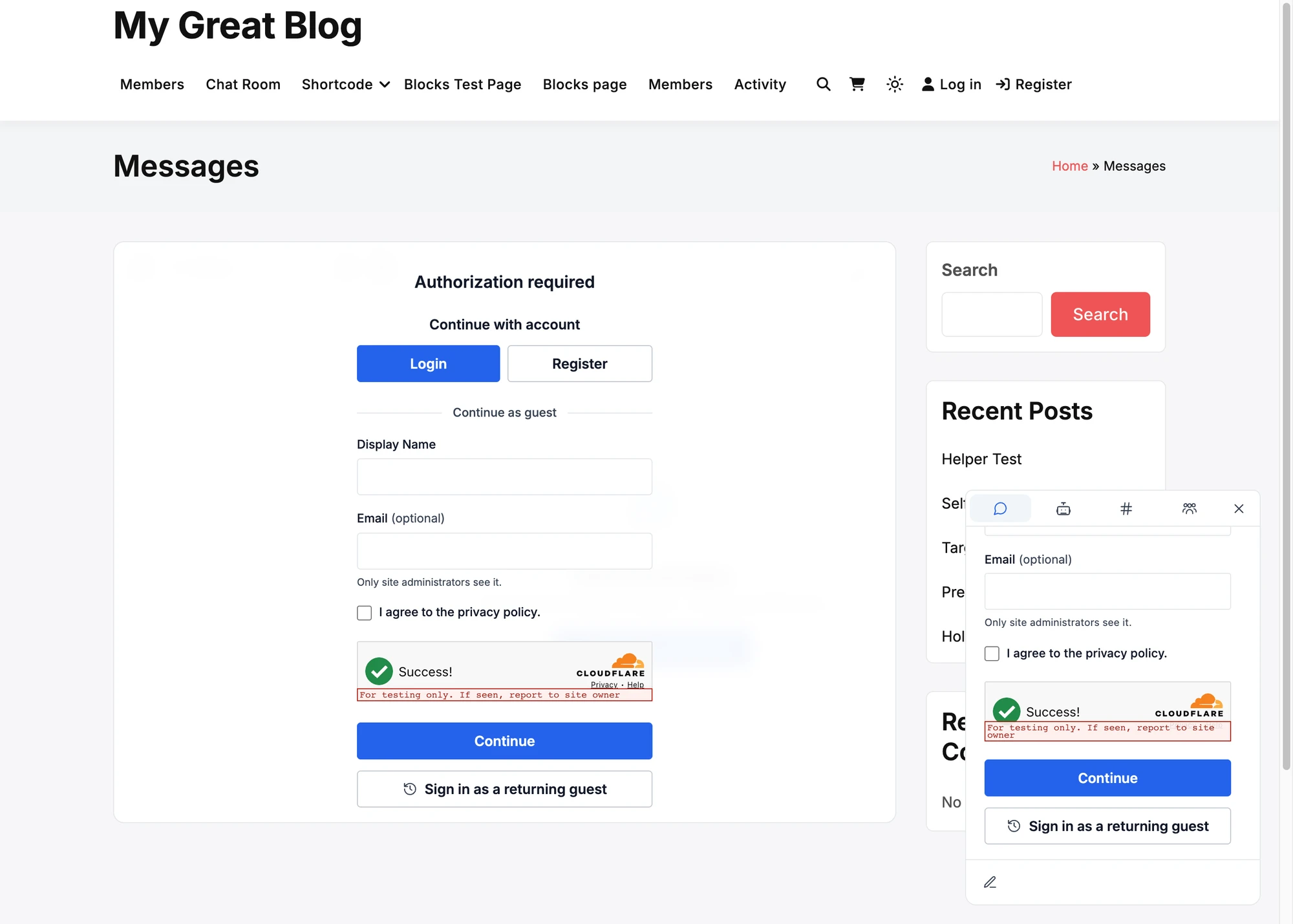
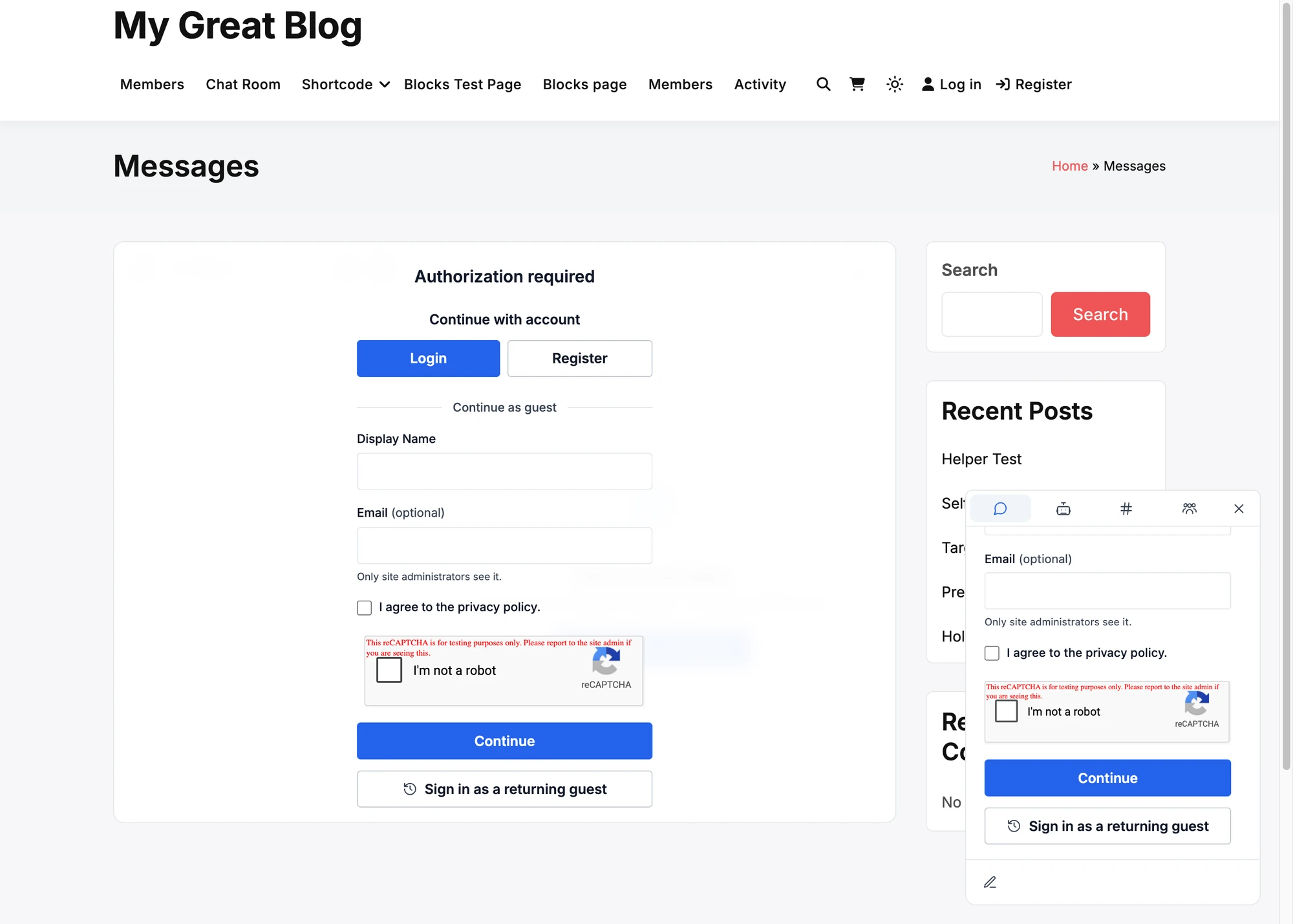
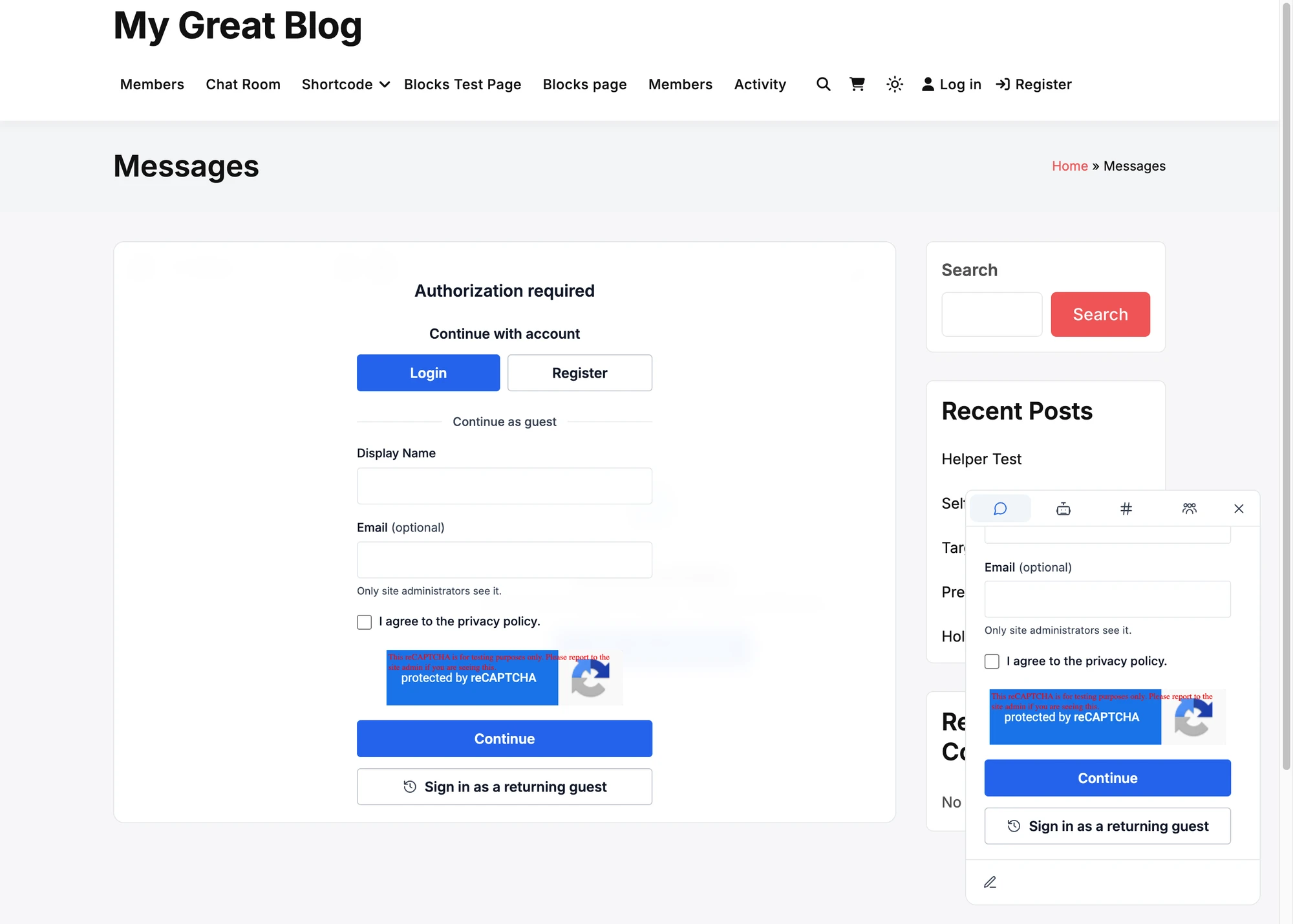
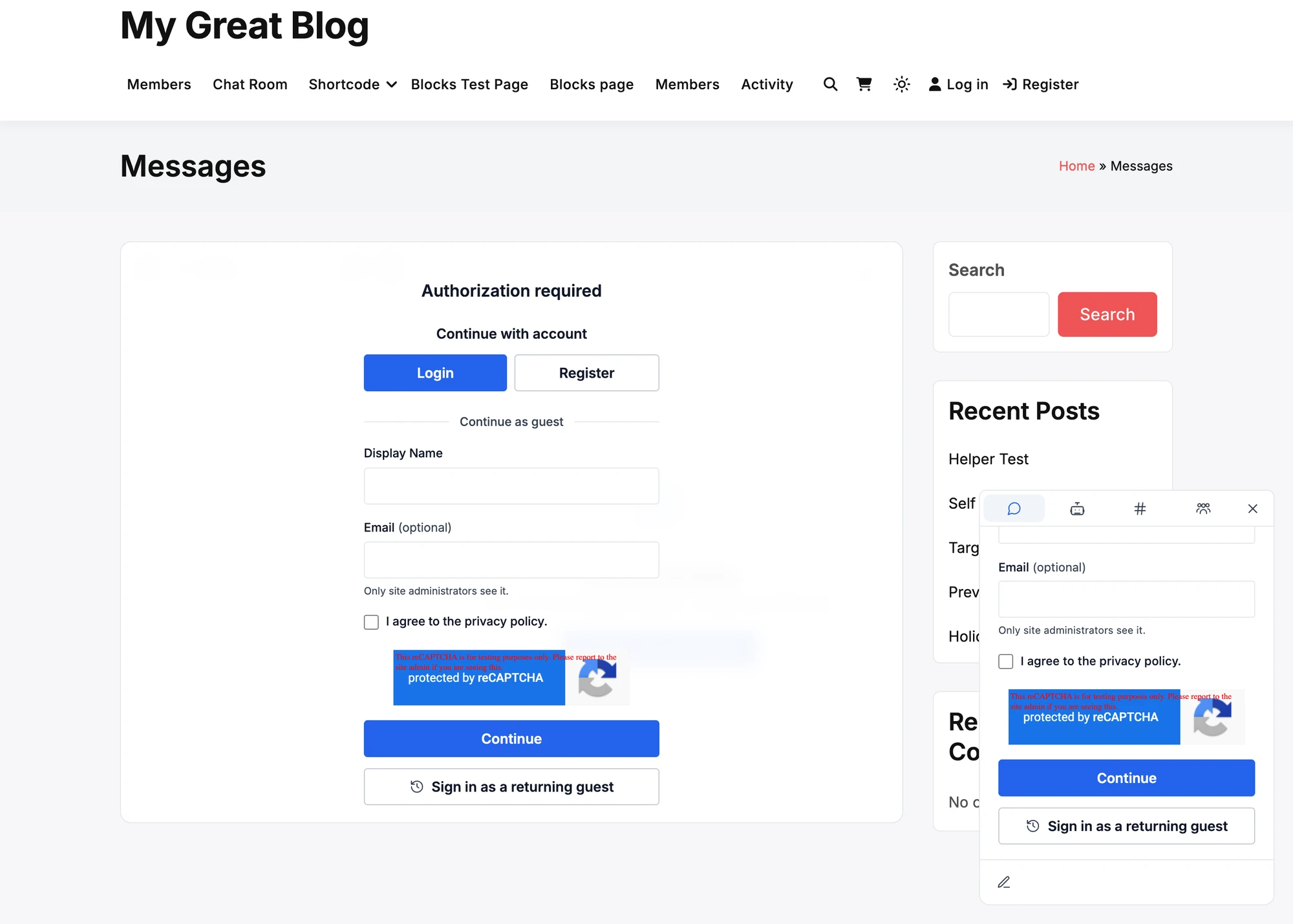
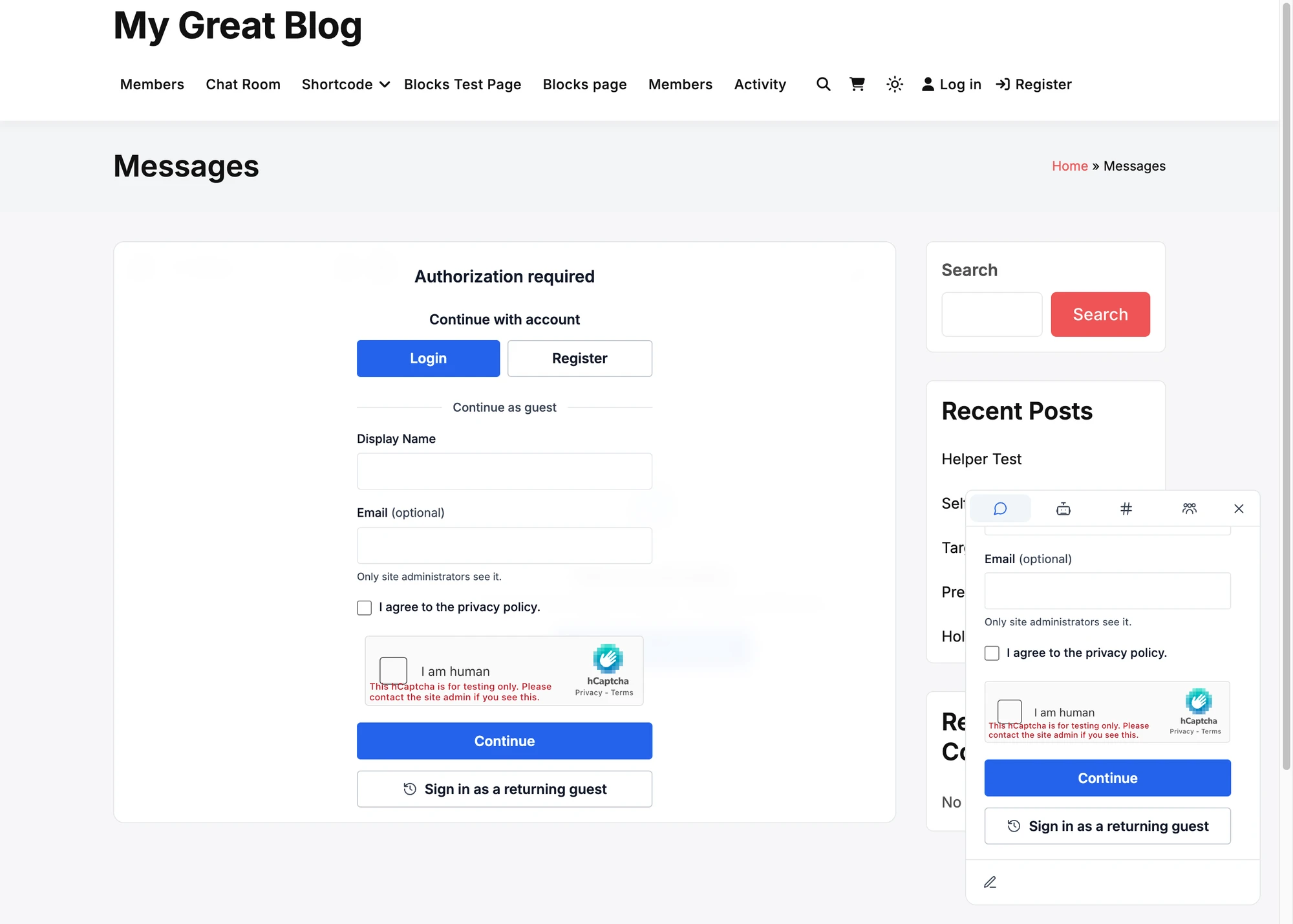
Each figure shows the same sign-up form twice: in the messenger on the Messages page, and in the narrow panel of the mini widget at the corner of the page. The form here asks for a display name, an optional email and an agreement to the privacy policy, which is the tallest it gets.
The figures are taken with the test keys that the providers publish. Those keys add a red note about testing to the widget. With the keys of a real site the note is not there.
ALTCHA#
A line as high as a field. It says Checking your browser… for a moment and then Verified. If the check fails it offers Try again. Nothing leaves the site: the puzzle is made and checked by WordPress.

Cloudflare Turnstile#
A box as wide as the fields of the form. Most visitors only see it turn to Success!

Google reCAPTCHA v2, checkbox#
The I'm not a robot box. In a form narrower than the box, such as the mini widget, the box is drawn smaller so that it stays whole.


Google reCAPTCHA v2, invisible#
No box to tick. The reCAPTCHA badge is drawn in the form, and a picture puzzle opens only when Google is unsure of a visitor.


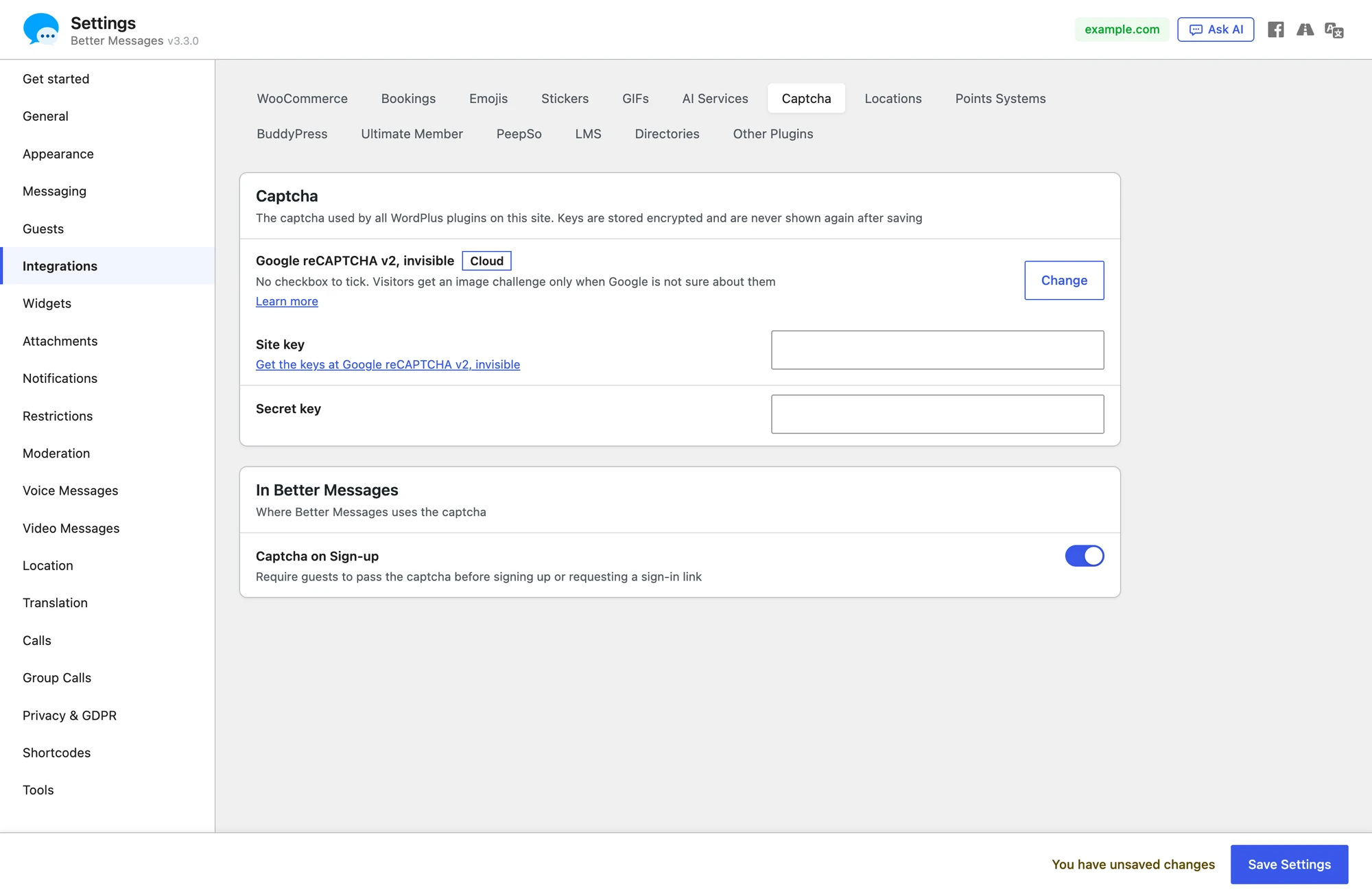
Google reCAPTCHA v3#
Nothing to click and never a puzzle. Google gives each visitor a score from 0.0 (a bot) to 1.0 (a person), and a visitor under the Minimum score of the panel is refused. The default is 0.5.

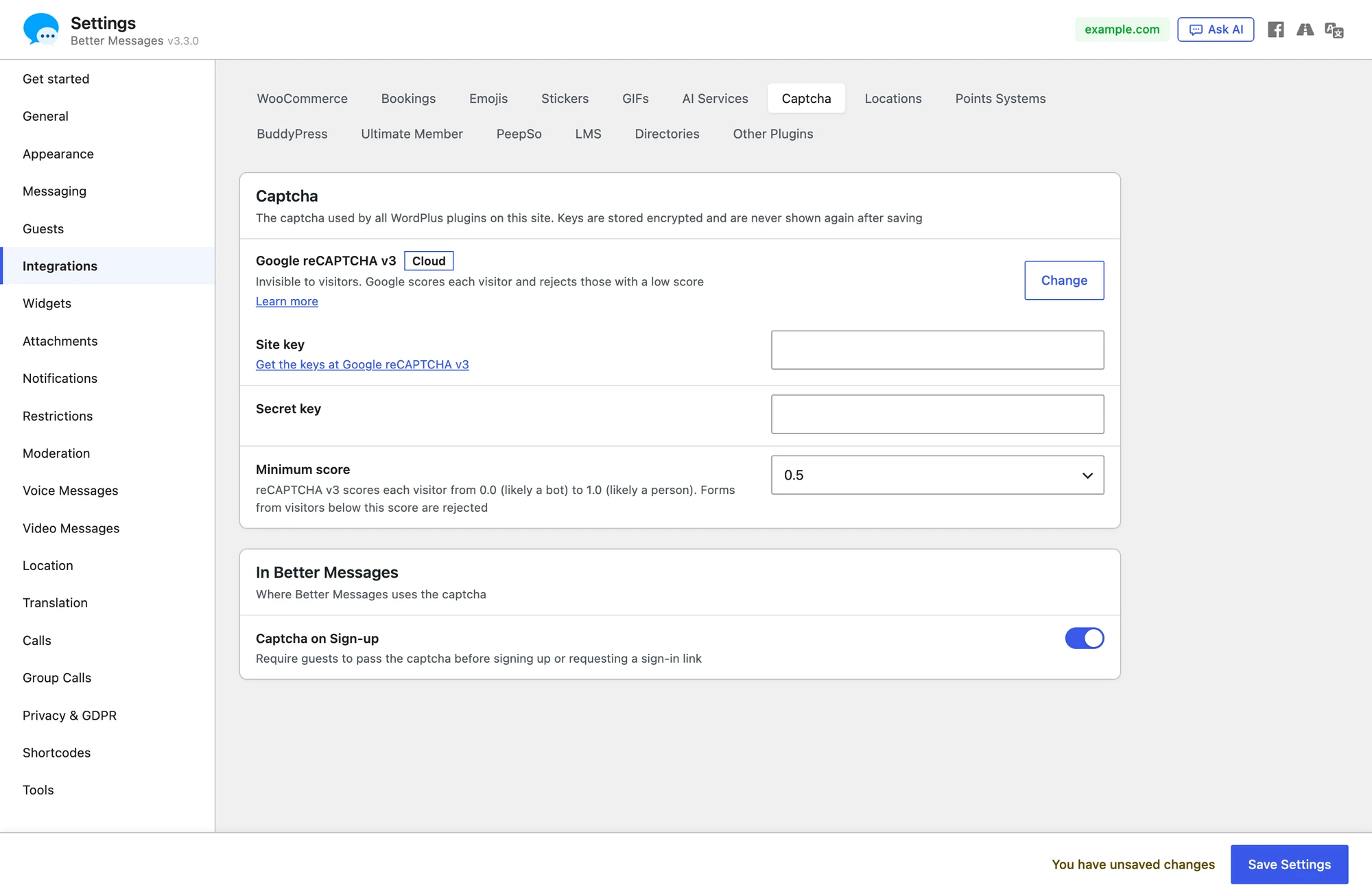
The reCAPTCHA badge is drawn in the form, as with the invisible reCAPTCHA. It is not left at the bottom right corner of the page, where the chat button of the mini widget would cover it.

hCaptcha#
The I am human box. As with the reCAPTCHA checkbox, it is drawn smaller in a form narrower than the box.


Friendly Captcha#
A widget that solves a puzzle in the background once the visitor starts to fill in the form. It asks for a Site key and an API key. Until both are saved the panel says Not active until the keys are added and the form asks for nothing.

Keys in wp-config.php#
The provider and its keys can be set in wp-config.php instead of the panel. A constant wins over what was saved in the panel.
define( 'WORDPLUS_CAPTCHA_PROVIDER', 'turnstile' );
define( 'WORDPLUS_CAPTCHA_SITE_KEY', 'your-site-key' );
define( 'WORDPLUS_CAPTCHA_SECRET_KEY', 'your-secret-key' );
The provider is one of altcha, turnstile, recaptcha, recaptcha-invisible, recaptcha-v3, hcaptcha and friendly.
One captcha for every WordPlus plugin#
The captcha belongs to the site, not to Better Messages alone. Every WordPlus plugin on the site shows the same panel and asks the same captcha, so the keys are typed once.
Frequently asked questions#
Which provider should I pick?#
ALTCHA when nothing should leave the site and no account should be needed. Cloudflare Turnstile when a cloud provider is fine and visitors should rarely have to click. The reCAPTCHA and hCaptcha checkboxes are the ones visitors know best, and they ask for a click.
What happens when the provider cannot be reached?#
The sign-up is refused with a message to try again later. A captcha that cannot be checked never lets a visitor through.
Does the captcha show for logged-in members?#
No. It is asked of visitors who are not logged in, where Better Messages asks for one: the guest sign-up form and the sign-in link of guests.
Are the keys safe in the database?#
The secret is sealed with the salts of the site before it is stored, it is read only when a form is checked, and it never reaches a browser.
For developers#
wordplus_captcha_providersfilters the list of providers. One more provider is a subclass ofWordPlus_SDK_Captcha_Provider.wordplus_captcha()->client( $place )gives what a form needs to draw the captcha, ornullwhile the site has none.wordplus_captcha()->check( $token, $place )answerstrueor aWP_Error:wordplus_captcha_required(400),wordplus_captcha_failed(403) orwordplus_captcha_unavailable(503).
See also#
- Guest access — the sign-up form the captcha protects
- Privacy & GDPR — what is stored about guests